

Review / Power stations / A1763
Anker SOLIX C1000 Gen 2 Review: The 49 Minute Recharge Is A Setting, Not The Default
A 1,024Wh LiFePO4 station with 2,000W of output and the fastest refill of anything in our power station line-up. The headline recharge is real. You have to switch it on first.

Scored against independent measured testing
SmartGadgetKit is reader-supported. We may earn a commission if you buy through links on this page, at no extra cost to you. We only recommend gear we would carry ourselves.
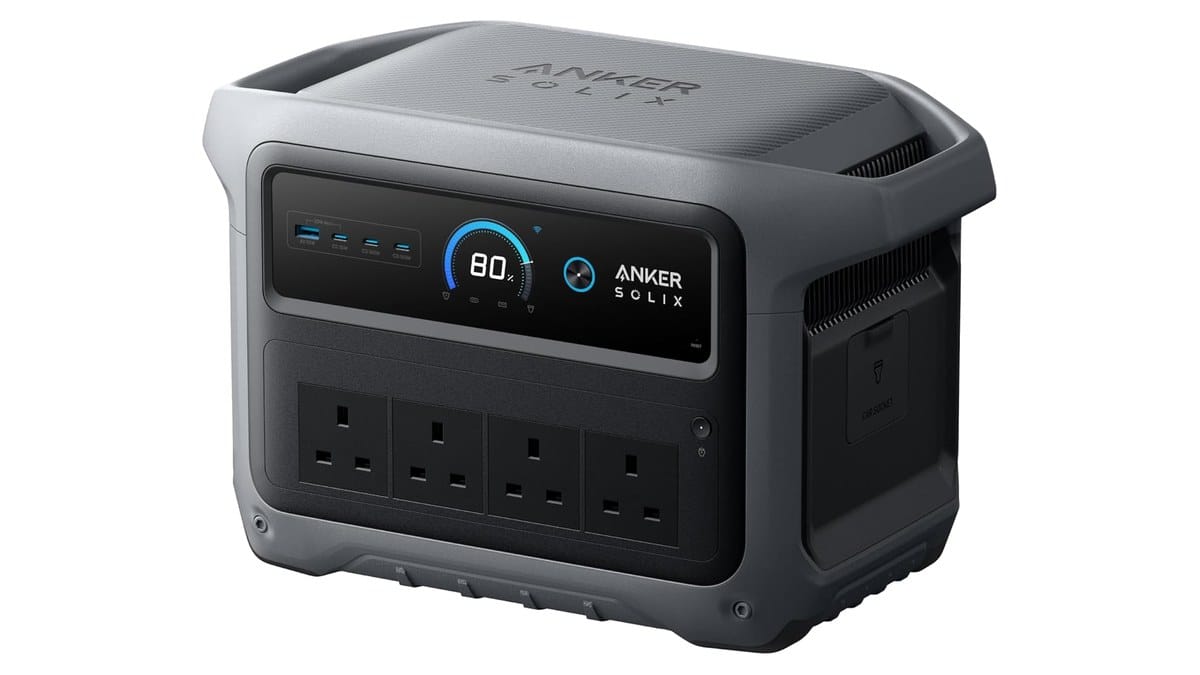
Expert Score
The fastest-refilling 1kWh station we cover, with the catch named up front: the record-setting speed is an app setting, and it ships switched off.
Pros
- Refills from the mains in under an hour, independently timed
- 2,000W of rated output, double what much of the 1kWh class manages
- Two 140W USB-C ports that fast-charge laptops properly
- LiFePO4 pack rated for 4,000 cycles to 80 percent
- 10 ms UPS switchover, published, not implied
Cons
- The record-setting recharge mode ships switched off in the app
- Heavier than the Jackery it shares a class with
- Fan gets loud near full output
Key takeaways
Six numbers that decide whether this is your power station
Quick specs
The paper numbers for the Anker SOLIX C1000 Gen 2
| Rated capacity | 1,024Wh |
| Battery chemistry | LiFePO4 |
| Rated AC output (120V unit) | 2,000W |
| AC input | 1,200W standard, 1,600W with UltraFast on |
| UPS switchover | 10 ms |
| Weight | 11.3 kg |
Specs confirmed against the Anker and Amazon listings for the A1763. Performance figures come from independent testing by OutdoorGearLab. See how we test and score.
Recharge
The 49 minute recharge is an app setting, and that is the heart of this Anker SOLIX C1000 Gen 2 review
Anker’s headline for this unit is speed. There’s a Guinness World Record behind it, set in a supervised run at 43 minutes 48 seconds, and the marketing figure on the listing is a full charge in 49 minutes.
The catch sits in Anker’s own user guide for the A1763, which puts standard wall charging at 1,200W maximum. The 1,600W UltraFast mode that produces the headline time is listed separately, with a note that it can be enabled or disabled in the Anker app.
It ships disabled. Until you open the app and turn it on, the unit charges at the standard rate.
OutdoorGearLab timed both modes with the unit in hand: 56 minutes to full in standard mode, 49 minutes with UltraFast switched on. Their measured average charging rate of 1,097Wh per hour, peaking a little above 1,200W, lines up with the manual’s standard figure, not the headline.
So the record is real, the 49 minutes is real, and neither describes the out-of-box behaviour. None of the pages ranking for this product say so. That gap is most of the reason this page exists.
Does the distinction matter? If you bought this for short mains windows, yes. A refill between power cuts, a campsite hook-up, the hour before you leave: those are exactly the moments the missing seven minutes, and the missing setting, show up.
Usable capacity
How much of the 1,024Wh you can use
A power station never delivers its full rated capacity. Conversion losses and the battery’s own protection take a slice, and the honest question is how big the slice is.
OutdoorGearLab ran the C1000 Gen 2 down on a load bank and measured 890Wh delivered from the 1,024Wh rating. That’s about 87 percent usable, which is normal for LiFePO4 chemistry and slightly better than much of the class manages.
No competing page leads with usable capacity against rated. We think it’s the single most useful number on a power station spec sheet, because it’s the one you run your appliances on.
Ports and output
Output and ports: two laptop-class USB-C sockets, one meagre shared budget
Anker rates the AC output at 2,000W. That figure comes from the A1763 manual, which is the 120V edition; mains socket count and layout differ by region, so check the listing for your country before you plan around a socket count.
The 2,000W rating is roughly double what much of the 1kWh class delivers, and it’s what lets this unit start and run kit that stalls smaller stations.
The USB side is unusual for the class. Two of the USB-C ports deliver 140W each, which is full-speed charging for a 16 inch laptop, not a trickle. Run two laptops at once and neither throttles.
The weak spot sits next to them. The USB-A port and the first USB-C port share a 20W budget between them, per the manual, so plug a phone into each and they split it.
Next to two 140W sockets, that’s a thin allowance, and it’s the port pair most people will reach for first.
There’s also a 120W car socket, and solar input tops out at 600W.
Specifications
Full specifications
| Specification | Figure | Source |
|---|---|---|
| Rated capacity | 1,024Wh | Anker A1763 manual |
| Battery chemistry | LiFePO4 | Anker A1763 manual |
| Rated AC output (120V unit) | 2,000W | Anker A1763 manual |
| AC input, standard | 1,200W max | Anker A1763 manual |
| AC input, UltraFast (app-enabled) | 1,600W max | Anker A1763 manual |
| AC input, bypass | 1,800W max | Anker A1763 manual |
| Solar input | 600W max | Anker A1763 manual |
| Car socket output | 120W | Anker A1763 manual |
| USB-C (two ports) | 140W each | Anker A1763 manual |
| USB-A + first USB-C | 20W shared | Anker A1763 manual |
| UPS switchover | 10 ms | Anker A1763 manual |
| Size | 384 x 208 x 244 mm | Anker A1763 manual |
| Weight | 11.3 kg | Anker A1763 manual |
| Discharging temperature | -20C to 40C | Anker A1763 manual |
| Cycle life | 4,000 cycles to 80 percent | Anker product page |
The manual is the 120V US edition; mains socket count and layout differ by region, so check the listing for your country. No peak output figure appears on this page because the 230V unit’s figure is not yet confirmed from an Anker source.
If the numbers already make the case for you, the current Amazon listing is one tap away.
amazonCheck latest priceTesting
What independent testing measured
| What was tested | Result | Source |
|---|---|---|
| Usable capacity on a load bank | 890Wh delivered from 1,024Wh rated | OutdoorGearLab |
| Average charging rate | 1,097Wh per hour, peaking a little above 1,200W | OutdoorGearLab |
| Recharge, standard mode | 56 minutes | OutdoorGearLab |
| Recharge, UltraFast enabled | 49 minutes | OutdoorGearLab |
| Weight on their scale | 25.2 lb, against the manual’s 24.9 lb | OutdoorGearLab |
| Fan noise | Loud enough near full output to matter for placement | OutdoorGearLab |
 Darleene asks
“If the power goes out at home, what do I plug into this first?”
Alisdair’s answer: the internet, then the fridge, then the phones. The router and modem barely sip power, and with them running your phones still work, you can see outage updates, and the house feels normal.
The fridge is the one people worry about, and this unit runs one with output to spare. The phones and laptops go on the USB-C ports, no adapters needed.
If someone in the house relies on medical kit like a CPAP, that goes first, ahead of everything. The point of a unit like this is that you decide the order before the night you need it.
Home backup and the 10 millisecond switchover
The manual publishes a UPS switchover figure of 10 ms. Plug a desktop PC into the C1000 Gen 2, run the mains through it, and when the power drops the battery takes over fast enough that the computer doesn’t reboot.
That’s a real home-backup credential, and having a published figure matters. The BLUETTI Apex 300 we reviewed publishes no switchover figure at all, so the C1000 Gen 2 can make a claim its bigger rival can’t back on paper.
A 10 ms handover is comfortably inside what a desktop power supply, a router or a CPAP rides through. It isn’t a substitute for a hardwired UPS in a server rack, and nobody buying this needs it to be.
Where it lives: noise, weight and placement
This unit is sold for home backup, power cuts and camping, and the shape of it suits those jobs. At 11.3 kg with a fixed handle, one person can carry it from the utility room to the car without planning the route. That’s a real difference from the 38 kg class above it, which stays where you put it.
It’s still the heavier choice within its own class. The Jackery Explorer 1000 v2 we reviewed does the same capacity for less weight, and if yours will be carried to a campsite pitch more often than it sits by the fuse box, that difference is worth taking seriously.
The other placement question is noise. OutdoorGearLab found the fan loud enough near full output to be a consideration, and we believe it.
In a garage, irrelevant. In a campervan at night, or a living room during a power cut, you’ll hear it when the unit is working hard.
One place it will never go is a plane. Airlines cap lithium batteries at 160Wh even with approval, and at 1,024Wh this is over six times that ceiling. For what you can carry on board, see our airline rules for power banks guide.
C1000 Gen 2 vs C1000: faster, stronger, and slightly smaller
Anker’s published specifications tell an unusual generation story. Output went up, from 1,800W to 2,000W. The recharge got quicker, and the battery rating rose from 3,000 to 4,000 cycles.
And the capacity went down. The original C1000 is rated at 1,056Wh; the Gen 2 holds 1,024Wh. It’s a small step, but it’s in the wrong direction, and no other page we found mentions it.
Our read: for the way this unit is used, the trade is worth it. You give up three percent of capacity for more output, a faster refill and a third more rated cycles. If maximum stored watt-hours is your only measure, the older unit technically holds more.
The C1000X question, answered as far as it can be
Search for this unit and you’ll run into an “Anker SOLIX C1000X”. Some of that picture is confirmed, and one part of it isn’t.
Confirmed from Anker’s own properties: the user guide for the original platform covers “C1000 and C1000X” together under one model number, A1761, and Anker’s own store search returns no separate C1000X product. The Gen 2 reviewed here carries its own model number, A1763.
So the C1000X isn’t a newer or better unit, and it isn’t a successor to this one. It appears to be an alternate retail name for the same platform, most likely the European market naming. That last part rests on retailer listings rather than an Anker document, so treat it as unconfirmed.
What this means for a buyer: if you’re choosing between a “C1000 Gen 2” and a “C1000X Gen 2” listing, you’re almost certainly looking at the same machine under two names. Check the model number for A1763.
Scoring
Why we scored it 8.0 out of 10
Four category scores, fixed by editorial judgement. The overall is not their average.
The four criteria average 7.75, and we set the overall at 8.0. The reasoning belongs in the open.
The two criteria that score 8.0, output and recharge, are the two that decide whether this unit does the job it’s bought for. The two at 7.5 are a placement cost and a value call made without a price comparison. When the strongest criteria are the load-bearing ones, the overall leans their way.
For calibration, that puts the C1000 Gen 2 above the BLUETTI Apex 300 and EcoFlow RIVER 3 Plus (both 7.5) and below the Jackery Explorer 1000 v2 (9.0), which is lighter and quieter in the same class but nowhere near as fast to refill.
The verdict
The fastest-refilling 1kWh station we cover, with the catch named up front. Switch the UltraFast mode on and it delivers honest usable capacity, laptop-class USB-C, a published UPS figure its bigger rivals lack, and output that embarrasses most of its class.
The costs are real: the heaviest unit in its class, a fan you hear under load, and no confirmed expansion battery. For short mains windows and home backup, the trade is worth it. For a quiet campervan or a unit you carry often, the Jackery Explorer 1000 v2 is the lighter, quieter pick.
Buy it if speed and output matter more than a few kilograms; skip it if quiet portability is the job.
amazonCheck latest priceShould you buy it?
Where it wins, and where it costs you
Buy it if
- Your outages are short and frequent, because a refill in under an hour between them is this unit’s whole case
- You want one box that charges laptops properly, since the two 140W USB-C ports do what most power station USB sockets only gesture at
- You need mains kit started and run, and the 2,000W rating covers what the smaller class stalls on
Skip it if
- You want the most stored watt-hours in this class; the Jackery holds the same rating in a lighter unit and the Gen 2 gave a little capacity away against its own predecessor
- It will live in earshot, since the fan near full output is a real presence in a quiet room or a campervan at night
- You’re counting on adding an expansion battery later; the manual’s specification table lists none, and we haven’t been able to confirm expandability either way
Buy it if working away from sockets with a laptop is your normal, skip it if a phone is the whole job.
amazonCheck latest priceIf this one is not the fit
Three alternatives, three different readers
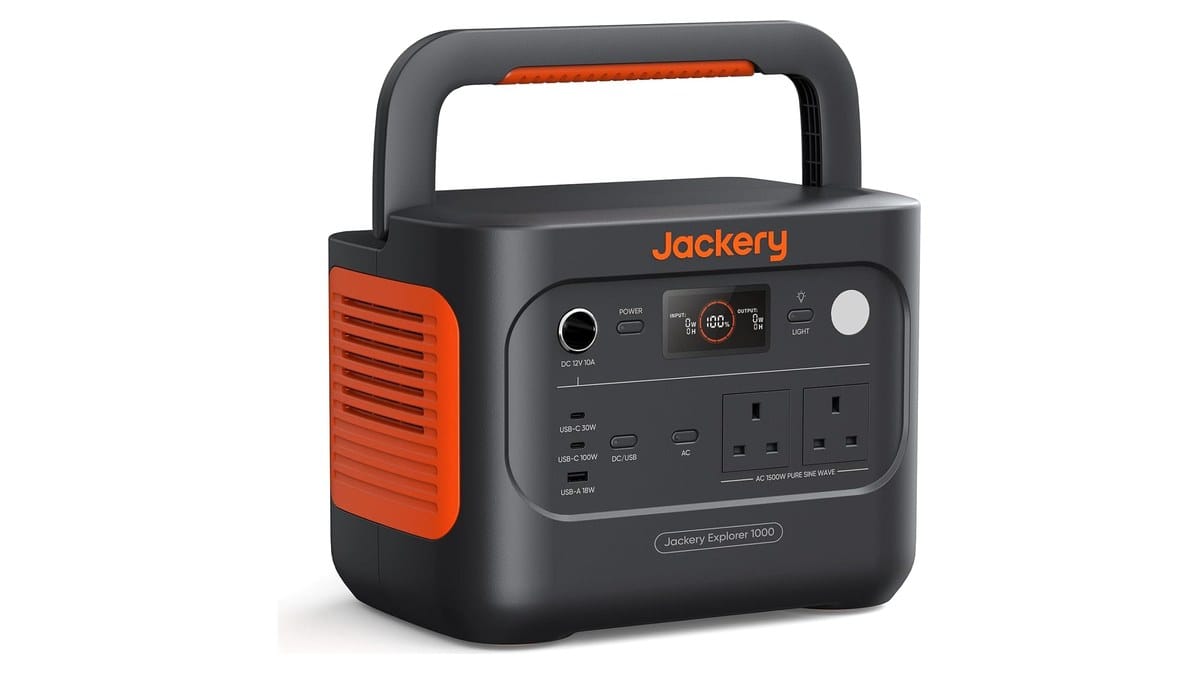
Jackery Explorer 1000 v2
The same 1kWh class, lighter, quieter, and our highest-scoring power station. It can’t refill anywhere near as fast. If yours gets carried more than it gets recharged in a hurry, this is the better buy.
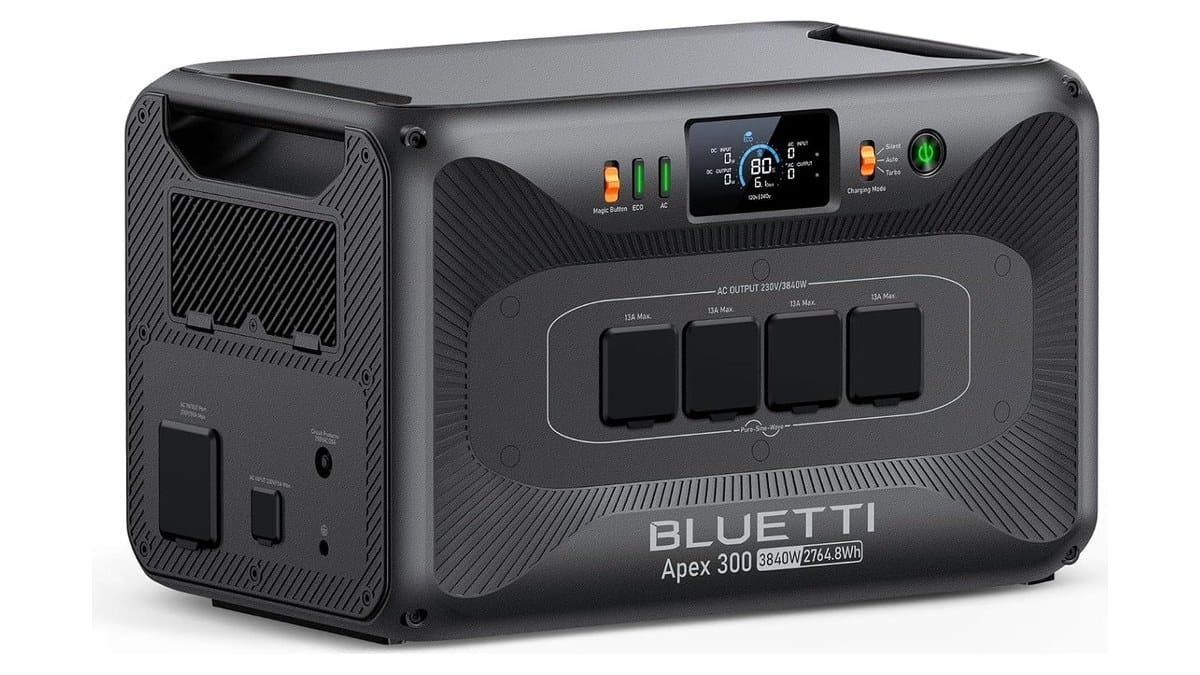
BLUETTI Apex 300
The opposite call: nearly three times the capacity and far more output, at a weight that means it stays where you put it. For multi-day backup rather than fast turnarounds.
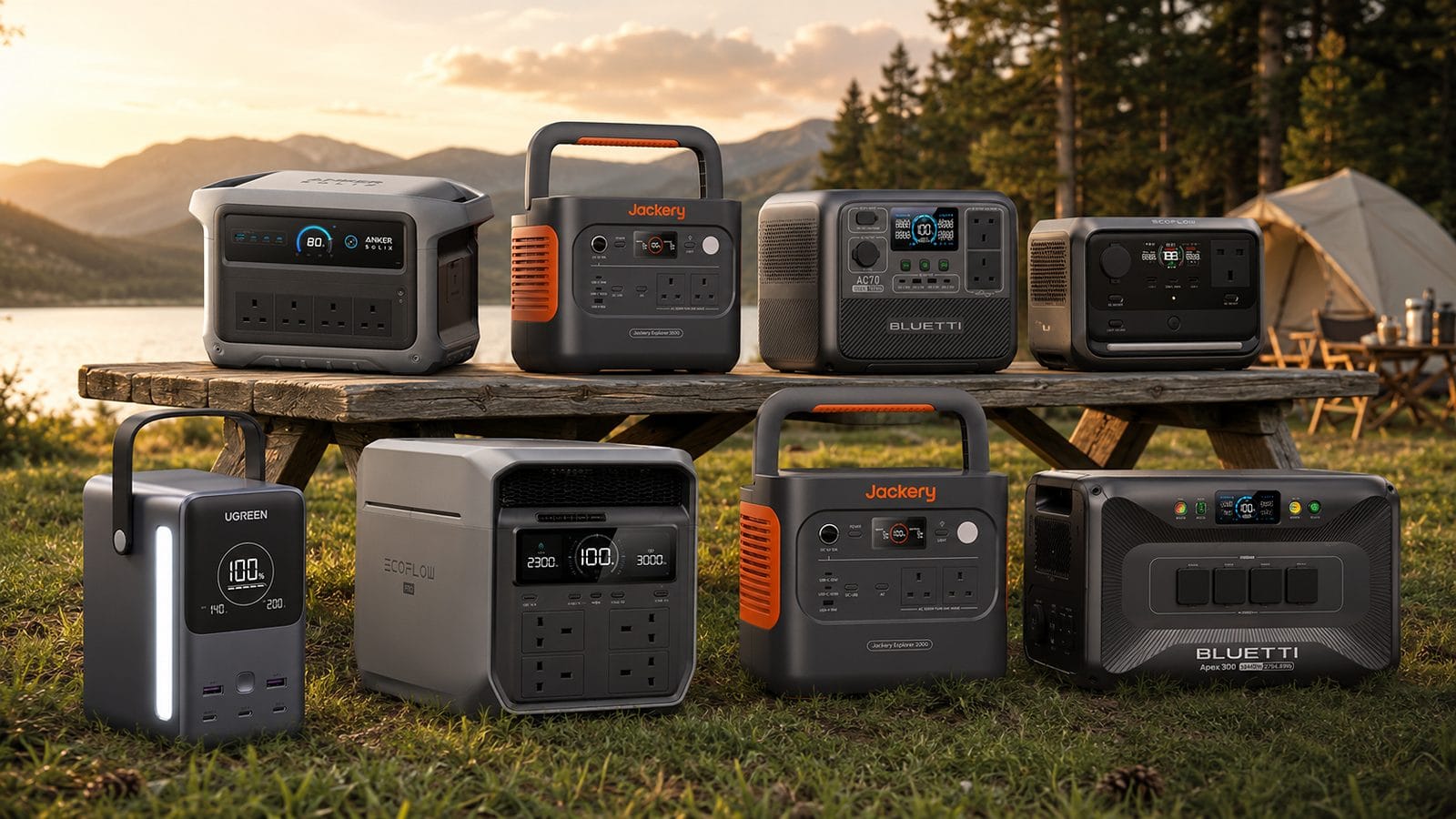
Best Portable Power Station 2026
Every power station we recommend, ranked by the job you need done.
FAQ
Questions readers ask
Does the Anker SOLIX C1000 Gen 2 recharge in 49 minutes?
Only with UltraFast mode switched on in the Anker app; it ships off. OutdoorGearLab timed 49 minutes with the mode enabled and 56 minutes without it. Anker’s Guinness record run was faster still, under supervised conditions.
How much of the 1,024Wh can you use in practice?
OutdoorGearLab measured 890Wh delivered on a load bank, about 87 percent of the rating. That’s normal for LiFePO4 chemistry, and it’s the figure to plan your appliances around.
Is the C1000X the same as the C1000 Gen 2?
They appear to be two names for the same platform, not two products. Anker documents C1000 and C1000X under one model number for the original generation, and its own store lists no separate C1000X. Match the model number, A1763, and you have this unit.
Can it run a fridge during a power cut?
Yes on output; the 2,000W rating starts and runs a household fridge with a wide margin. How long it runs comes down to your fridge’s average draw against the measured 890Wh of usable capacity.
Does it work as a UPS for a computer?
The manual publishes a 10 ms switchover, which a desktop power supply rides through without rebooting. Run the mains through the unit and it takes over when the power drops.
How loud does it get?
Near full output, loud enough that OutdoorGearLab flagged it as a placement consideration. At light loads it’s unobtrusive; in a quiet room under heavy load you’ll hear it.
Can you add an expansion battery?
The manual’s specification table lists no expansion option, where the original C1000 could expand to 2,112Wh. We haven’t been able to confirm it either way, so don’t buy the Gen 2 planning on one.
Is it worth upgrading from the original C1000?
For the faster recharge, higher output and 4,000 cycle rating, a working original is hard to retire. The Gen 2 also holds slightly less, 1,024Wh against 1,056Wh. Buy it as a first unit; upgrading from a healthy C1000 is harder to make a case for.
How do you turn on UltraFast charging?
In the Anker app, on the unit’s charging settings screen. The manual notes the mode can be enabled or disabled there; it ships disabled. Doing it on day one takes a minute.
Can it charge from solar?
Yes, up to 600W of panel input per the manual. That refills the battery in a usable afternoon of good sun rather than the sub-hour mains figures this unit is known for.
Final word
Speed with one honest catch
Every Anker SOLIX C1000 Gen 2 review ends up being about speed, because that’s what Anker sells it on, and the speed is real. Our one grievance is that the number it’s famous for sits behind an app toggle the listing never mentions.
Switch it on and the unit delivers: honest usable capacity, laptop-class USB-C, a published UPS figure its bigger rivals lack, and output that embarrasses most of its class. An 8.0, and the second-best power station we’ve reviewed.
See how we test, or see where it ranks against the rest in our best portable power station roundup.
Keep reading
Browse all our power station guides and reviews.
Best Portable Power Station 2026
Every power station we recommend, ranked by the job you need done.
How to Choose a Power Bank
The buying guide that starts from your job rather than the spec sheet.
EcoFlow RIVER 3 Plus Review
The small-station pick for short outages and mobile kit.
BLUETTI AC70 Review
What 2,000W Power Lifting is worth, and where it cuts output.
Jackery Explorer 2000 v2 Review
The lightest way to carry 2kWh, and what that portability costs.
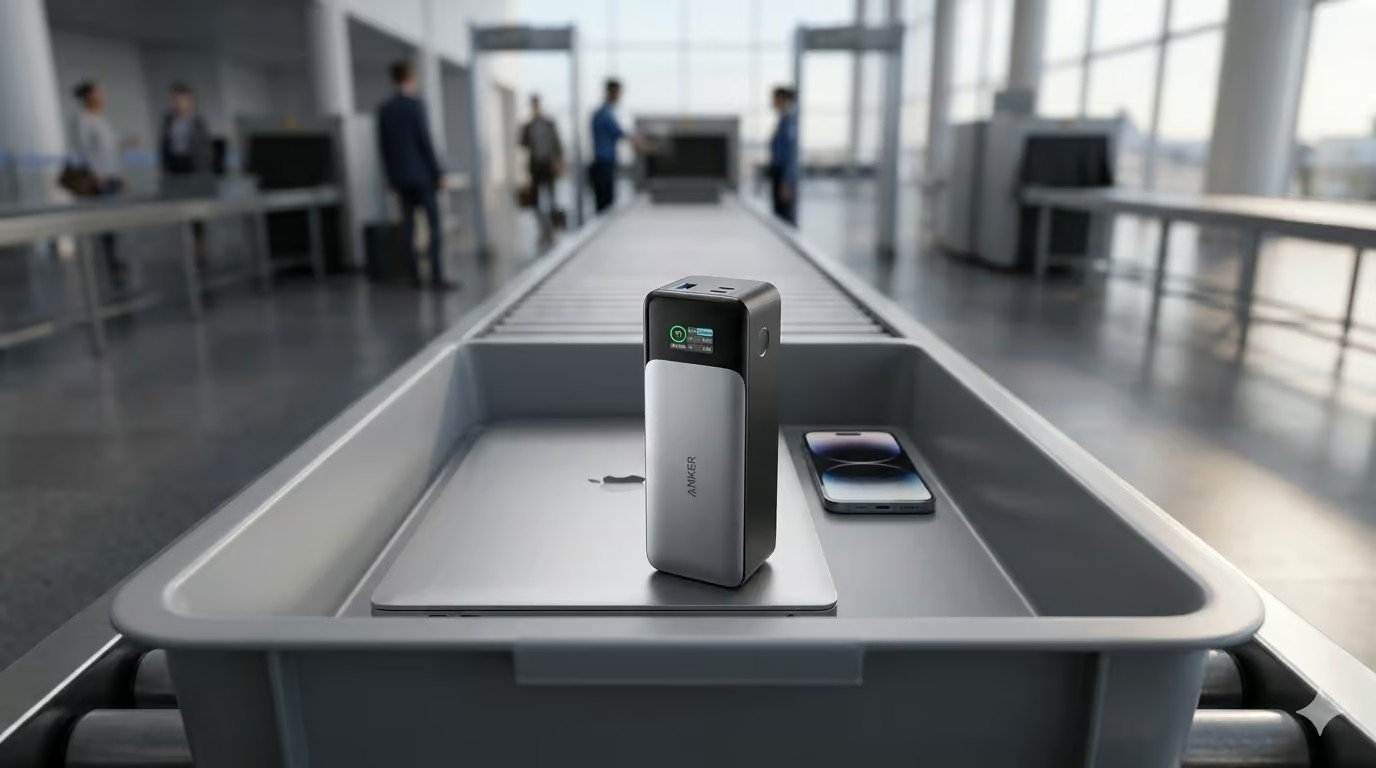
Can You Take a Power Bank on a Plane?
The 2026 airline rules: watt-hour limits, how many you may carry, and in-flight use.
Latest from SmartGadgetKit
 Lithium Ion Battery Fire Statistics 2026
 LISEN Power Bank Review: The Qi2.2 25W MagSafe 10000mAh, Measured
 How Long Does a Power Bank Last? Charges, Years and Sizing
 Anker Prime 250W Charger Review: 6-Port Desktop Hub
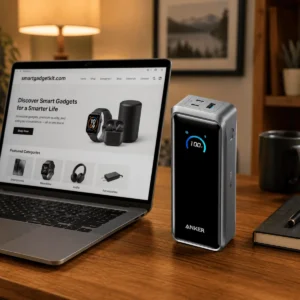 Anker Prime 300W Power Bank Review: Two Laptops, One Socket-Free Table
 EcoFlow DELTA 3 Max Plus Review: What 2,048Wh Really Gives You
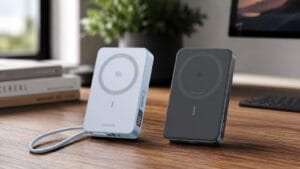 Anker MagGo vs UGREEN MagFlow: which 10,000mAh magnetic bank should you buy?
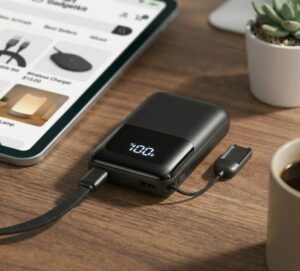 INIU Pocket Rocket P50 Review: The Smallest 45W Power Bank
Tested by people who know what the numbers mean
SmartGadgetKit checks every spec against the manufacturer and independent sources, and tells you the trade-offs, not only the wins. Independent testing for this page comes from OutdoorGearLab, credited where each figure appears.
