Chargers
Wall chargers have changed more in the past three years than in the previous ten. GaN technology means a single compact plug can now replace the three or four bricks that used to fill a desk drawer. We review individual chargers and rank the field by job: phones, laptops, wireless pads, and travel.
 Alisdair, network engineer, 9 years
Affiliate disclosure: if you buy through links on this page we may earn a commission, at no extra cost to you.
Two pages before everything else
Best GaN Chargers 2026
GaN chargers ranked by job: phone fast-charging, laptop power, multi-device desks, and travel.
See the picks › Laptop buyersBest USB-C Laptop Chargers
The chargers that keep up with a laptop under load, sorted by wattage and port count.
Find your laptop charger ›Four answers in thirty seconds
What is GaN?
Gallium nitride, a semiconductor material that handles higher voltages and temperatures than silicon. GaN chargers deliver the same wattage as older designs in a body roughly half the size.
What wattage do I need?
20W fast-charges a phone. 30W covers a tablet. 65W and up is what most USB-C laptops draw under load. Match the charger to your hungriest device.
Can one charger do everything?
Yes, if it has enough total wattage and the right ports. A 100W multi-port GaN charger can run a laptop, a phone and a tablet from one wall outlet.
What is USB PD?
USB Power Delivery, the standard that lets a USB-C cable carry up to 240W. It is what makes a single cable work for phones, tablets and laptops alike.
Reviews and roundups, newest first
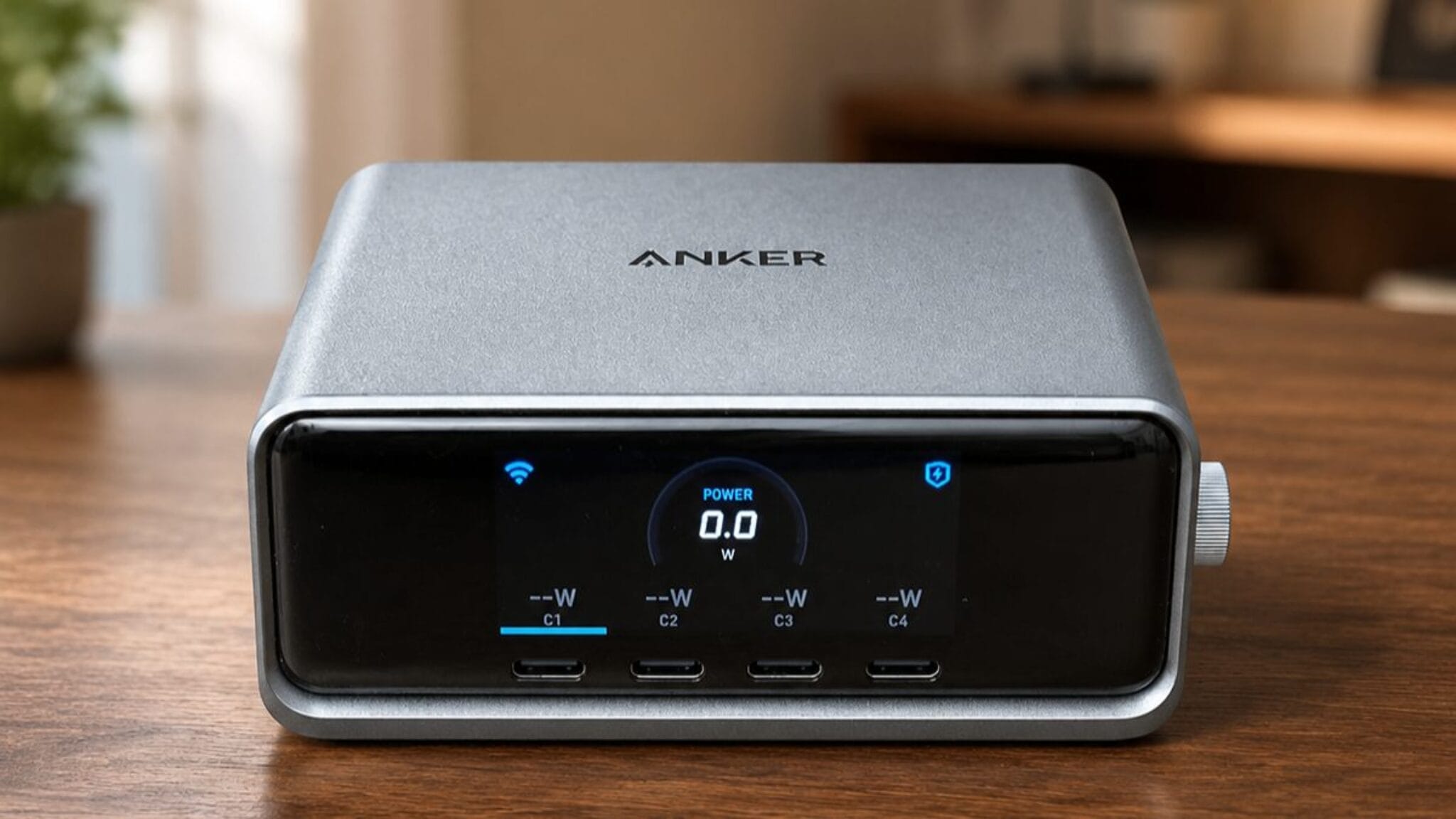
Anker Prime 250W Charger Review: 6-Port GaNPrime
Six ports and 250W total output from one GaN charger. Four USB-C and two USB-A, built around Anker’s GaNPrime technology.
Read the review ›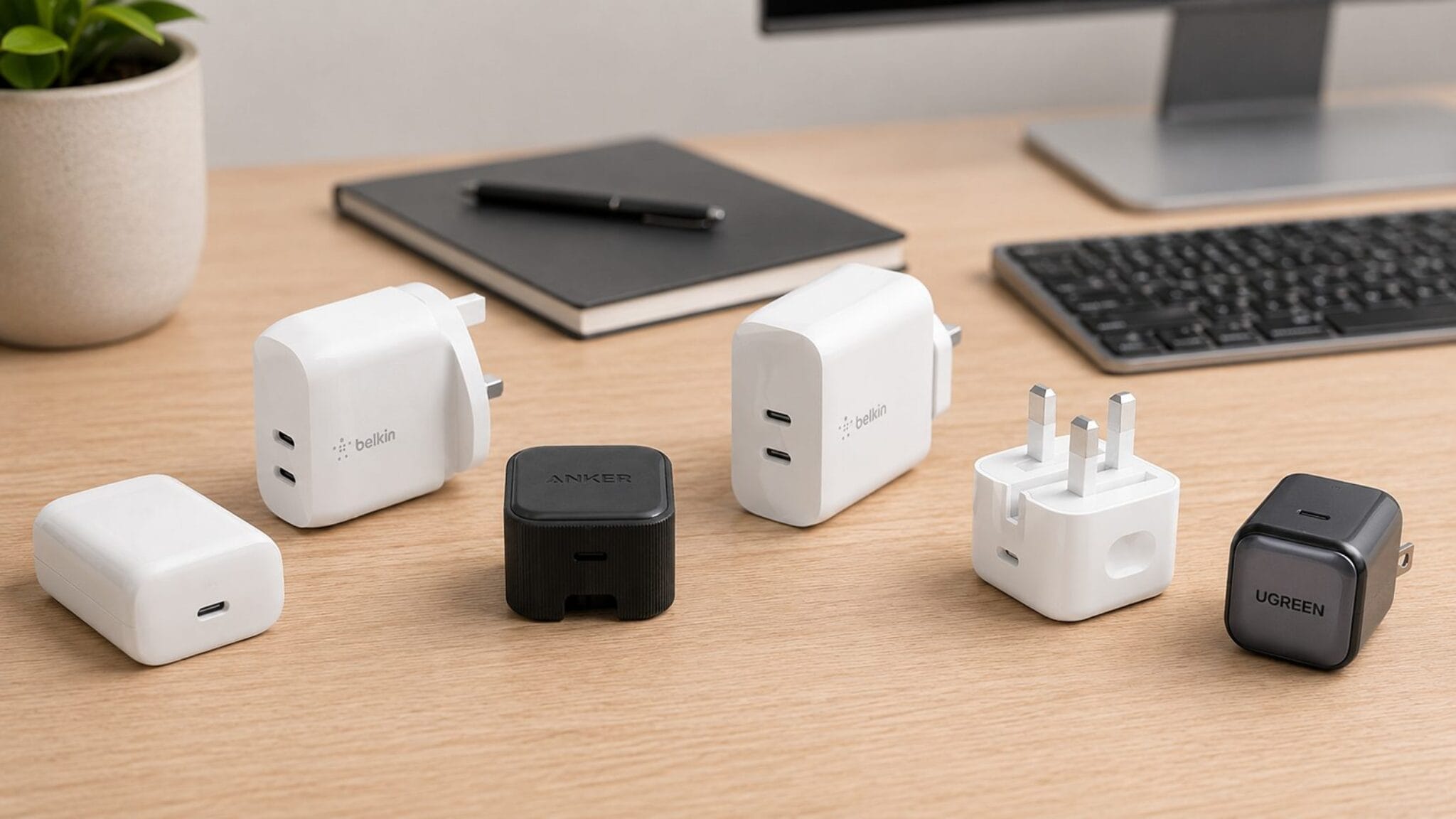
Best iPhone Chargers 2026
The fastest chargers for every iPhone, from compact 20W single-port plugs to multi-device GaN bricks that charge a laptop alongside.
Read the roundup ›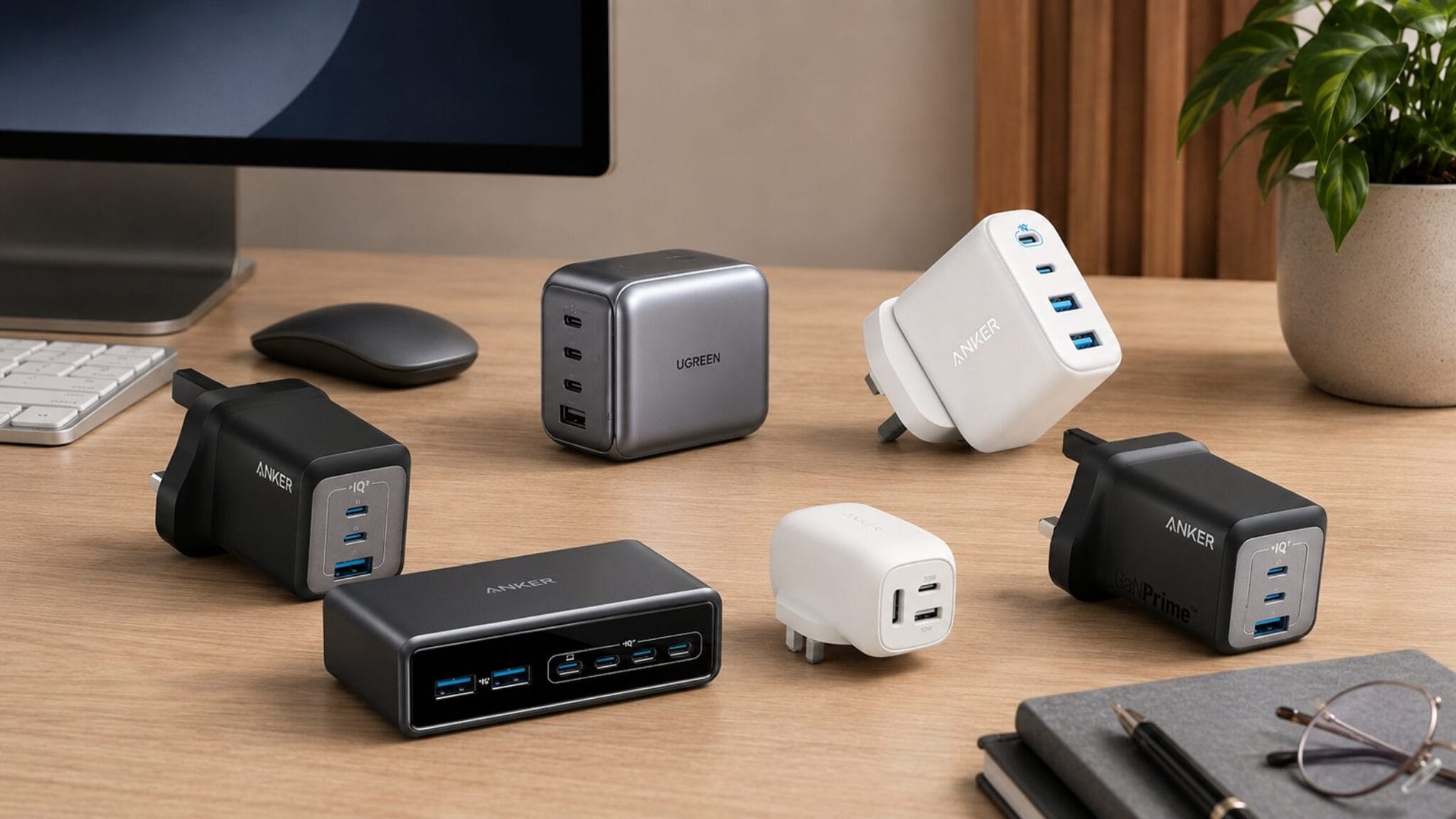
Best USB-C and USB-A Chargers 2026
Chargers that carry both USB-C and USB-A ports, so older devices are not left behind while newer ones charge at full speed.
Read the roundup ›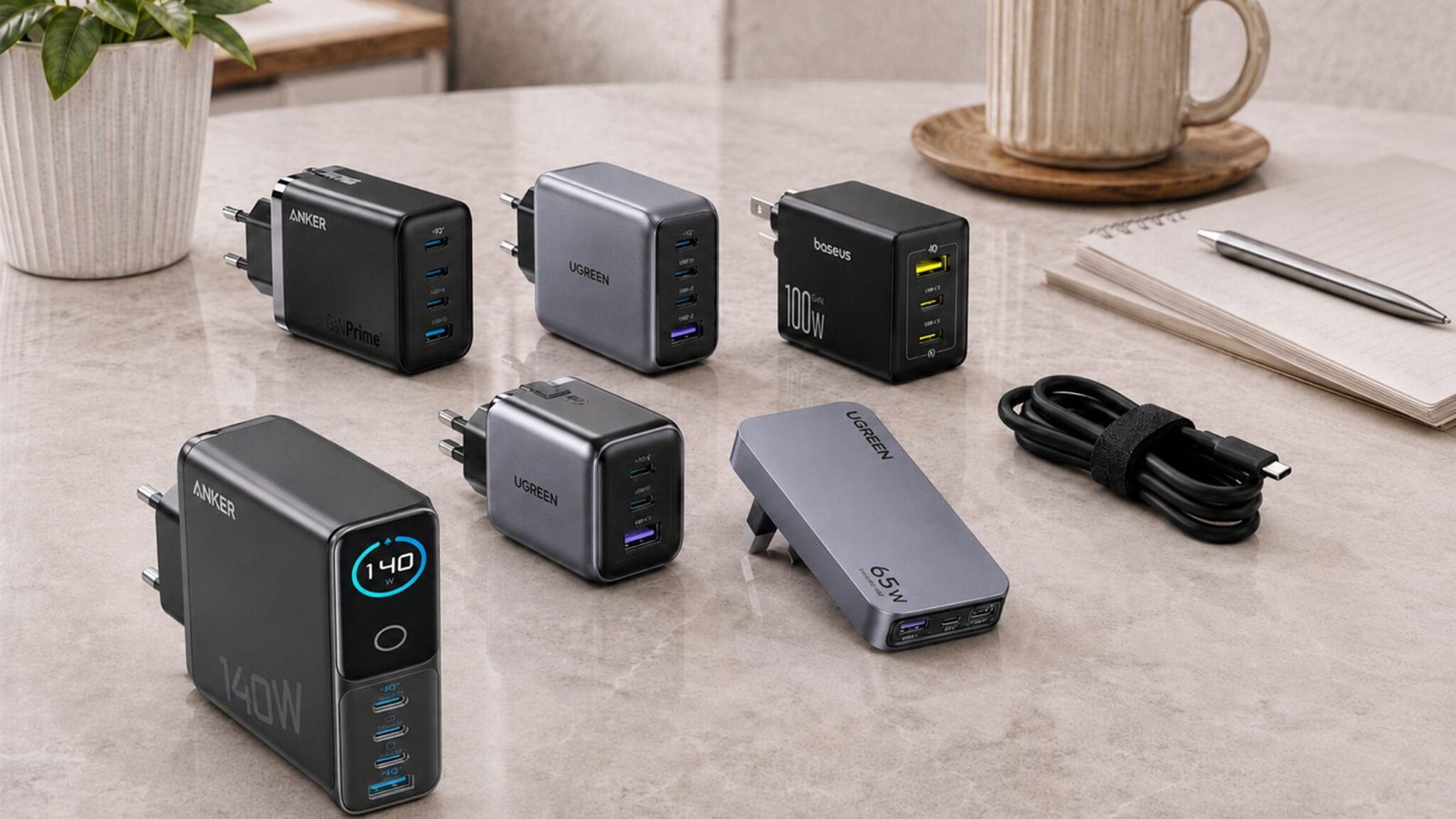
Best USB-C Laptop Chargers 2026
The USB-C chargers that keep up with a laptop under load. Ranked by sustained wattage, not peak claims, from 65W to 140W.
Read the roundup ›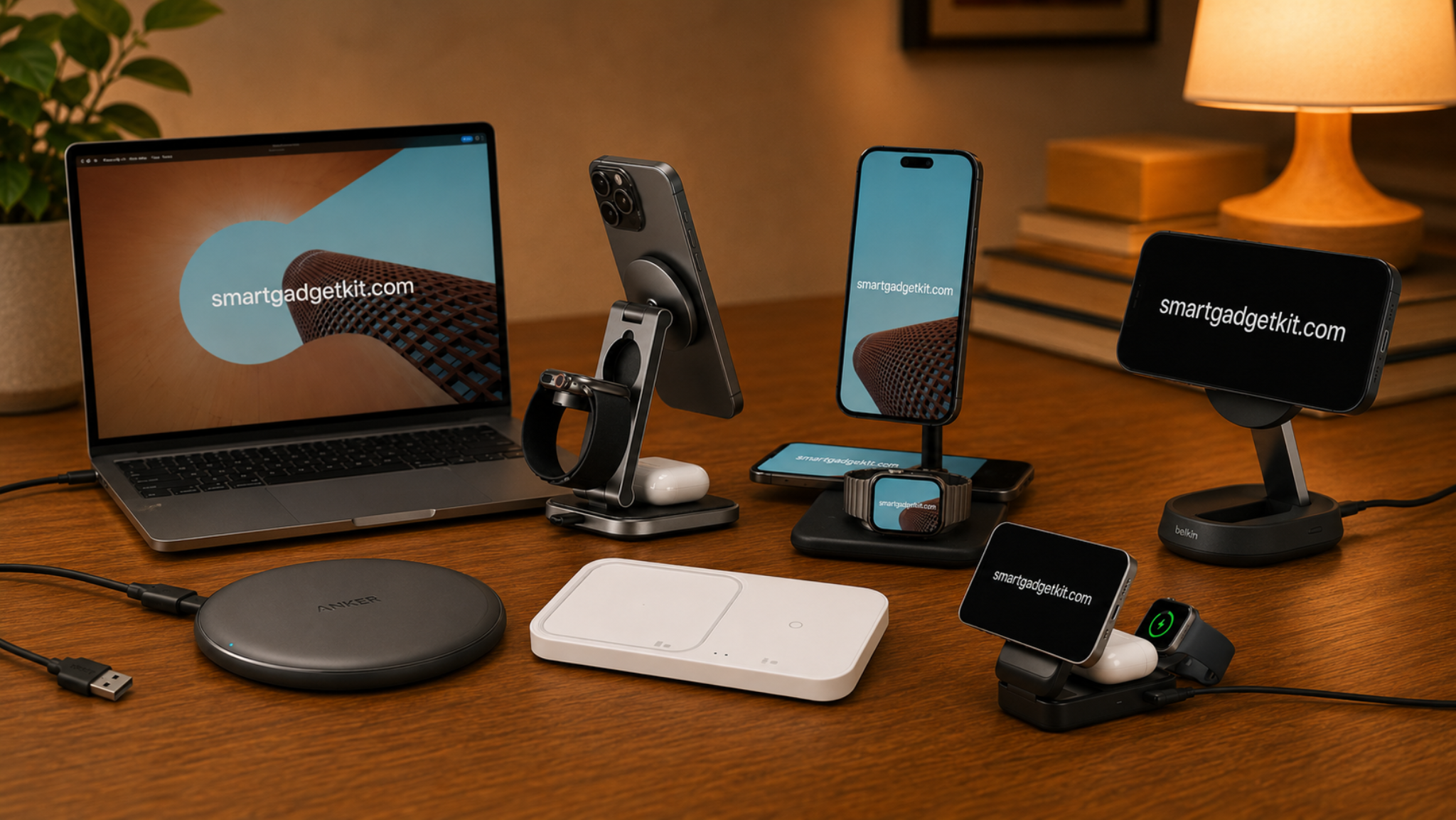
Best Wireless Chargers 2026: Qi2 Pads and Stands, Ranked
Qi2 wireless chargers for phones and earbuds, ranked from the fastest magnetic stand to the best bedside pad.
Read the roundup ›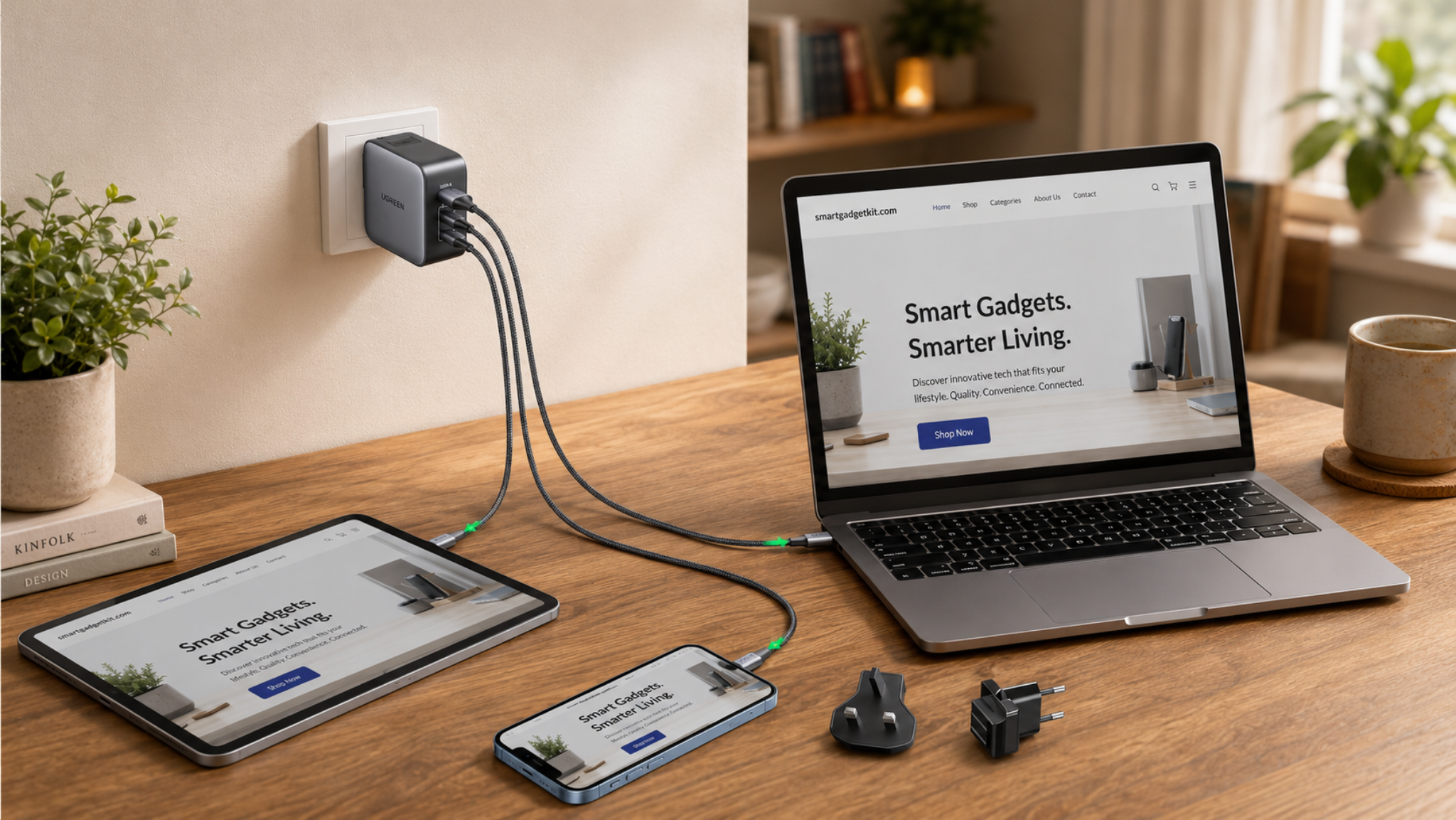
UGREEN Nexode 65W Travel Charger Review: Three Plugs for Global Travel
A 65W GaN charger with interchangeable UK, EU and US plug heads, three ports, and enough power to charge a laptop on the road.
Read the review ›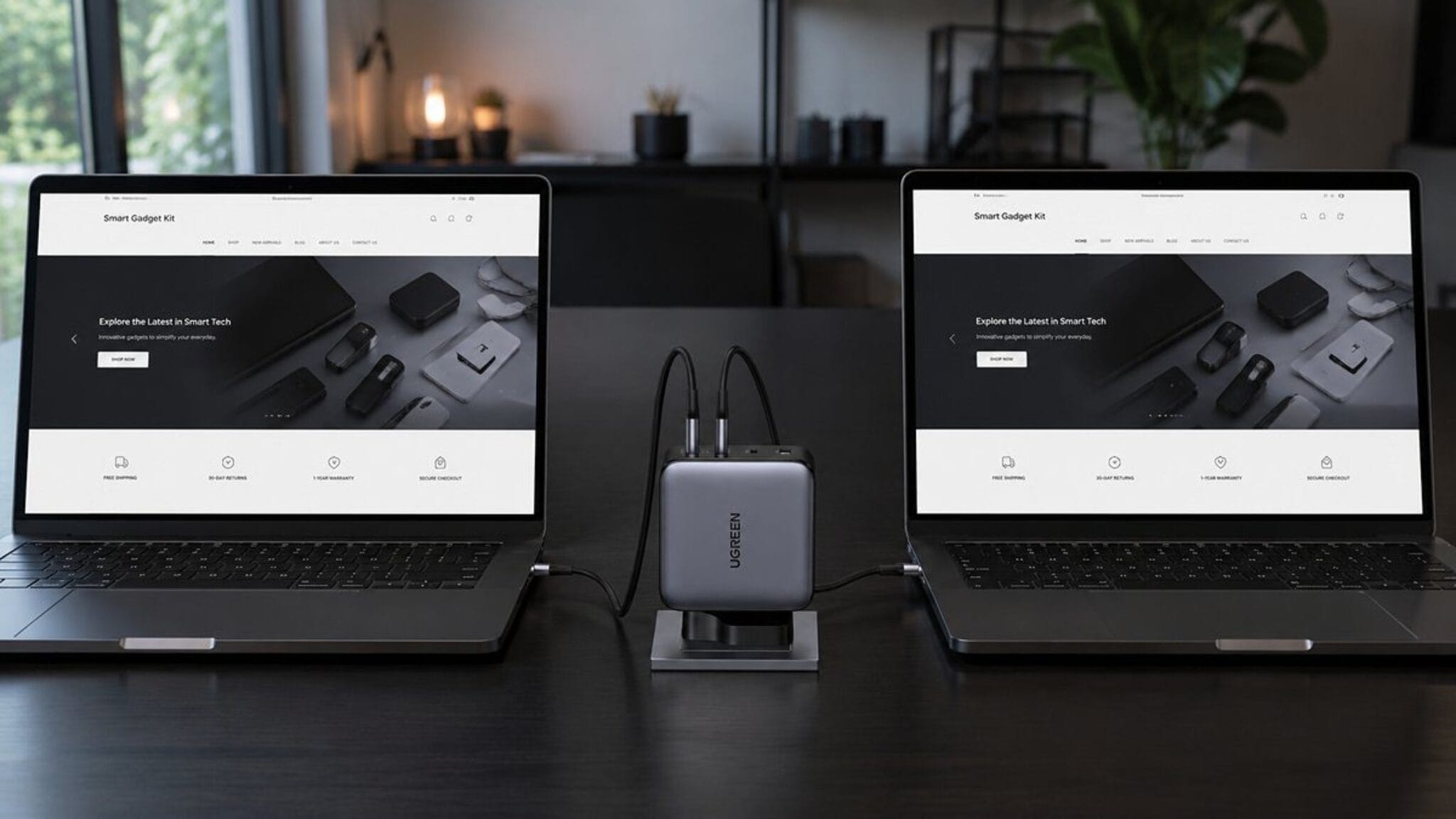
UGREEN Nexode 200W Review: 140W PD 3.1 GaN Charger
Four ports and 200W total from one desk charger, with 140W PD 3.1 on the lead USB-C port. Enough to run two laptops at once.
Read the review ›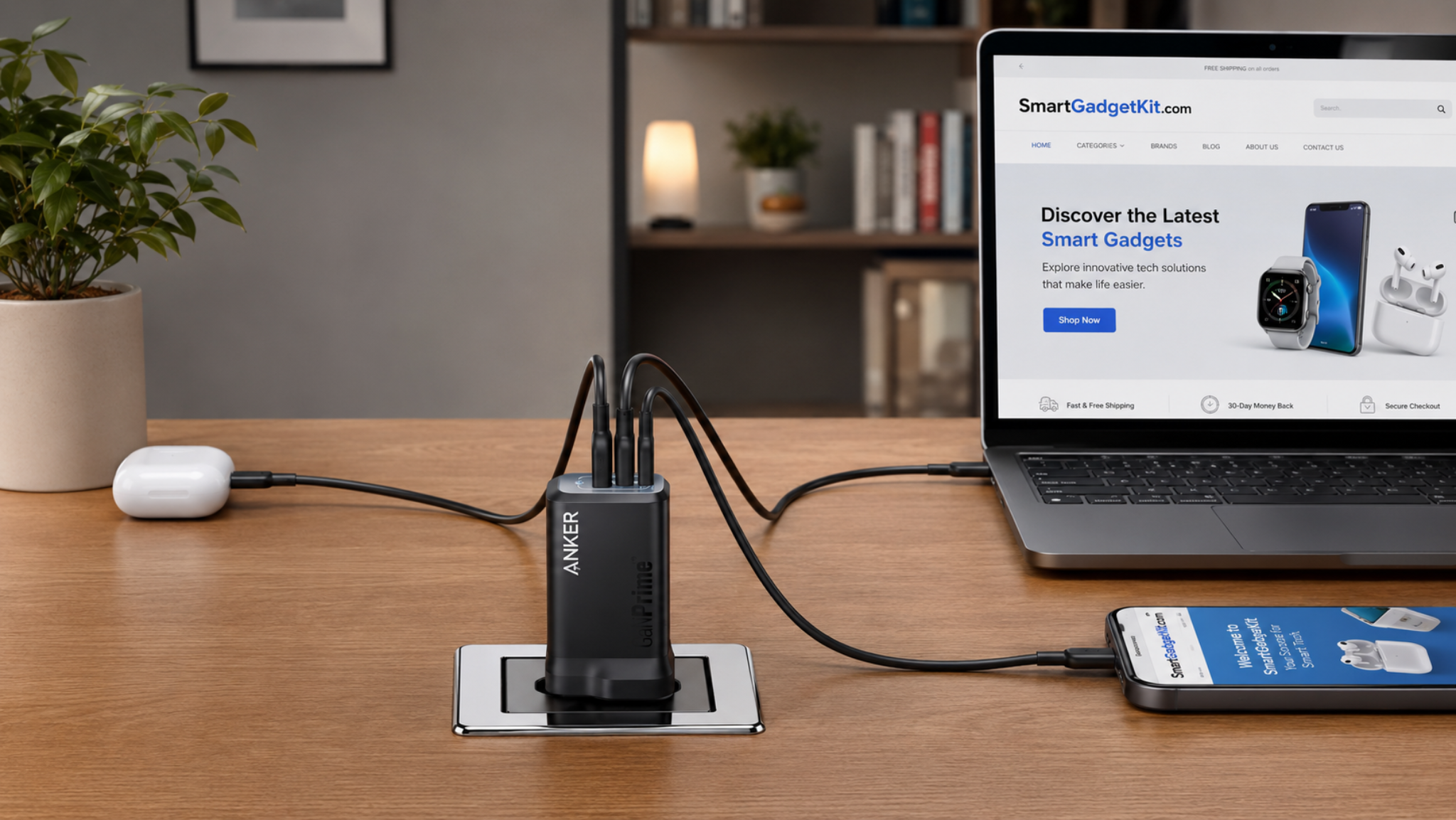
Anker Prime 100W Charger Review (A2688): 3-Port GaN
A 100W GaN charger with two USB-C and one USB-A port. Enough to run a laptop and a phone from a single plug.
Read the review ›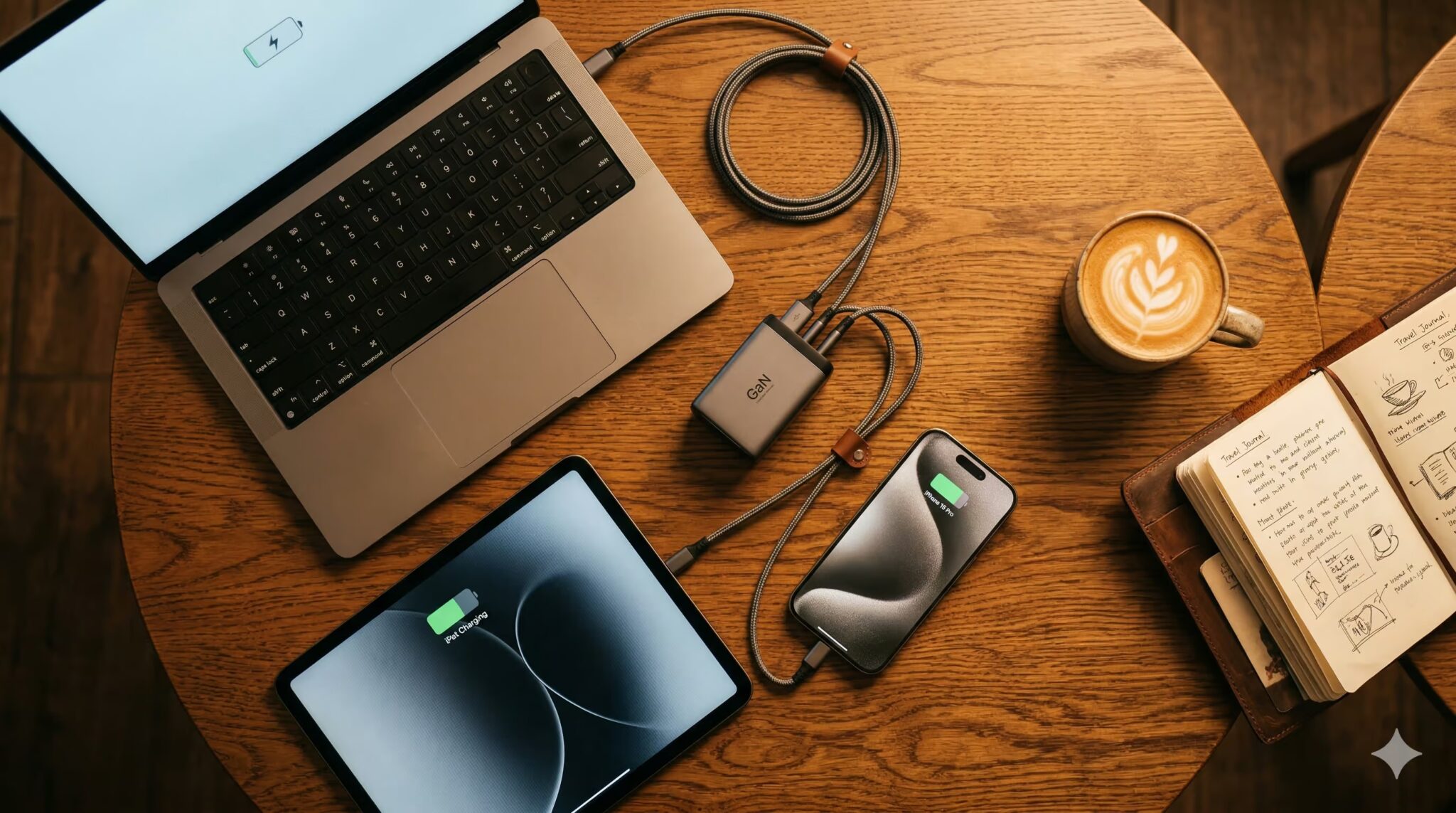
Best GaN Chargers 2026
GaN chargers ranked by job: phone fast-charging, laptop power, multi-device desk setups, and travel. Every pick cross-checked.
Read the roundup ›What to look for in a charger
The wattage on the box is the headline, but it is rarely the whole picture. A 100W charger does not give 100W to every port at once, and the number that matters is what your device actually draws, not what the charger can theoretically push.
Total vs per-port output
A charger’s headline wattage is usually the total across all ports. Plug in two devices and it splits. Check the single-port figure for your hungriest device, and the total for everything together.
Why GaN matters
Gallium nitride chargers run at higher frequencies than silicon, so the transformer and heatsink can be smaller. The result is the same output in a body that takes up less room in a bag or on a power strip.
Port mix and protocol
USB-C with Power Delivery is the universal fast-charge standard. USB-A is slower but still needed for older accessories. Count both, and check that at least one USB-C port carries the wattage your laptop needs.
Multi-port power sharing
The spec sheet says 100W. You plug in a laptop and a phone. The laptop gets 65W and the phone gets 18W. The total is 83W, not 100W. Power sharing splits the budget, and most chargers do not tell you how until you read the fine print.
Three quick truths
- Match wattage to the device, not the other way round. A phone peaks at 20 to 30W regardless of what the charger can offer. Buying a 100W charger for a phone alone wastes capacity.
- GaN is not a speed upgrade. It is a size upgrade. A 65W GaN charger and a 65W silicon charger deliver the same speed; the GaN one just fits in your pocket.
- USB-C is not always fast. A USB-C port rated at 5W charges a phone overnight, not in an hour. The port needs USB Power Delivery and enough wattage behind it.
Tell us what you charge, we point you to the page
I charge an iPhone
The fastest wall chargers for every iPhone model, from a compact 20W plug to a multi-port brick.
Best iPhone chargers › Laptop usersI need to charge a laptop
USB-C chargers with 65W or more, rated by sustained output under real load, not peak claims.
Best laptop chargers › Cable-freeI want wireless charging
Qi2 pads and magnetic stands for phones and earbuds. Slower than a cable, but nothing to plug in.
Best wireless chargers › TravellingI need one charger for every country
A GaN charger with swappable plug heads for the UK, EU and US, plus enough output for a laptop.
UGREEN 65W travel charger ›Chargers we have reviewed, compared
The key numbers from our individual reviews, side by side.
Total output is the manufacturer rating when a single device is connected. Plugging in multiple devices splits the wattage; see each review for the exact sharing rules.
Charger questions, answered
The things buyers ask us most about chargers, explained in plain English.
What wattage charger do I need for my phone?
Most modern phones peak at 20 to 30W. An iPhone charges at its fastest with a 20W or higher USB-C charger. Android phones vary, but 25 to 30W covers the majority. Buying a 100W charger will not make a 20W phone charge any faster.
What wattage charger do I need for a laptop?
Match or exceed your laptop’s original charger. Most thin laptops draw 65W under load. Larger models and gaming laptops can want 100W or more. A charger rated below the laptop’s draw will charge it slowly, and may not keep up while you work.
Is GaN better than a regular charger?
At the same wattage, a GaN charger charges at the same speed as a silicon one. The difference is size and heat: GaN runs cooler and packs tighter, so a 65W GaN brick can be half the size of its silicon equivalent. If portability matters, GaN wins.
Can a USB-C charger damage my phone?
No. USB Power Delivery negotiates the wattage between the charger and the device. A 100W charger plugged into a 20W phone delivers 20W, not 100W. The device always controls how much it draws.
Do I need a special charger for wireless charging?
A Qi2 or MagSafe pad replaces the cable, but it still needs a wall charger to power it. Most pads want a 20W or higher USB-C charger. Without enough wattage behind it, the pad charges your phone slowly even if the pad itself is rated for higher speeds.
What is USB Power Delivery (PD)?
A standard, maintained by the USB Implementers Forum, that lets USB-C carry up to 240W. Before PD, USB topped out at 15W. PD is what allows a single cable to charge a phone at 20W or a laptop at 100W, and it negotiates the correct speed automatically.
Why does my multi-port charger slow down when I plug in a second device?
Total wattage is shared. A 100W charger with one laptop plugged in might give it 100W. Add a phone and the laptop drops to 65W while the phone takes 18W. The total stays at or below the charger’s rated maximum.
Can I use a USB-C laptop charger for my phone?
Yes. A 65W or 100W laptop charger will charge a phone at the phone’s maximum speed. It draws only what it needs, so there is no risk and no waste. It is one of the practical benefits of USB-C becoming universal.
How do you test chargers?
Our verdicts combine hands-on testing by the SGK team with trusted independent lab data, scored against one published rubric. The full method is on our how-we-test page.
How we choose what to recommend
We start with the specs
Manufacturer data and the real listing, checked for the exact model, wattage and port configuration.
We cross-check the labs
Independent measurements from named sources. Every number we quote is attributed to who measured it.
We weigh real owners
Verified buyer feedback to catch what spec sheets miss, like heat under sustained load or port sharing surprises.
Every figure in our reviews is attributed to its source, and we flag anything not yet independently verified. That is how an independent site earns trust without owning every product.

Beyond chargers
Evidence first, marketing last
Every output figure in our charger reviews is attributed to the source that measured it. We flag anything not yet independently verified, and we never quote a number without saying where it came from.
Written by AlisdairNetwork engineer, 9 years
Everyday perspective: DarleeneNurse, professional sceptic
SmartGadgetKit is an independent review site. We may earn a commission from links on this page, at no extra cost to you. Our editorial content is never influenced by affiliate partnerships.