Cables
A cable carries charging power, data, or both, and the differences are invisible from the outside. We break down wattage ratings, data standards and build quality so you pick the right USB-C cable the first time.
 Alisdair, network engineer, 9 years
Affiliate disclosure: if you buy through links on this page we may earn a commission, at no extra cost to you.
Two pages before everything else
Four answers in thirty seconds
What cable for a laptop?
Match the charger your laptop shipped with. Most thin laptops need a 100W USB-C cable; a 240W cable covers everything and future-proofs you.
Is USB4 worth it?
Only if you transfer large files or drive an external display. For charging alone, even a USB 2.0 cable handles 240W. You pay more for data speed, not power.
One cable for everything?
Every USB-C cable charges. Data speed varies: USB 2.0 is 480Mbps, USB4 is 40Gbps. A 240W USB4 cable does both jobs, but costs more and is shorter.
How long can a cable be?
For USB 2.0 data: up to 4 metres. For USB4 at 40Gbps: roughly 0.8m to 1m. Longer cables lose signal at high data rates, so length and speed trade off.
What to look for in a USB-C cable
USB-C cables all look the same from the outside, but a 240W PD 3.1 cable and a basic 60W cable are very different inside. Four things decide whether a cable does the job.
Charging wattage and PD
The cable must match or exceed your charger’s output. 60W covers most phones, 100W handles most laptops, and 240W PD 3.1 is the current ceiling for USB-C.
Data standard
USB 2.0 runs at 480Mbps, fine for syncing a phone. USB 3.2 Gen 2 hits 10Gbps for file transfers. USB4 reaches 40Gbps and can drive external displays.
Cable length
Shorter cables handle higher data speeds more reliably. USB4 at 40Gbps maxes out around 0.8m to 1m; USB 2.0 cables run up to 4m with no trouble.
USB-IF certification
The USB Implementers Forum tests cables against published standards. A certified cable carries the official logo and has been independently verified for both power delivery and data performance.
Three quick truths
- Most 240W cables are USB 2.0 for data. They handle 240W charging, but transfer files at only 480Mbps. The wattage rating and the data speed are independent specs.
- USB4 cables are short. 40Gbps signal integrity demands passive cables no longer than about 1 metre. If you need a longer run, a USB 2.0 cable will charge just as fast.
- The certification logo tells you it was tested. An uncertified cable may work, but only a USB-IF certified cable has been independently checked against the published spec.
Reviews, roundups and guides, newest first
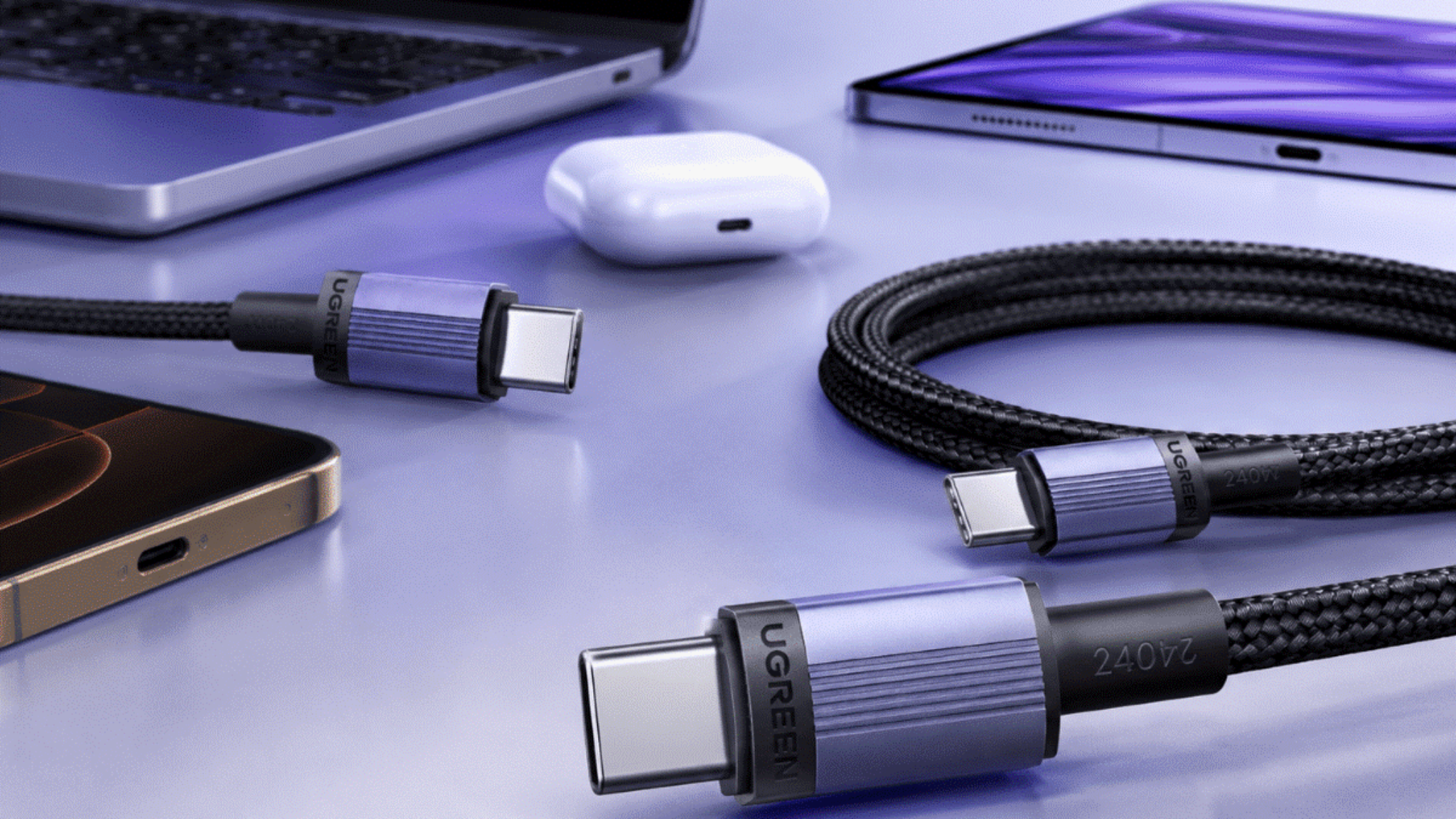
Best USB-C Cables 2026
Our top USB-C cable picks for 2026, matched to the job: laptop charging, data transfer, iPhone and everyday carry.
Read the roundup ›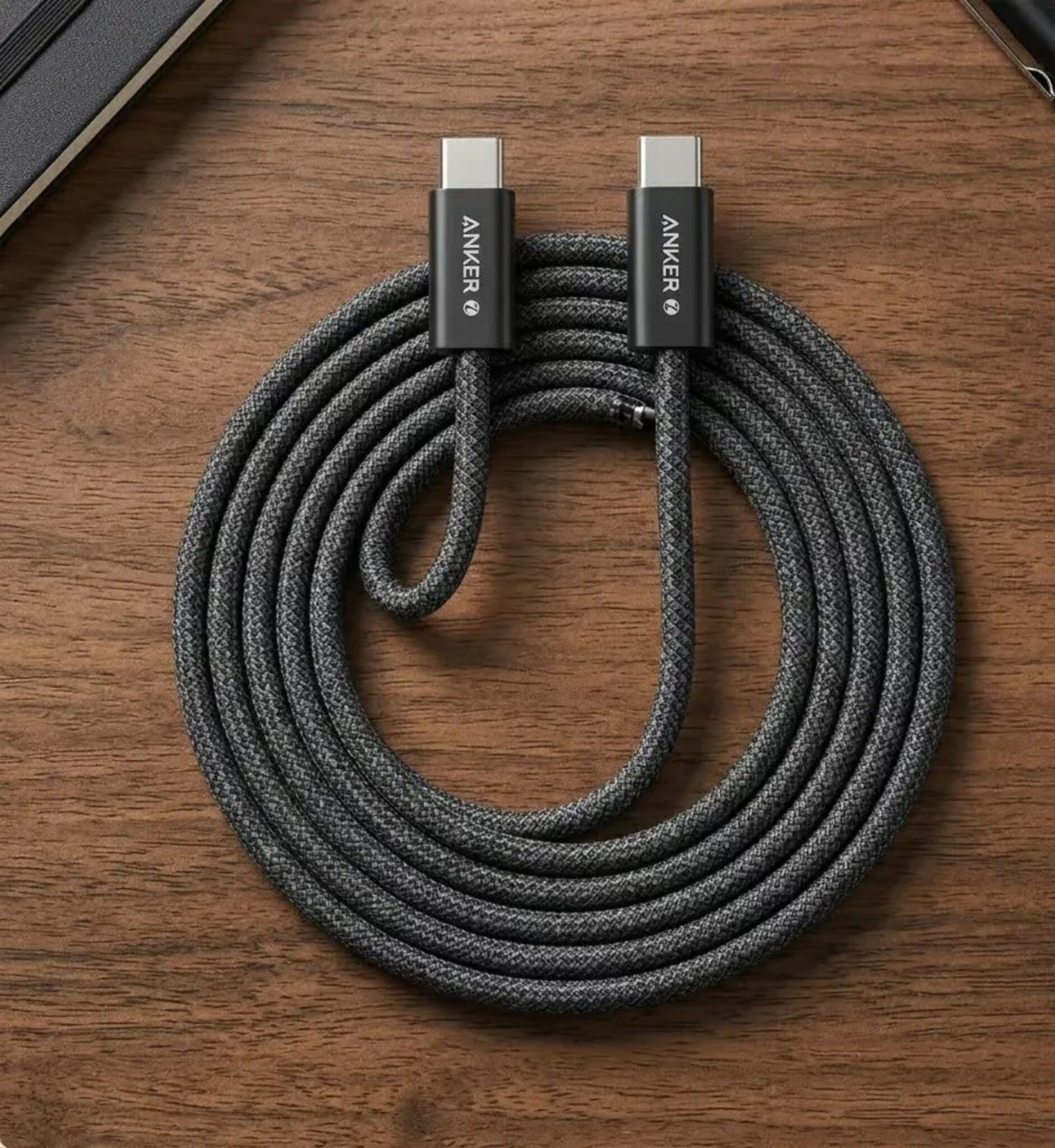
Anker 240W Cable Review (Zolo A8060)
A 240W PD 3.1 cable with USB 2.0 data. Affordable and well-built, with a 30,000 bend rating and nylon braid.
Read the review ›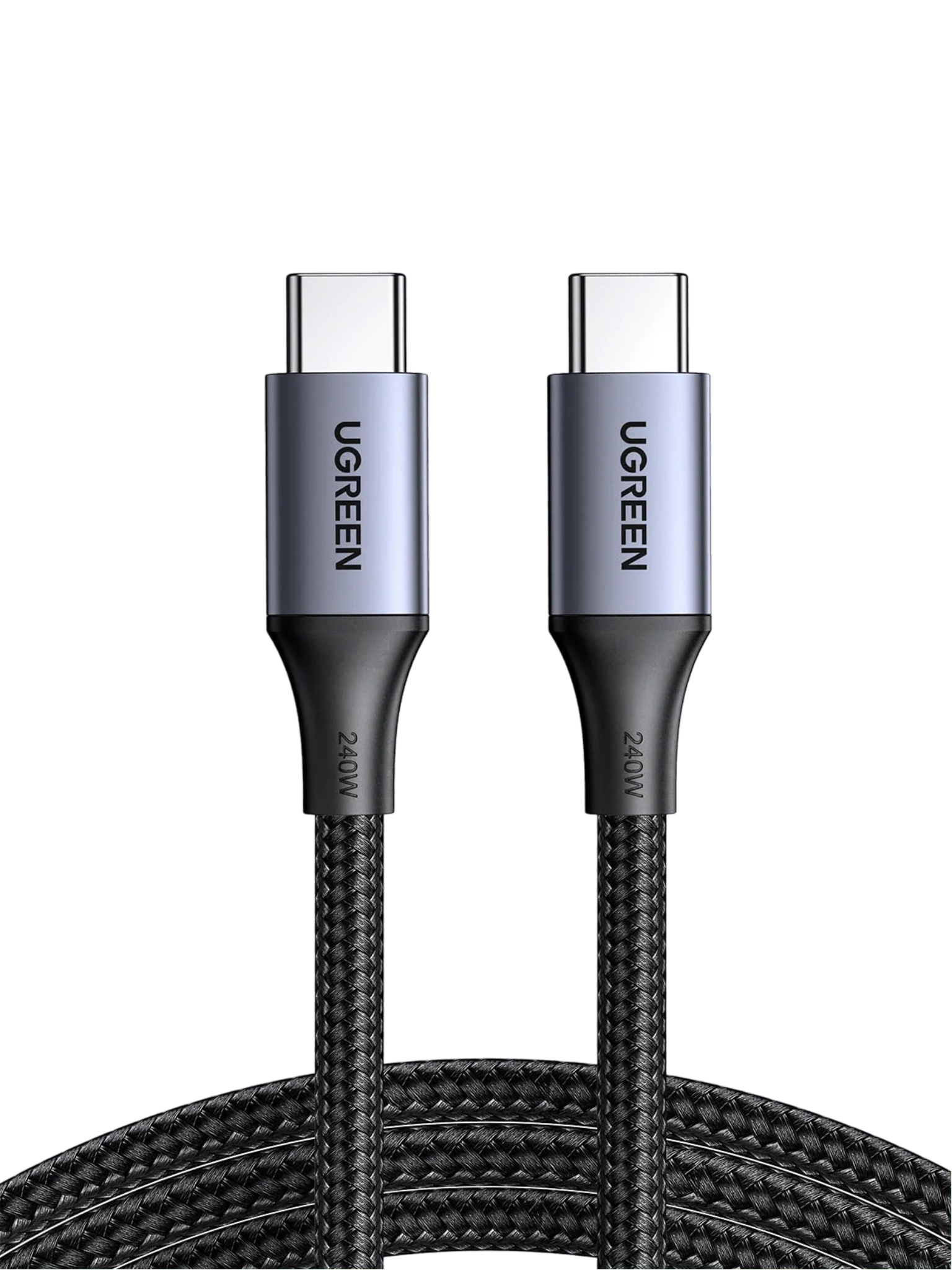
UGREEN 240W USB-C Cable Review
A 240W PD 3.1 cable with triple shielding and a 30,000 bend rating. USB 2.0 data, built for charging rather than transfers.
Read the review ›
USB-C Cables Explained: Wattage, Data and Certification
What the numbers on a USB-C cable mean, from PD wattage to USB4 data speeds, explained without the jargon.
Read the guide ›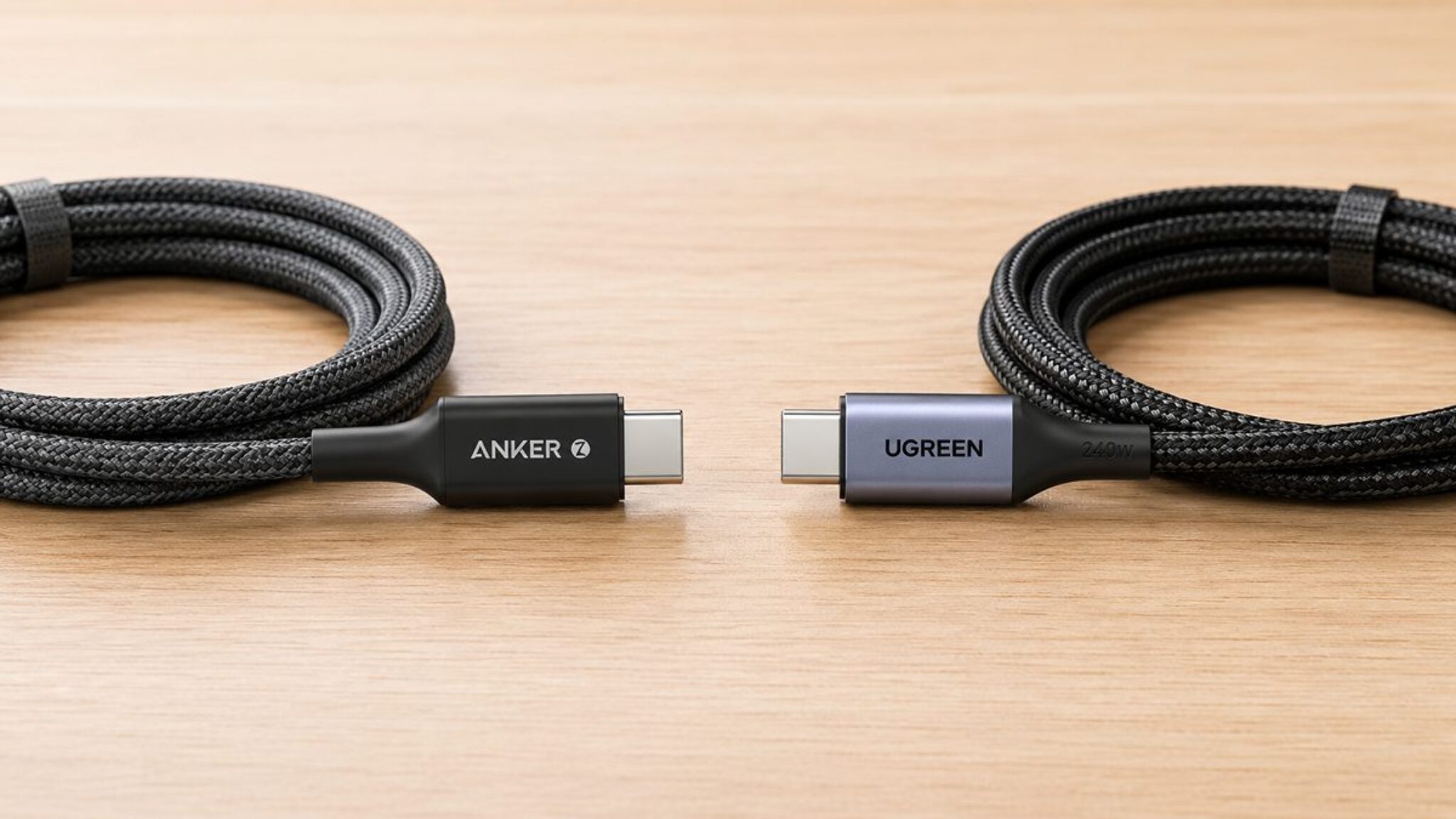
Anker vs UGREEN 240W Cable
Two 240W PD 3.1 cables, both USB 2.0, both nylon-braided. We compare build, length, shielding and which suits which setup.
Read the comparison ›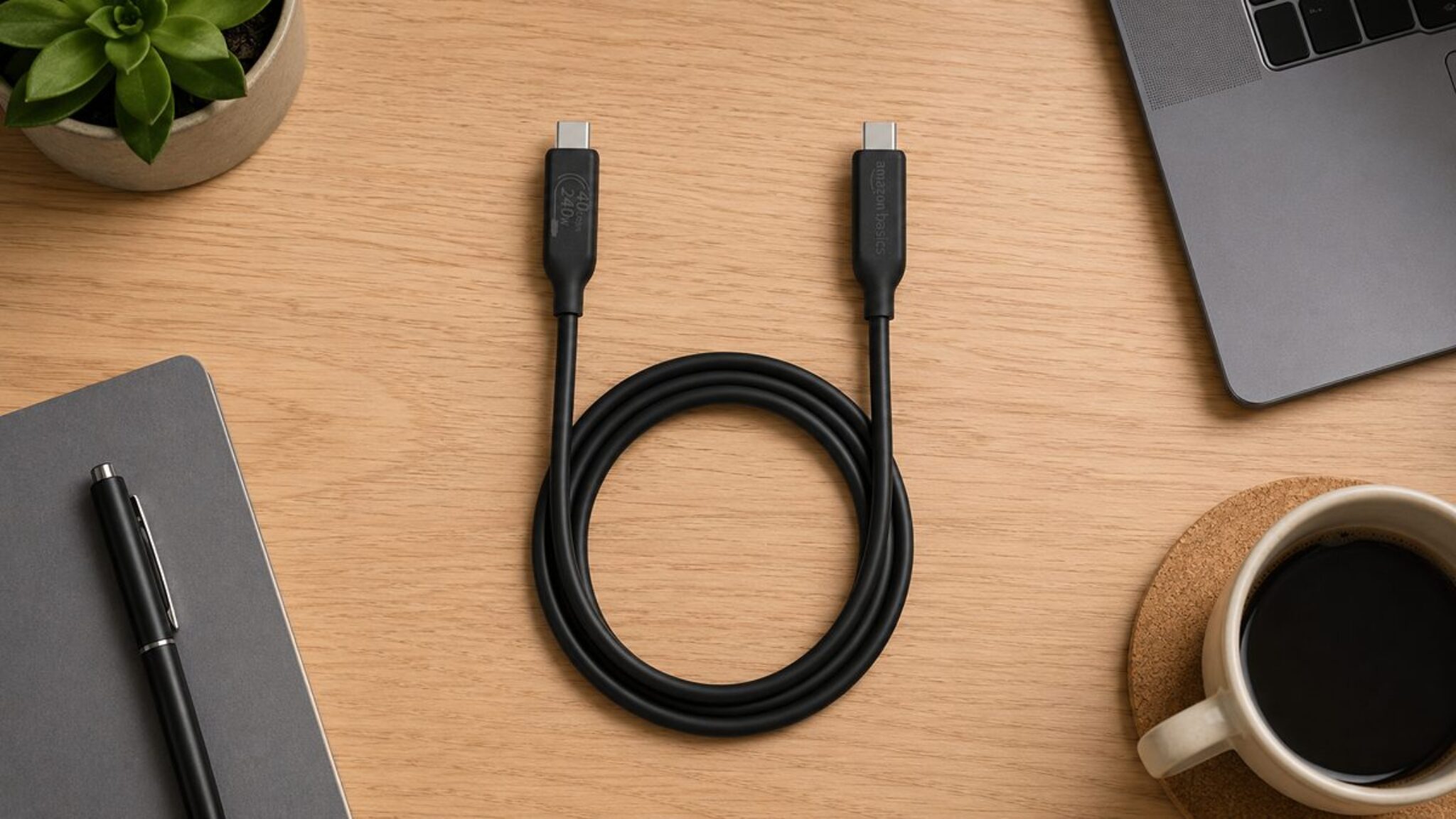
Amazon Basics USB4 Cable Review: 40Gbps, 240W, 1m
A 240W USB4 cable at 40Gbps for data and display output. Solid for a desk, though the 5,000 bend rating means it is not a travel cable.
Read the review ›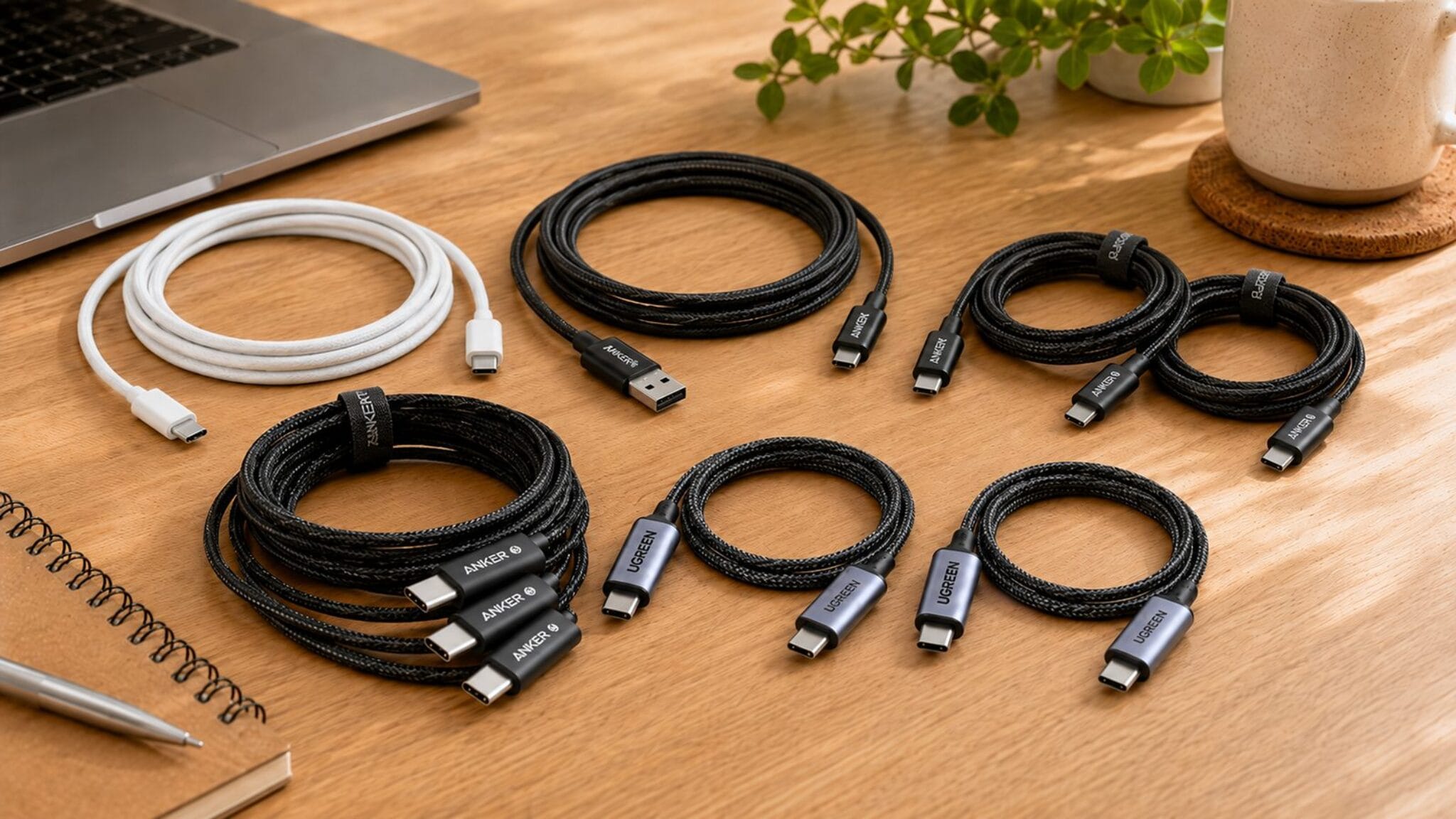
Best USB-C Cable for iPhone
iPhone 15 and 16 use USB-C. These are the cables that charge them fastest, with the right length and build for daily use.
Read the roundup ›Cables we have reviewed, compared
The key numbers side by side. Every figure is cross-checked against the manufacturer spec and independent testing in each review.
Wattage is the maximum the cable supports with a compatible charger; your device draws only what it needs. Data speed is the cable’s standard, not a guaranteed transfer rate. Every figure cross-checked against named third-party testing in each review.
Tell us what you need, we point you to the page
I need a cable for my laptop charger
A 100W or 240W USB-C cable that handles your charger at full speed, ranked by build and value.
Best USB-C Cables 2026 › iPhone chargingI need a cable for my iPhone
iPhone 15 and 16 use USB-C. These picks charge them fastest with the right length for everyday use.
Best USB-C Cable for iPhone › Fast data transferI need to move large files or drive a display
USB4 at 40Gbps handles video output and fast storage. This review covers the trade-offs.
Amazon Basics USB4 cable review › Anker or UGREEN?I am choosing between Anker and UGREEN
Two 240W cables from the two biggest names, compared on build, length, shielding and value.
Anker vs UGREEN 240W ›USB-C cable questions, answered
The things buyers ask us most about USB-C cables, explained in plain English.
Do I need a 240W cable?
Only if your charger puts out more than 100W. Most laptop chargers top out at 65W or 100W, so a 100W cable is enough. A 240W cable future-proofs you for the next charger, but it will not make your current one faster.
What is the difference between USB-C and USB4?
USB-C is the physical connector shape, the oval plug on both ends. USB4 is a data standard that specifies how fast data travels through that connector, up to 40Gbps. A cable can be USB-C with USB 2.0, USB 3.x or USB4 data inside it.
Can a USB-C cable damage my device?
No. USB-C Power Delivery negotiates wattage automatically between the charger and the device. A 240W cable plugged into a phone delivers only what the phone requests, typically 20W to 27W. The cable carries the capacity; the device sets the limit.
Are longer cables slower?
For charging, the difference is negligible. For high-speed data, yes: USB4 at 40Gbps needs a passive cable no longer than about 1 metre. USB 2.0 cables run up to 4 metres with no trouble, and they charge at the same wattage as a short one.
What does USB-IF certified mean?
The USB Implementers Forum tests cables against published standards and issues a certification logo. A certified cable has been independently verified for its power delivery and data speed claims. An uncertified cable may still work, but its claims have not been checked.
How do you test cables?
Our verdicts combine hands-on testing by the SGK team with trusted independent lab data, scored against one published rubric. The full method is on our how-we-test page.
How we choose what to recommend
We start with the specs
Manufacturer data and the real listing, checked for the exact model, wattage rating and data standard.
We cross-check the labs
Independent measurements from named sources. Every number we quote is attributed to who measured it.
We weigh real owners
Verified buyer feedback to catch what spec sheets leave out, like durability, connector fit and heat under load.
Every figure in our reviews is attributed to its source, and we flag anything not yet independently verified. That is how an independent site earns trust without owning every product.

Beyond cables
Evidence first, marketing last
We do not run a cable testing lab, and we will never pretend we did. Every figure in our reviews is attributed to its source, and we flag anything not yet independently verified.
Written by AlisdairNetwork engineer, 9 years
Everyday perspective: DarleeneNurse, professional sceptic
Some links across the site are affiliate links. If you buy through one we may earn a small commission, at no extra cost to you. It never changes what we recommend.