Best USB-C Cable for iPhone 15, 16, 17 and 18 Pro: 6 Picks Ranked
Six picks for the best usb c cable for iphone 15, 16, 17 and 18 Pro. Whether you want a fast USB-C charging cable for iPhone 15 or USB-C cables for iPhone 15 that also move data, each one is ranked by the job you need it to do: everyday charging, laptop-ready wattage, fast data, short travel and long reach.
Updated 5 October 2026
Affiliate disclosure: if you buy through links on this page we may earn a commission, at no extra cost to you. As an Amazon Associate we earn from qualifying purchases.
Our top pick
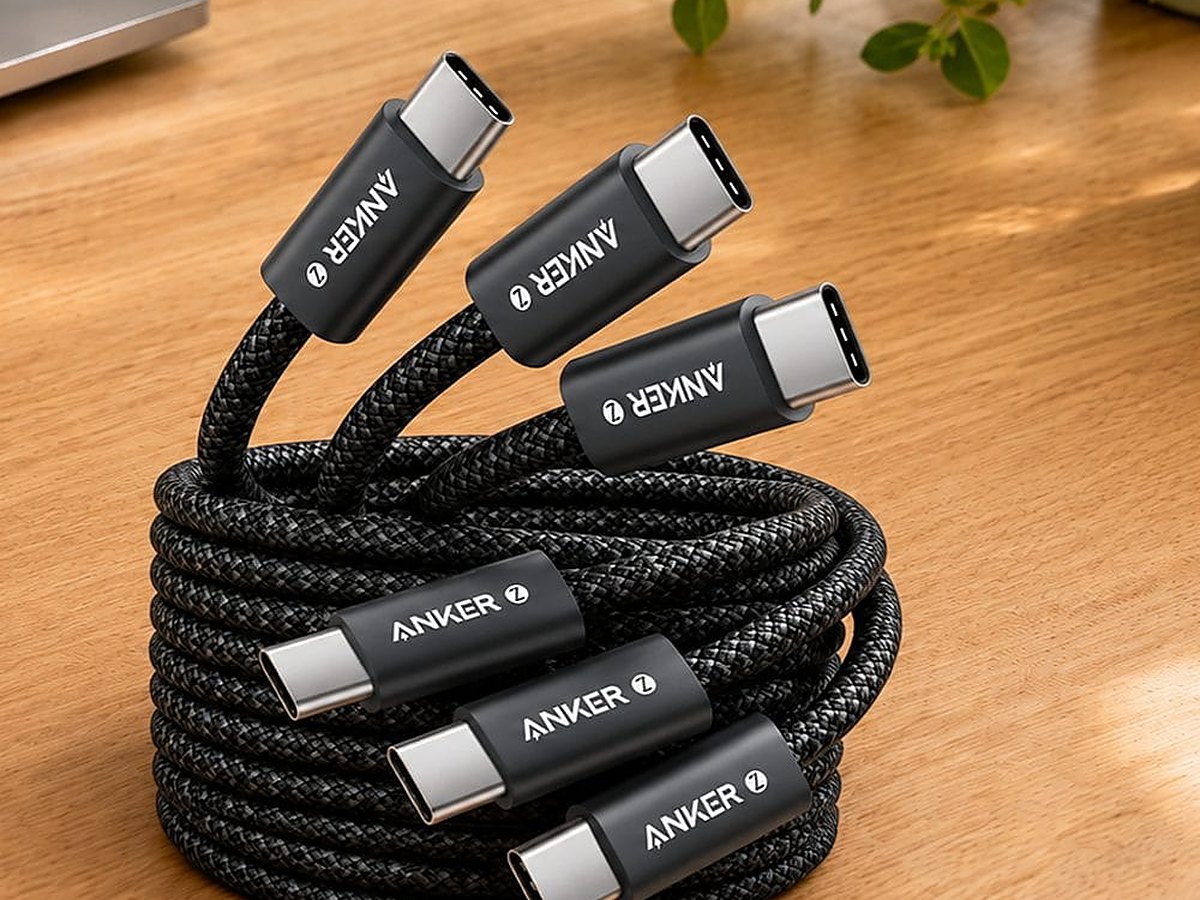
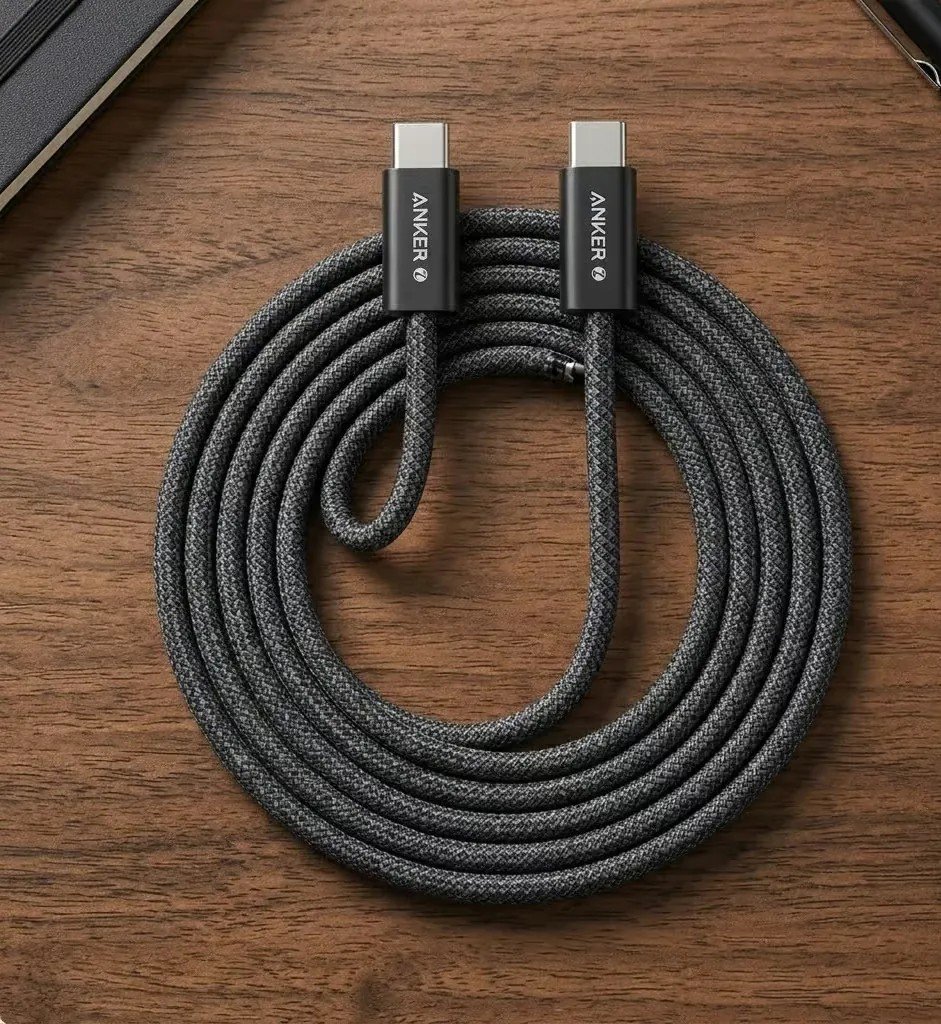
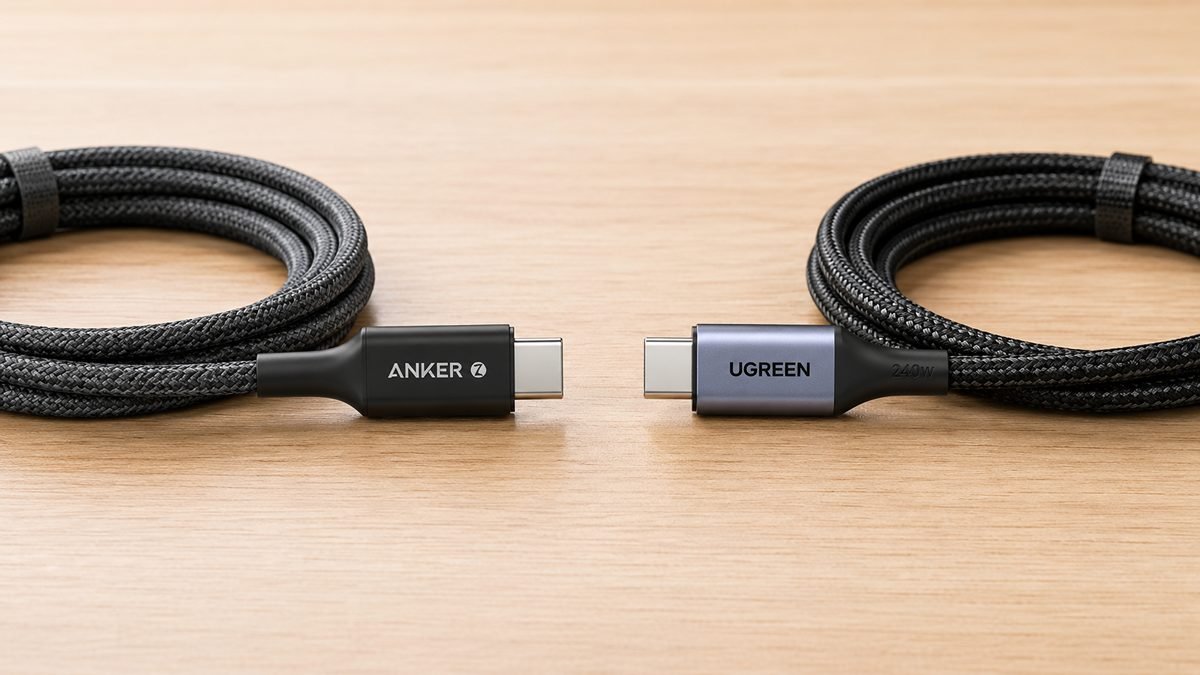
Anker Zolo 240W
Want one cable that outlasts your current phone and handles a laptop too? This is it.
The Anker Zolo carries a 240W rating, a braided jacket rated to around 10,000 bends, and the build quality Anker’s known for. You’ll never draw all 240W on an iPhone, but you get a cable that shrugs off daily coiling and works across your phone, tablet and MacBook.
Data runs at USB 2.0, 480Mbps, so treat it as a charging and everyday cable, not a fast-transfer one.
Good
- Tough braided build
- 240W headroom for a laptop too
- Our premium pick
Watch
- USB 2.0 data only, and far more wattage than an iPhone uses
Start here
What are you buying it for?
Every pick below is a use-case winner. Tap the job that fits and the matching cable lights up in the shortlist.
The other five picks at a glance
The winner is above. These five cover the other jobs, from high-wattage value to fast data, short travel and long reach.
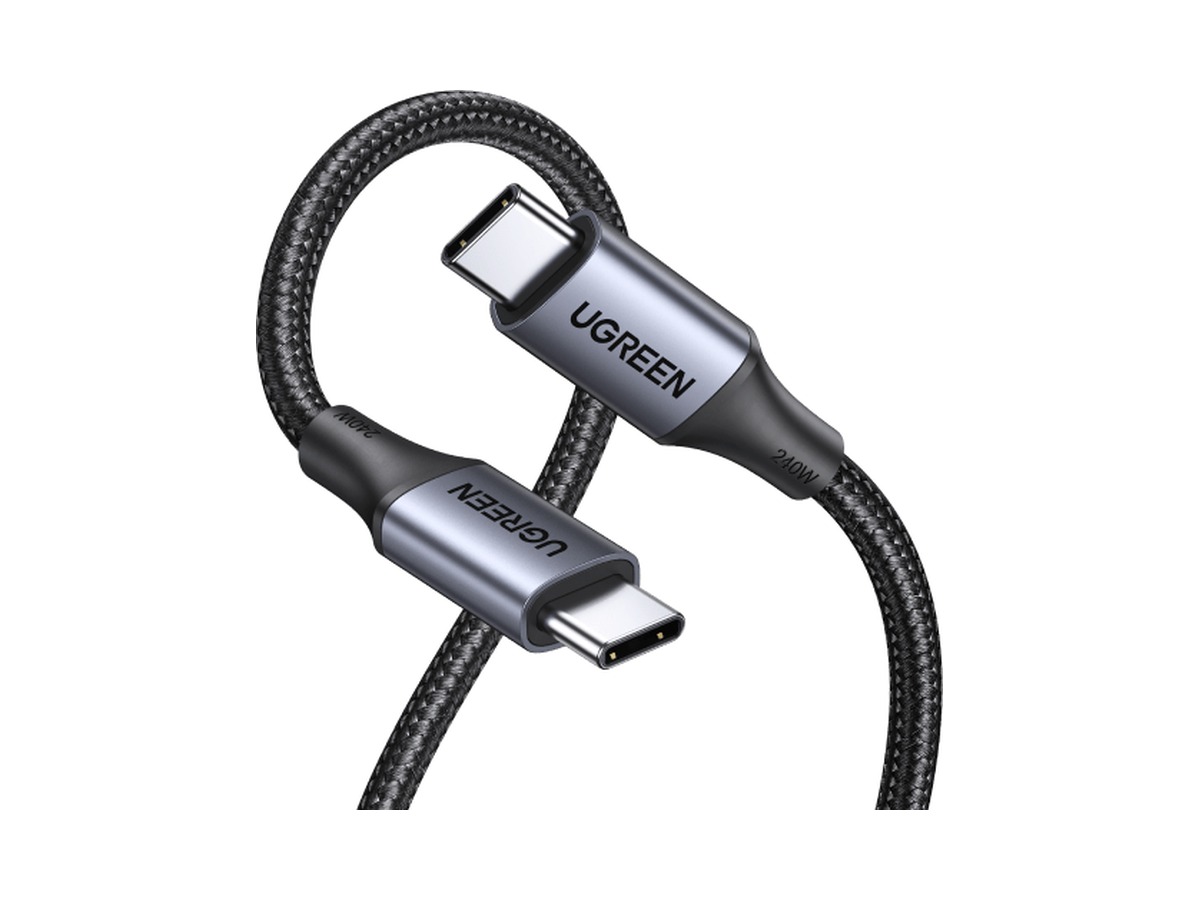 Best high-wattage value
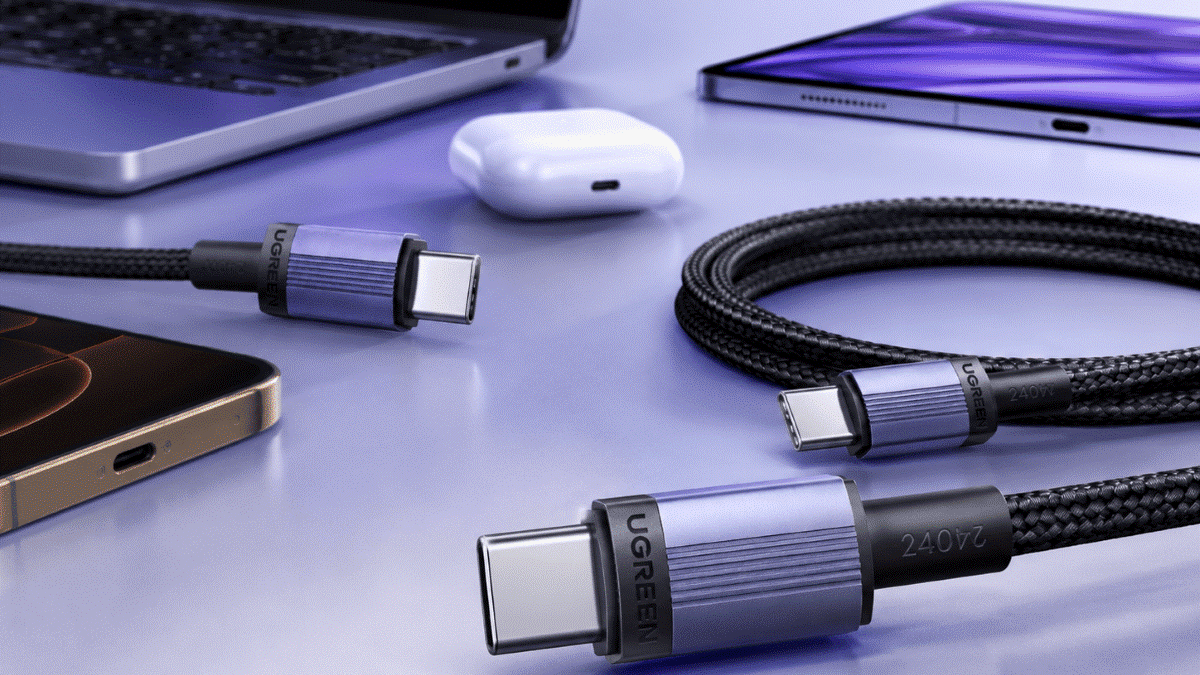
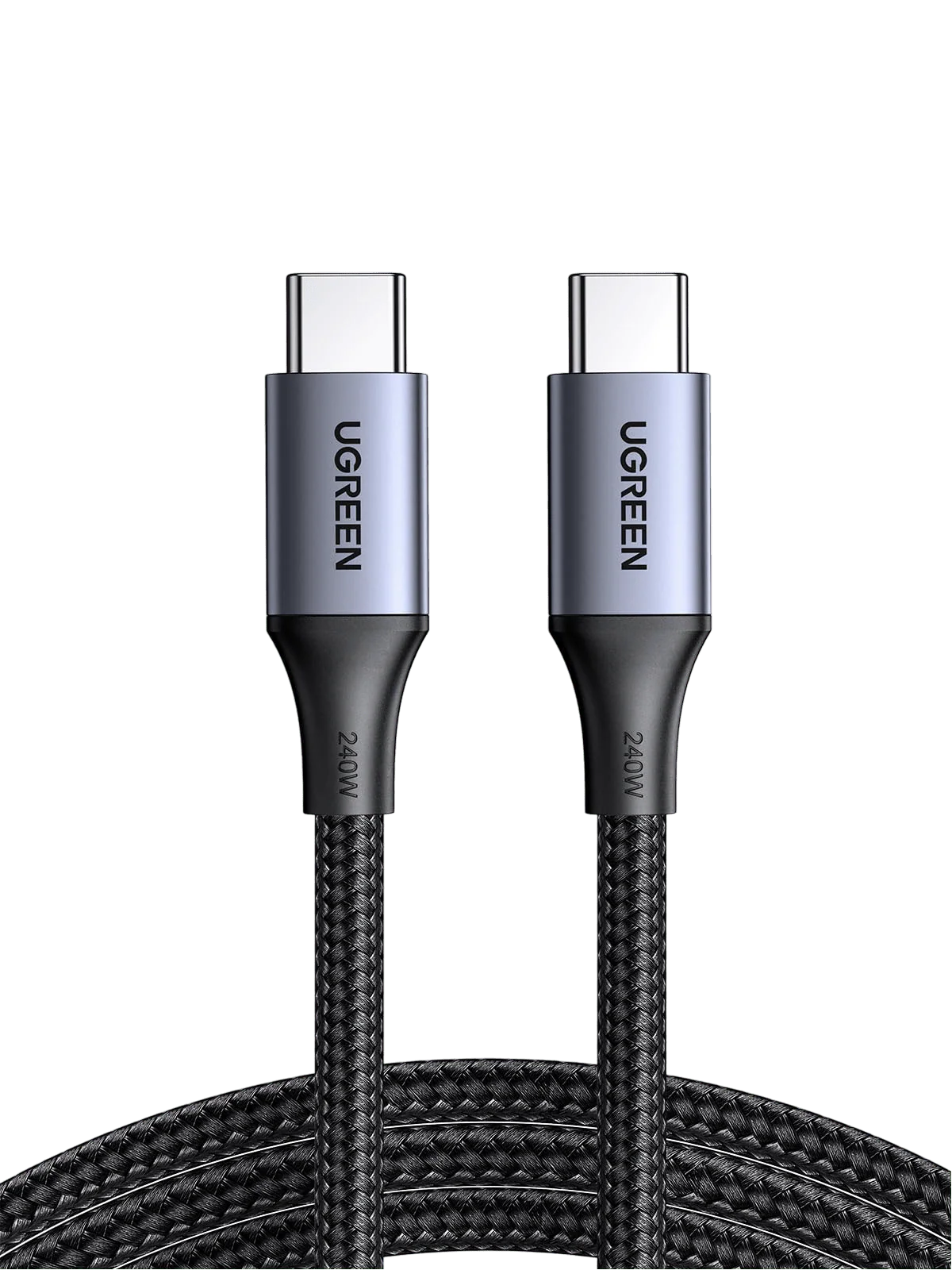
UGREEN 240W
Who it’s for: buyers who want 240W durability and length at a sensible price.
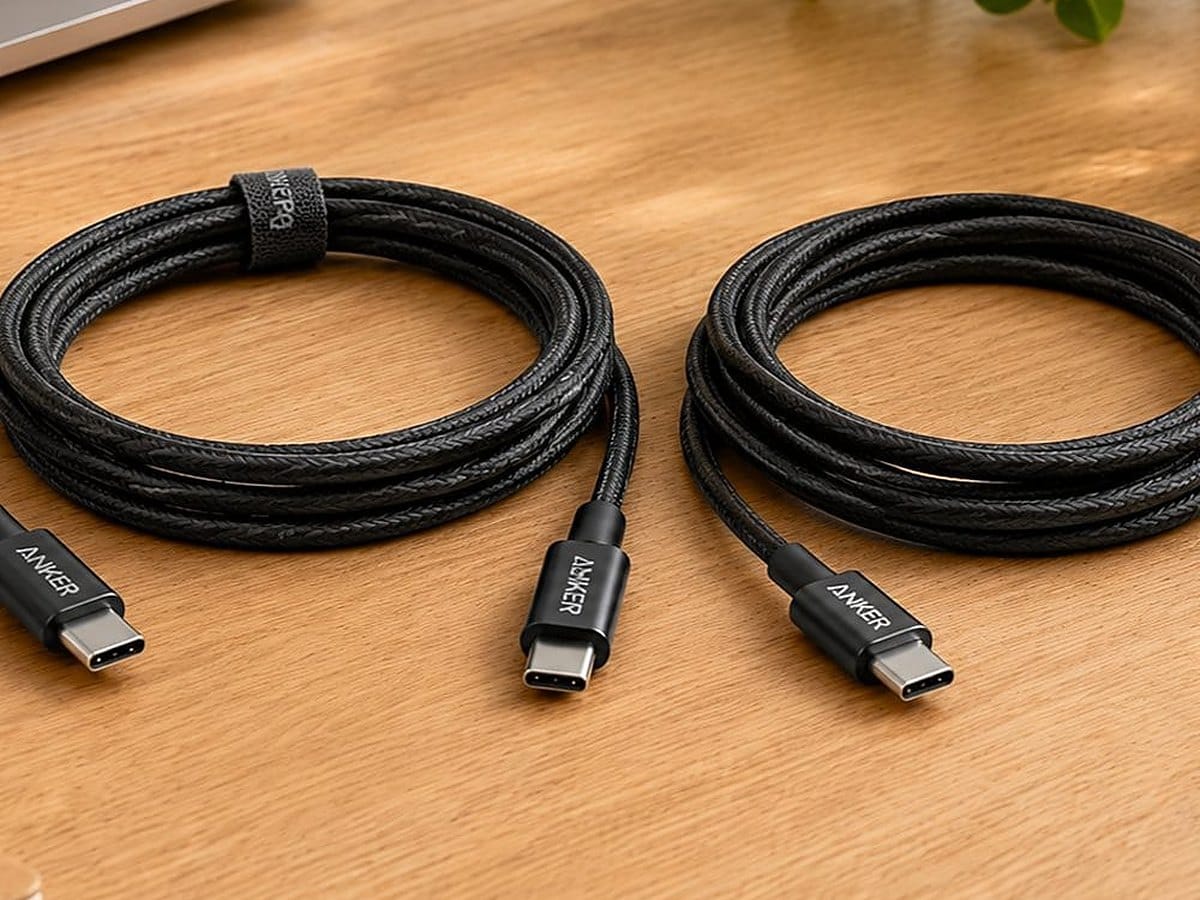 Best everyday value
Anker 333 100W 2-pack
Who it’s for: anyone who wants dependable charging cables in the places they actually charge, without overpaying.
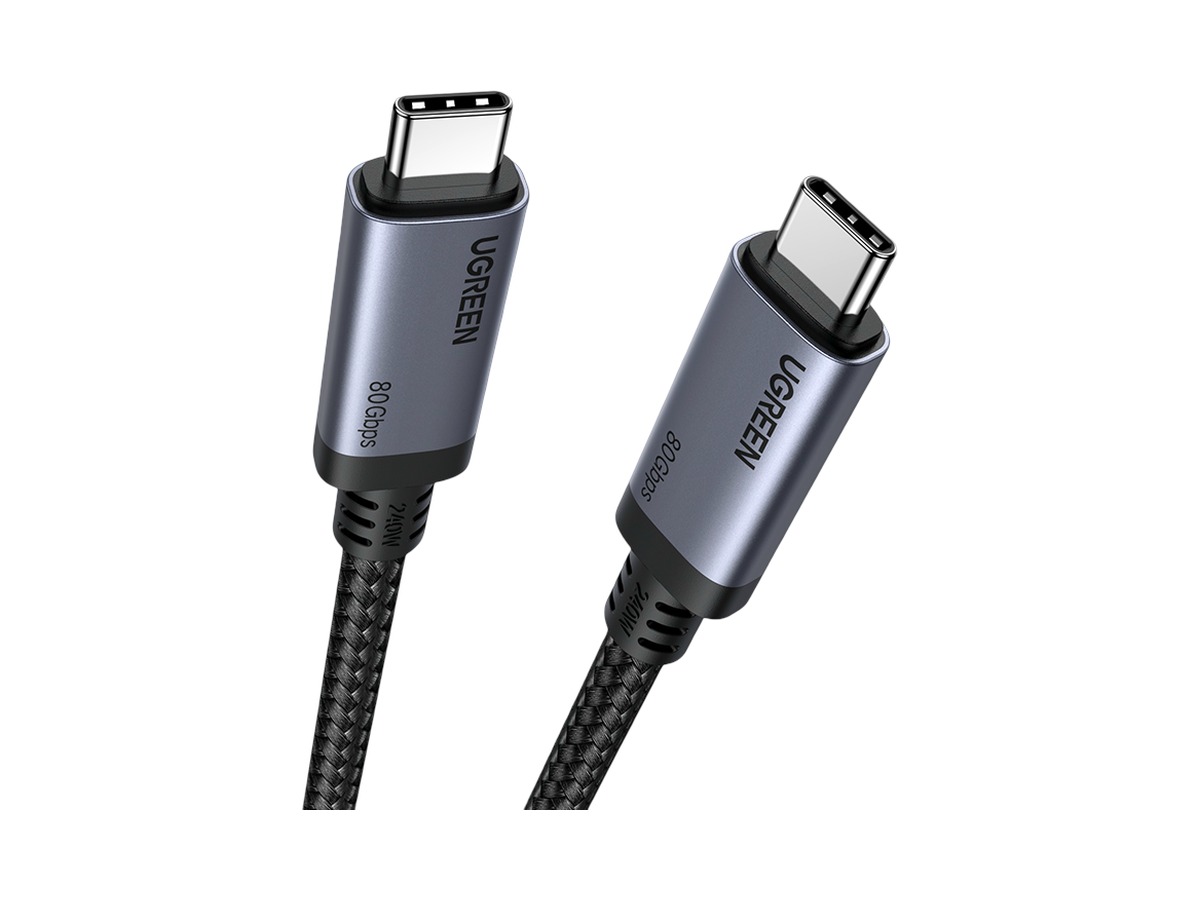 Best for data and display
UGREEN USB4 80Gbps
Who it’s for: iPhone 15, 16 and 17 Pro owners who move large video files, and anyone who wants one cable that also runs a monitor or dock.
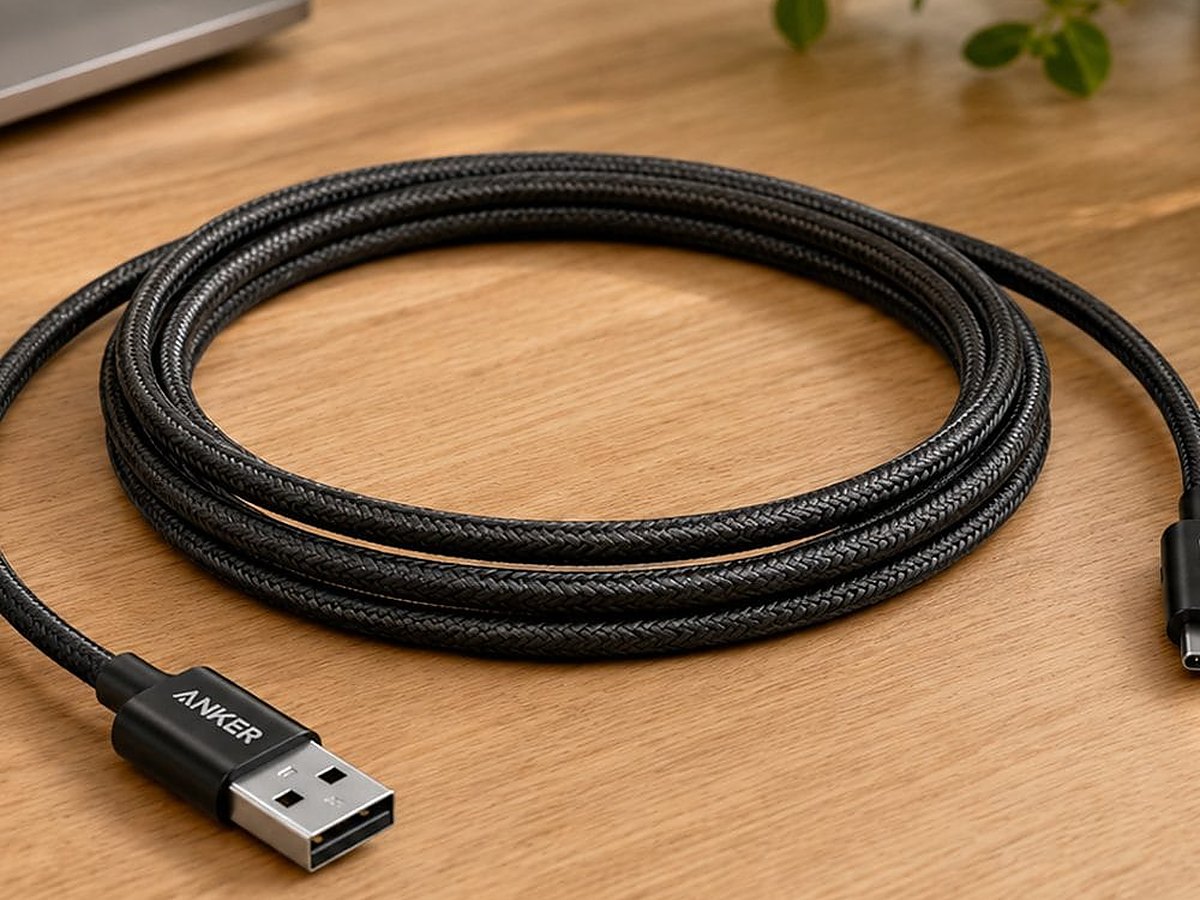 Best short cable for travel
Anker 60W 0.9m 2-pack
Who it’s for: travelers and power-bank users who want a short, tangle-free cable.
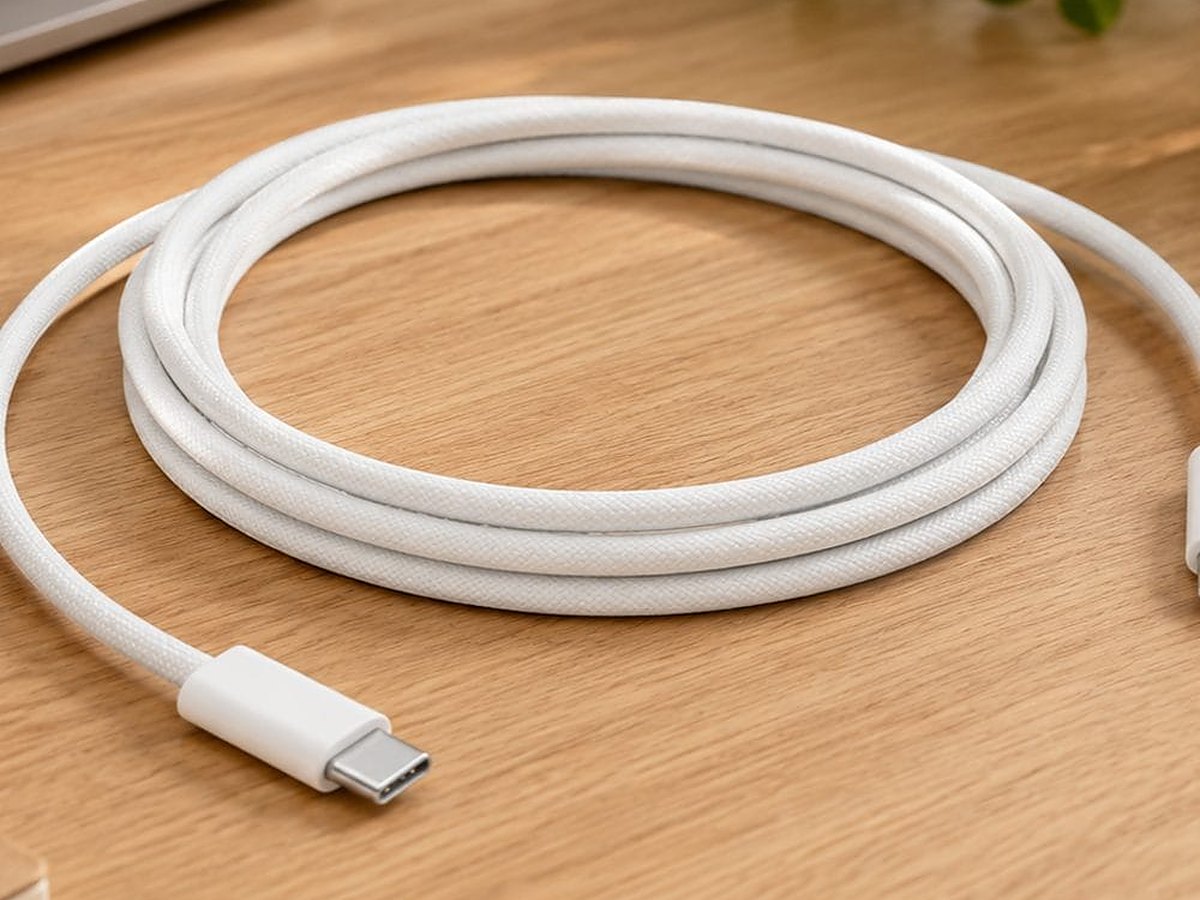 Best Apple benchmark and long cable
Apple 240W 2m
Who it’s for: buyers who want the genuine Apple cable, or simply need the extra length.
Compare
Side by side
The same six cables as a straight spec comparison. Power is the headline, data is where they diverge, and length decides where you use them. Stars are editorial; per-product rating markup lives on our standalone reviews, never on a roundup.
A 240W cable will not charge an iPhone any faster than a 60W one; the extra wattage buys durability and future laptop use. Data speed only matters if you move big files or drive a display.
 Darleene asks
“My cable says 240W on the packet. Does that mean my iPhone charges faster?”
Alisdair’s answer: no. The phone sets the ceiling, not the cable.
ChargerLAB measured the iPhone 15 Pro Max at around 25W, the iPhone 16 at roughly 23W, the iPhone 16 Pro and Pro Max at about 30W, and iPhone 17 models from about 18W on the Air up to roughly 36 to 37W sustained with peaks near 39W on the Pro Max; the iPhone 17e pulls about 20W. A 60W cable already clears that. The 240W number is headroom for a laptop and a sign the cable is built tougher, not a faster iPhone charge.
So buy the 240W cable if you want one cable for everything. Buy 100W or 60W if the iPhone is all it will ever see.
Best premium future-proof: Anker Zolo 240W
Who it’s for: anyone who wants a single tough cable for everything and never wants to think about it again.
Want one cable that outlasts your current phone and handles a laptop too? This is it.
The Anker Zolo carries a 240W rating, a braided jacket rated to around 10,000 bends, and the build quality Anker’s known for. You’ll never draw all 240W on an iPhone, but you get a cable that shrugs off daily coiling and works across your phone, tablet and MacBook.
Data runs at USB 2.0, 480Mbps, so treat it as a charging and everyday cable, not a fast-transfer one.
Buy it if: Tough braided build.
Good
- Tough braided build
- 240W headroom for a laptop too
- Our premium pick
Watch
- USB 2.0 data only, and far more wattage than an iPhone uses
Best high-wattage value: UGREEN 240W
Who it’s for: buyers who want 240W durability and length at a sensible price.
The UGREEN 240W does almost everything the premium cables do for less outlay. You get the full 240W PD 3.1 rating, an E-marker chip, triple shielding and a 2-year warranty, in a 2m length that reaches the sofa.
It’s the cable we point most people to when they want high-wattage headroom without the premium price, and it’s the one here you can buy straight from the brand.
Like most charging cables it’s USB 2.0 for data, 480Mbps, so pair it with the data pick below for large transfers.
Buy it if: Full 240W for less.
Good
- Full 240W for less
- E-marker, triple shielding, 2-year warranty
- 2m reach and a buy-direct option
Watch
- USB 2.0 data, not a fast-transfer cable
Best everyday value: Anker 333 100W 2-pack
Who it’s for: anyone who wants dependable charging cables in the places they actually charge, without overpaying.
Most people don’t need 240W. The Anker 333 gives you 100W, comfortably above any iPhone’s appetite, in a 1m length and, better still, as a 2-pack, so one lives by the bed and one in your bag.
It supports 5A charging and covers phones, tablets and most laptops. For the money, it’s the sensible default.
The 1m length suits desks and bedside; go shorter for a power bank, longer for the sofa.
Buy it if: 100W is ample for any iPhone.
Good
- 100W is ample for any iPhone
- Two cables in the box
- The sensible everyday price
Watch
- 1m only, so no short or long option in the pack
- USB 2.0 data only, no fast file transfers
Best for data and display: UGREEN USB4 80Gbps
Who it’s for: Pro iPhone owners who move large video files, and anyone who wants one cable that also runs a monitor or dock.
This is the cable for people whose iPhone is only part of the kit. The UGREEN USB4 cable carries up to 80Gbps of data, 240W of power and up to 16K display output, well beyond anything an iPhone port uses on its own.
On an iPhone 15, 16 or 17 Pro you’ll see USB 3.2 Gen 2 speeds, up to 10Gbps, a big jump over a standard charging cable, and the same cable then drives a dock or monitor for your laptop.
So 80Gbps is overkill for the iPhone alone, and you’re buying it for the wider USB-C setup.
Buy it if: Up to 80Gbps data.
Good
- Up to 80Gbps data
- Drives a monitor or dock
- 240W power as well
Watch
- Far more cable than an iPhone alone needs
Best short cable for travel: Anker 60W 0.9m 2-pack
Who it’s for: travelers and power-bank users who want a short, tangle-free cable.
A long cable spilling out of a power bank in your bag is a nuisance. This short 0.9m Anker pair is built for exactly that: pocket power banks, travel pouches and tidy desks.
At 60W it charges any iPhone at full speed and still tops up most tablets. As a 2-pack, it’s easy to keep one in each bag.
Just remember 60W is plenty for phone and tablet charging, but it’s not a laptop or data cable.
Buy it if: Short and tangle-free.
Good
- Short and tangle-free
- Two cables in the box
Watch
- Not for laptops or fast data
Best Apple benchmark and long cable: Apple 240W 2m
Who it’s for: buyers who want the genuine Apple cable, or simply need the extra length.
Want the original? This is it, and at 2m it’s also the longest reach on the list. Apple’s 240W USB-C Charge Cable is woven and rated to 240W.
A ChargerLAB teardown confirms an E-marker chip and PD 3.1 inside. Data runs at USB 2 speeds, so treat it as a charging and reach cable, not a transfer one.
You pay the Apple premium, but you get Apple’s build and a length that reaches an awkward socket.
Buy it if: Genuine Apple build.
Good
- Genuine Apple build
- Longest 2m reach here
- E-marker and PD 3.1 confirmed
Watch
- USB 2.0 data only
- The Apple price premium
The bottom line
For most iPhone owners, the best USB-C cable for iPhone 15, 16 and 17 is the Anker 333 100W 2-pack: two cables, full-speed charging, sensible money.
Want one tough cable that also charges a laptop? The Anker Zolo 240W or the UGREEN 240W, and the UGREEN adds a buy-direct option.
Moving big files or driving a display? The UGREEN USB4 80Gbps. Living out of a bag? The Anker 60W 0.9m 2-pack. And if you want the genuine article or the longest reach, the Apple 240W 2m.
Our scores come from the same four-part rubric on every pick: Power Delivery, Data Performance, Build Quality and Value for Money. One scale for every cable is what makes the scores worth comparing.
How to choose a USB-C cable for iPhone 15, 16, 17 and 18 Pro
The three things that actually matter are the job, the data speed and the length.
Start with the job, not the wattage. Any of these cables charges an iPhone at full speed, so the number to chase is not watts.
Just want reliable charging? The Anker 333 100W 2-pack is all you need. Want one tough cable for your phone and a laptop? The Anker Zolo 240W or the UGREEN 240W. Moving big video files or driving a monitor? The UGREEN USB4 80Gbps.
Travelling light with a power bank? The Anker 60W 0.9m 2-pack. Want the Apple original or extra length? The Apple 240W 2m.
Length matters more than power. Match the cable to where it lives: short for a bag and power bank, 1m for a desk or bedside, 2m for the sofa or an awkward socket.
Data only matters if you move it. A standard charging cable moves data at USB 2.0 speed, 480Mbps, which is fine for the odd photo and painfully slow for offloading video. Apple Support notes that iPhone 15, 16 and 17 Pro models only hit USB 3.2 Gen 2 speeds, up to 10Gbps, with an optional USB 3 cable, while standard and Air models across all three generations stay on USB 2.
If you shoot ProRes or move big libraries, that cable earns its place. If you only charge, a standard USB 2.0 cable is fine and cheaper.
Still torn between the two 240W favourites? See our Anker vs UGREEN 240W cable comparison. Need the plug as well as the cable? See our best iPhone charger guide.
New to the jargon? Our USB-C cables explained guide covers speeds and standards in plain English. Or let its two-click cable picker match one to your setup. Packing a power bank too? Our iPhone charges calculator shows how many full charges it will give your model.
Frequently asked questions
Straight answers to what buyers search for.
Can the iPhone 15, 16, 17 and 18 Pro use any USB-C cable?
What is the fastest charging cable for iPhone 15, 16, 17 and 18 Pro?
No cable makes an iPhone charge faster than the phone allows.
ChargerLAB measured the iPhone 15 Pro Max at around 25W, the iPhone 16 at roughly 23W, the iPhone 16 Pro and Pro Max at about 30W, the iPhone 17 at roughly 27 to 28W, the iPhone 17 Air at about 18 to 19W, the iPhone 17 Pro at around 36W and the iPhone 17 Pro Max at roughly 36 to 37W sustained with peaks up to 39W; the iPhone 17e pulls about 20W.
Apple says the new iPhone 18 Pro and iPhone 18 Pro Max reach up to 50% in around 15 minutes with a 60W-capable adapter or higher, and an independent test reported by MacRumors saw the 18 Pro Max peak at about 52W. Any standard USB-C to USB-C cable rated 60W (3A) carries that, so you don’t need a 100W or 240W cable for the phone; the extra speed comes from a charger of 60W or more that supports USB PD 3.2 AVS.
Any cable rated 60W or higher already clears every iPhone ceiling here, because charge speed comes from a capable charger and the phone itself, not from a higher-wattage cable.
Do I need a Thunderbolt cable for my iPhone?
Is a 240W cable overkill for an iPhone?
Do iPhone 15, 16, 17 and 18 Pro need a special cable for fast data transfer?
Apple lists the same USB 3 port, up to 10Gb/s, on the iPhone 18 Pro and iPhone 18 Pro Max.
Are all USB-C cables the same?
Is MFi certification required for a USB-C iPhone cable?
What is the best USB-C charging cable for iPhone 15?
Keep reading
The guides and reviews that go deeper on each job. For everything else, browse all our USB-C cable guides and reviews.
Latest from SmartGadgetKit
 Best Portable Charger for iPhone: 5 Picks for 16, 17, and 18 Pro
 Anker vs UGREEN: Which Brand Should You Buy in 2026?
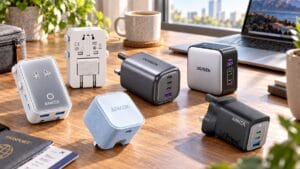 Best Travel Charger 2026: GaN Chargers for Every Trip
 Lithium Ion Battery Fire Statistics 2026
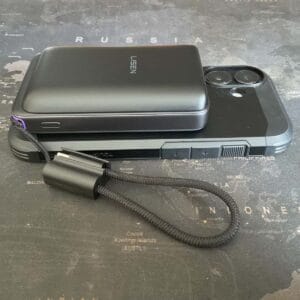 LISEN Power Bank Review: The Qi2.2 25W MagSafe 10000mAh, Measured
 How Long Does a Power Bank Last? Charges, Years and Sizing
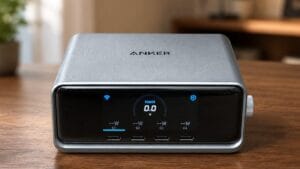 Anker Prime 250W Charger Review: 6-Port Desktop Hub
 Anker Prime 300W Power Bank Review: Two Laptops, One Socket-Free Table