Explainer
usb c-cables explained
usb c-cables explained in plain English: how the same plug can charge a phone, a laptop, or move files at very different speeds. The right cable for the job is directly below.
The short answer
The plug is standard. The cable inside is not.
A USB-C cable is two things: the reversible oval plug, which is the same on nearly every modern device, and the standard running through it, which can be slow USB 2.0 or fast USB4 and Thunderbolt. Match the cable to the job: pick by wattage for charging, by Gbps for data, and keep it USB-IF certified.
- For charging: any certified cable works up to 60W; above that, you need an e-marked cable
- For data: USB 2.0 is 480Mbps; USB4 and Thunderbolt reach 40Gbps
- For both: USB4 or Thunderbolt 4 is the only cable that does full power and full speed
Facts checked 24 Aug 2026 against the USB-IF and the IEC/EN 62680 common-charger standards. How we test and score.
The short version
usb-c cables explained: the four numbers that matter
The 4 numbers that matter
Everything below unpacks these. If you only remember four things, make it these four.
The foundation
What do I actually need to know about USB-C cable types?
Six rules cover almost every buying decision. The exceptions are where it gets interesting.
The USB-C plug is now the same on phones, tablets, laptops and many accessories. That convenience is also the trap: two cables can look identical and behave nothing alike. The connector is standard, but the wiring, controller and certification inside are not.
Most cables in a drawer are USB 2.0 charging cables. They will charge a phone or even a laptop at high wattage, but they crawl at 480Mbps for files. A 240W charging cable can be the most powerful and the slowest for data at the same time. That is the data vs charging cable difference in one sentence.
The USB Implementers Forum sets the standards and the certification programme. A USB-IF certified logo is the simplest guard against an unsafe or mislabelled cable, because it means the cable passed the standards body’s own compliance testing.
Above 60W an e-marker chip is not optional. USB Power Delivery negotiates current over the cable, and without an e-marker the charger and device agree to stay safe by falling back to a much lower wattage. A cheap, unmarked 240W cable will not charge your laptop at 240W.
Up to 240W charging, 480Mbps data. Fine for power; slow for files. The most common type.
5 to 20Gbps data, usually up to 100W power. Better for backups and external drives.
40Gbps data and up to 240W power. The only cable that does full speed and full power.
 Darleene asks
“I bought a three-pack of USB-C cables and my laptop still charges slowly. They all look the same. What did I get wrong?”
Alisdair: you probably bought USB 2.0 charging cables. They can carry plenty of power for a phone, but above 60W the charger needs to see an e-marker chip in the cable, and cheap multi-packs rarely have one.
For a laptop, look for “e-marked”, “USB PD” or “100W/240W” in the listing, not just “USB-C”. For moving files quickly, look for a data speed in Gbps. The right cable for the job is the whole point of this page.
Check the listing for both a wattage and a data speed. A cable that only advertises one is usually weak at the other.
The sourced reference table
USB-C cable types, row by row
The same connector hides very different cables. These rows are drawn from the USB-IF and Thunderbolt specifications, not from seller claims.
| Cable type | Power ceiling | Data speed | Best for | Checked |
|---|---|---|---|---|
| USB 2.0 charging cable | Up to 240W | 480Mbps | Charging phones, tablets and laptops. The most common and cheapest type. | Aug 2026 |
| USB 3.2 data cable | Up to 100W | 5 to 20Gbps | External drives, backups, everyday file transfer. | Aug 2026 |
| USB4 | Up to 240W | 40Gbps (v2: 80Gbps) | Docks, fast SSDs, 4K and 8K displays. | Aug 2026 |
| Thunderbolt 4 | Up to 100W (TB5: 240W) | 40Gbps | Macs, pro docks, daisy-chaining, video. | Aug 2026 |
| USB-C to Lightning | Up to about 30W | 480Mbps | Older iPhones (pre iPhone 15) and some accessories. | Aug 2026 |
Ceilings drawn from the USB-IF cable and connector specifications and Thunderbolt 4. The trap is the first row: a 240W charging cable is the most powerful here yet the slowest for data.
How we checked this
Every row is built from the standards body’s own published specifications, not from another guide or a seller listing.
- What counts as a source. Only the USB-IF, Thunderbolt or IEC common-charger documents. Where a standard has a version number, we record the version that is current.
- Seller claims. We ignore wattage and speed claims on marketplace listings unless the cable also carries USB-IF certification.
- Apple and USB-IF. Thunderbolt is Intel’s standard but uses the USB-C connector; USB4 incorporates Thunderbolt 3.
- Dates. Every row carries the month we last checked the specification.
- Corrections. If we have a row wrong, tell us and we will fix it and note the change in the log below.
Update log
All rows rechecked against USB-IF and Thunderbolt specifications during the v7 rework.
EU common-charger rules took effect, making USB-C the default charging port for most new devices sold in the EU.
The cable comparison on this page is free to reuse, in whole or in part, with attribution to SmartGadgetKit and a link to this page. Journalists wanting clarification on any row can reach Alisdair through our contact page.
Power
How fast can a USB-C cable really charge?
Watts, PD negotiation and the tiny chip that decides whether your laptop charges at full speed or a trickle.
The current version, PD 3.1, lifts the ceiling to 240W using 48V at 5A. That is enough for almost any laptop, including high-performance machines. The figure that unlocks the high end of a usb c fast charging cable is the e-marker: a small chip in the cable that tells the charger exactly how much current it can safely carry.
| You are charging | Look for | E-marker | Checked |
|---|---|---|---|
| Phone or tablet | Up to 60W | Not required | Aug 2026 |
| Ultrabook or MacBook Air | 100W | Required | Aug 2026 |
| MacBook Pro 14 or 16 | 140W | Required | Aug 2026 |
| Gaming or high-power laptop | 240W | Required | Aug 2026 |
Power tiers per the USB-IF USB Power Delivery and USB4 specifications. A 240W e-marked cable covers every lower tier too, so it is the safe single buy if you want one cable for several devices.
Buy one 240W e-marked cable for your laptop, then use any certified cable for phones and smaller devices. You do not need 240W for a phone, but a laptop will not fast-charge without it.
Data
USB-C speed tiers, from 480Mbps to 80Gbps
Why a 240W charging cable can still be painfully slow for moving files.
| Standard | Speed | In plain terms | Checked |
|---|---|---|---|
| USB 2.0 | 480Mbps | Charging and bundled cables. Slow for files. | Aug 2026 |
| USB 3.2 Gen 1 | 5Gbps | Basic data cables and older drives. | Aug 2026 |
| USB 3.2 Gen 2 | 10Gbps | Most modern external drives and docks. | Aug 2026 |
| USB 3.2 Gen 2×2 | 20Gbps | Faster SSD enclosures. | Aug 2026 |
| USB4 / Thunderbolt 4 | 40Gbps | The fastest mainstream cable: docks, fast SSDs, high-resolution video. | Aug 2026 |
| USB4 Version 2 | 80Gbps | The new top tier, newest hardware only. | Aug 2026 |
For nearly everyone the answer is USB4 or Thunderbolt 4 at 40Gbps. The 80Gbps USB4 v2 cables exist, but only help if both your device and your drive support that speed.
Two clicks
Which USB-C cable do I need?
Pick the main job and the recommendation appears. No script, no sign-up.
What will you mainly use the cable for?
Get a 240W e-marked charging cable
Laptops need the e-marker to negotiate 100W, 140W or 240W. Data speed matters less unless you also move files or drive a display.
Read our Anker Zolo 240W reviewAny 60W USB-IF certified cable is enough
Phones and tablets do not need an e-marker. A braided 60W cable is the sweet spot for daily use.
See the best USB-C cables roundupBuy a USB4 data cable at 40Gbps
Moving files from an SSD or drive needs real data speed. USB4 at 40Gbps is the mainstream pick; it also charges at up to 240W.
Read our Amazon Basics USB4 reviewUSB4 or Thunderbolt 4 is the safe choice
Not every USB-C cable carries video. USB4 and Thunderbolt 4 both support DisplayPort, so a monitor or dock will wake reliably.
Read our Amazon Basics USB4 reviewOne 240W USB4 cable covers almost everything
If you want one cable in your bag, buy USB4. It charges at 240W and moves data at 40Gbps, so it works for a laptop, phone, SSD and hotel-room display.
Read our Amazon Basics USB4 reviewThe picker narrows the advice to one job. If you need more than one job, buy the cable that covers the hardest one.
Build quality
Does length, certification and the EU rule really matter?
The quiet trade-offs that decide whether a cable performs as advertised.
Length is a quiet trade-off. The longer a cable, the more resistance it has and the more voltage it loses, so a long, thin cable can fail to deliver its full wattage. That is why 100W and 240W cables in 2m lengths are built thicker and rated to the full 5A.
For data it is stricter still. A passive 40Gbps cable is usually capped at around 0.8m, and going longer needs an active cable.
For safety, the simplest safeguard is the USB-IF certified logo. It means the cable passed the standards body’s own compliance testing, e-marker included. Be wary of a cheap listing claiming 240W with no certification.
There is also a tailwind: since 28 December 2024 the EU common charger rules require USB-C on most new devices, so a good USB-C cable is a safe long-term buy.
Active vs passive. A long 40Gbps cable is normally active, with electronics inside that boost the signal. Active cables only work in one direction, so read the arrows before you plug them in.
iPhone
Which USB-C cable for iPhone?
iPhone 15, 16 and later use USB-C, but the same plug-does-not-mean-same-cable rule still applies.
Apple switched the iPhone to USB-C from the iPhone 15 onward, which means the same connector now fits Android phones, iPads, MacBooks and many accessories. The same warning applies: a cheap USB 2.0 charging cable will charge the phone fine but crawl if you try to copy ProRes video off it.
For most iPhone owners, a 60W USB-IF certified braided cable is the right choice. It is durable, cheap enough to buy a spare, and more than fast enough for the phone’s maximum charging speed. In other words, a type c cable for iphone 15 or 16 does not need to be expensive.
If you also want to connect a dock, display or fast SSD, step up to USB4.
Want iPhone-specific picks? Our dedicated guide tests the best USB-C cables for iPhone 15 and 16.
See best USB-C cable for iPhoneIf you still need one
Three USB-C cables we recommend
These are the cables we have reviewed and recommend for three common jobs. Each links to our full review.
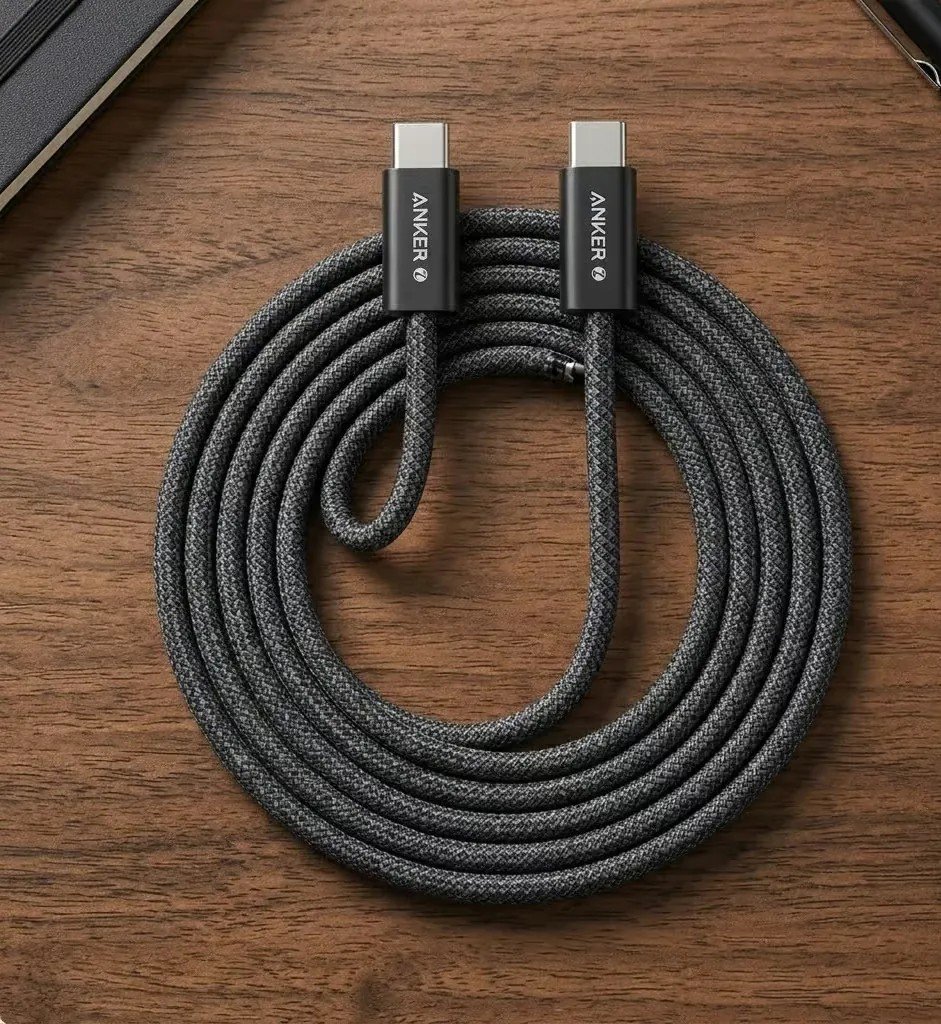
Anker Zolo 240W
A 240W PD 3.1 charging cable with a dirt-resistant slim connector and braided sheath. Built for power, USB 2.0 for data.
Read our Anker Zolo review ›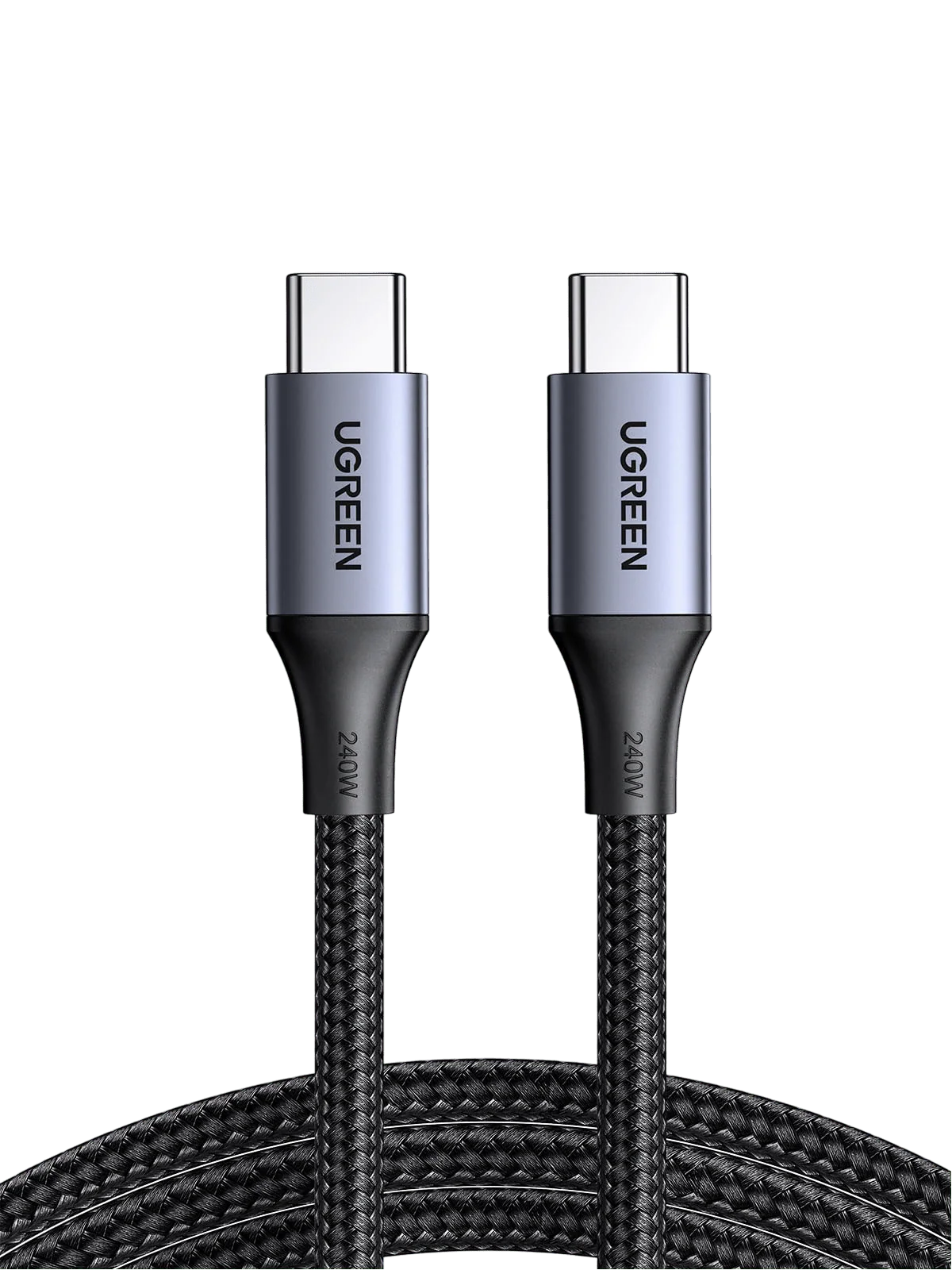
UGREEN 240W USB-C
240W PD 3.1 charging with triple shielding and an aluminium housing. Same rule: brilliant for power, USB 2.0 for data.
Read our UGREEN 240W review ›
Amazon Basics USB4
A true do-it-all cable: USB-IF certified USB4 at 40Gbps with video support and 240W charging.
Read our USB4 review ›Want the full shortlist? Our roundup ranks more picks by use case and includes the comparison between Anker and UGREEN.
See the best USB-C cables roundupKeep reading
Where this page’s readers usually go next
The best USB-C cables you can buy
Every pick is grouped by charging, data or travel use.
Read the roundup ›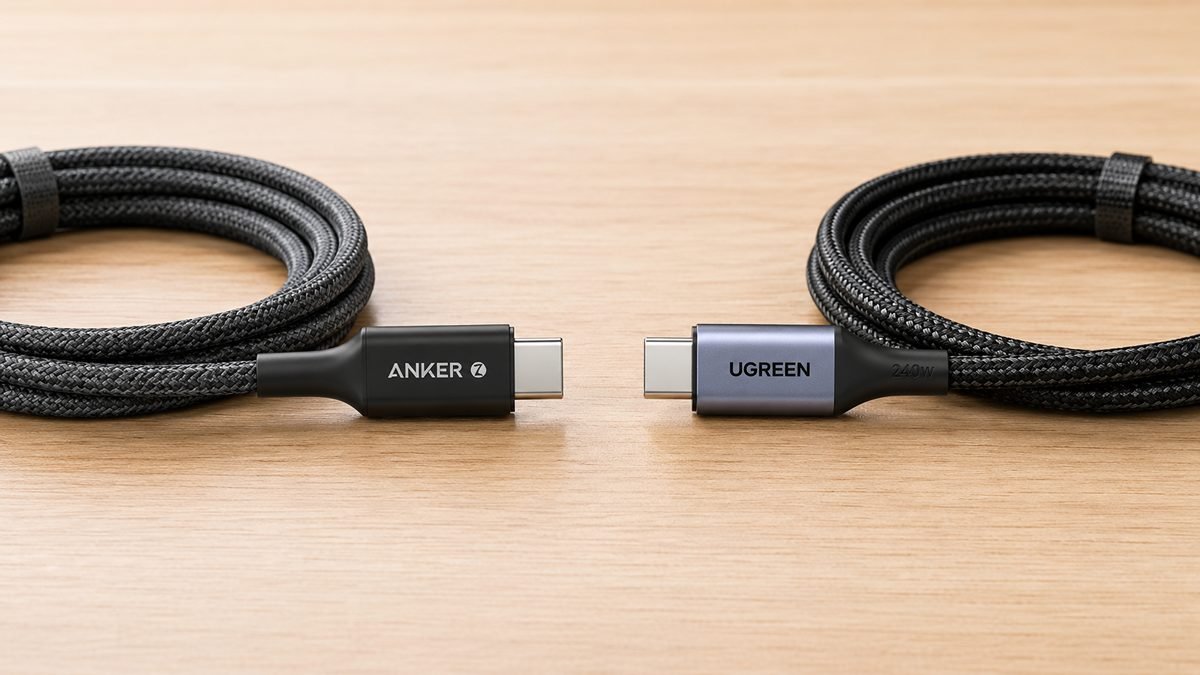
Anker Zolo vs UGREEN 240W
The two 240W charging cables head to head.
See the comparison ›
Best USB-C cable for iPhone
iPhone 15 and 16 picks, ranked by charging and data needs.
Read the guide ›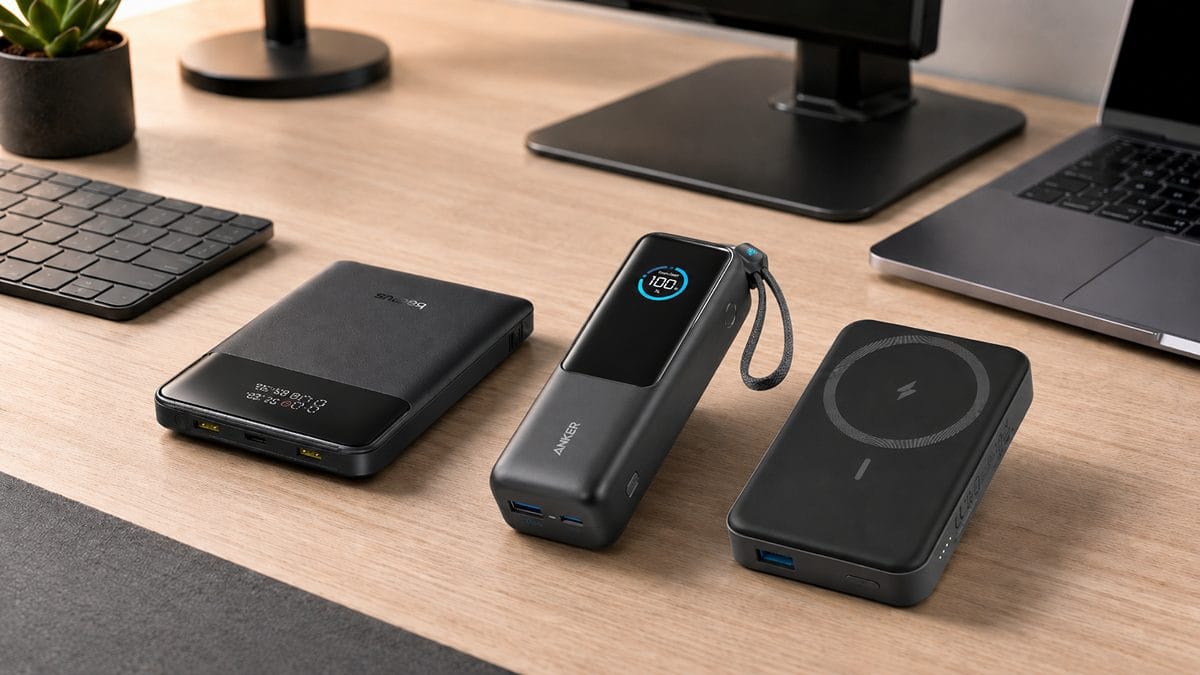
How to choose a power bank
Pair your cable with the right power source.
Read the guide ›See all our USB-C cable reviews and guides.
Facts on this page come from the USB-IF, IEC common-charger standards and Thunderbolt specifications, linked where each is first mentioned. See how we test and score.
Quick answers
USB-C cables: your questions, answered
The questions readers ask most, with the direct answer first.
What is a USB-C cable?
A cable with the reversible USB-C connector on each end. The connector is standard, but the standard inside, which can be USB 2.0, USB 3.2, USB4 or Thunderbolt, decides its charging power and data speed. That is why two USB-C cables can perform very differently.
Are all USB-C cables the same?
No. They share a plug, not a capability. One might charge at 240W but transfer at 480Mbps, while another transfers at 40Gbps but charges at 100W. Always check both the wattage and the data speed.
What is the difference between a charging cable and a data cable?
A charging cable is optimised for power and is usually USB 2.0 at 480Mbps for data. A data cable is built for speed in Gbps and may carry less power. Most cables are mainly one or the other.
Do I need an e-marked cable for fast charging?
For a phone at up to 60W, no. For a laptop at 100W, 140W or 240W, yes. Without an e-marker the charger falls back to a much lower wattage and your device charges slowly. If a phone will not charge at all, start with our guide to why your phone is not charging.
What is the fastest USB-C cable?
For most people it is a USB4 or Thunderbolt 4 cable at 40Gbps. The newest USB4 Version 2 cables reach 80Gbps, but only help if both your device and the drive support that speed.
Why is my USB-C file transfer so slow?
Almost always because the cable is USB 2.0 at 480Mbps, which most charging and bundled cables are. To transfer quickly you need a data cable rated in Gbps.
Can a USB-C cable carry video to a monitor?
Yes, if it supports video. USB4 and Thunderbolt cables carry DisplayPort video to a monitor or dock. A basic charging-only cable will not, which is why a screen sometimes refuses to wake.
Which USB-C cable should I buy for my MacBook, phone or SSD?
For a MacBook, a 100W to 240W e-marked charging cable. For a phone, any 60W USB-IF certified cable. For an external SSD, a USB4 data cable. The picker above matches a spec to your use in one click.
Which USB-C cable for iPhone 15 or 16?
Any certified USB-C cable works. iPhone fast charging tops out at about 27W, so a 60W braided cable is plenty. For video, docks or fast file transfer, choose USB4.
Does USB-C cable length matter?
Yes. Longer cables lose more voltage, so high-wattage cables are built thicker. Long passive data cables can also lose speed; 40Gbps cables are usually capped around 0.8m unless they are active.
Is USB-IF certification worth looking for?
Yes. It means the cable passed the standards body’s own compliance testing, including the e-marker for high-wattage cables. It is the simplest guard against a mislabelled or unsafe cable.
Latest from SmartGadgetKit
 Lithium Ion Battery Fire Statistics 2026
 LISEN Power Bank Review: The Qi2.2 25W MagSafe 10000mAh, Measured
 How Long Does a Power Bank Last? Charges, Years and Sizing
 Anker Prime 250W Charger Review: 6-Port Desktop Hub
 Anker Prime 300W Power Bank Review: Two Laptops, One Socket-Free Table
 Jackery Explorer 2000 v2 Review: The Lightest Way to Carry 2kWh?
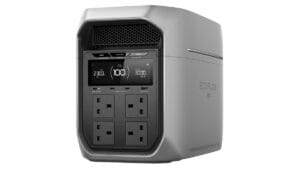 EcoFlow DELTA 3 Max Plus Review: What 2,048Wh Really Gives You
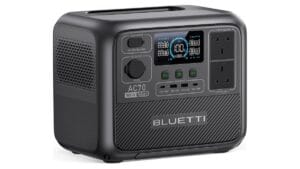 BLUETTI AC70 Review: What 2,000W Power Lifting Is Worth
Behind this guide
SmartGadgetKit checks every spec against the standards body and the manufacturer, and tells you the trade-offs, not only the wins.