Best Portable Charger for iPhone: 5 Picks for Every Model
The best portable charger for iPhone, in one line: the UGREEN MagFlow, because it snaps on magnetically and charges fast without a cable. Below, five banks matched to how you actually charge, from the iPhone 16 and 17 to the brand-new iPhone 18 and iPhone Air, plus what still works on Lightning.

Updated 6 October 2026
Affiliate disclosure: if you buy through links on this page we may earn a commission, at no extra cost to you. As an Amazon Associate we earn from qualifying purchases.
Quick list: our 5 picks
Best MagSafe for iPhone
UGREEN MagFlow (10,000mAh, Qi2 25W)
Snaps on magnetically, charges an iPhone 16 Pro to 50 percent in about 32 minutes, no cable needed.
Best compact (built-in cable)
Anker Nano Power Bank (A1638, 45W)
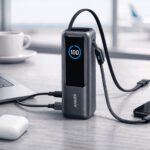
A retractable USB-C cable lives in the body, so there is nothing to pack or forget.
Best for high capacity and travel
Anker Laptop Power Bank (A1695, 90Wh)
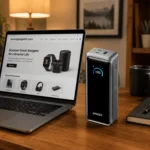
About six iPhone charges at 90Wh, two cables built in, and the unit we own and carry.
Best premium (most power)
Anker Prime Power Bank (A110A, 300W)
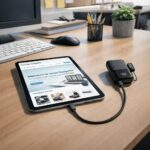
99.75Wh, the most capacity you can carry on without airline approval.
Best value
45W iPhone fast charging at about 160g, the lightest and least expensive way in.
Our top pick
UGREEN MagFlow Magnetic Power Bank
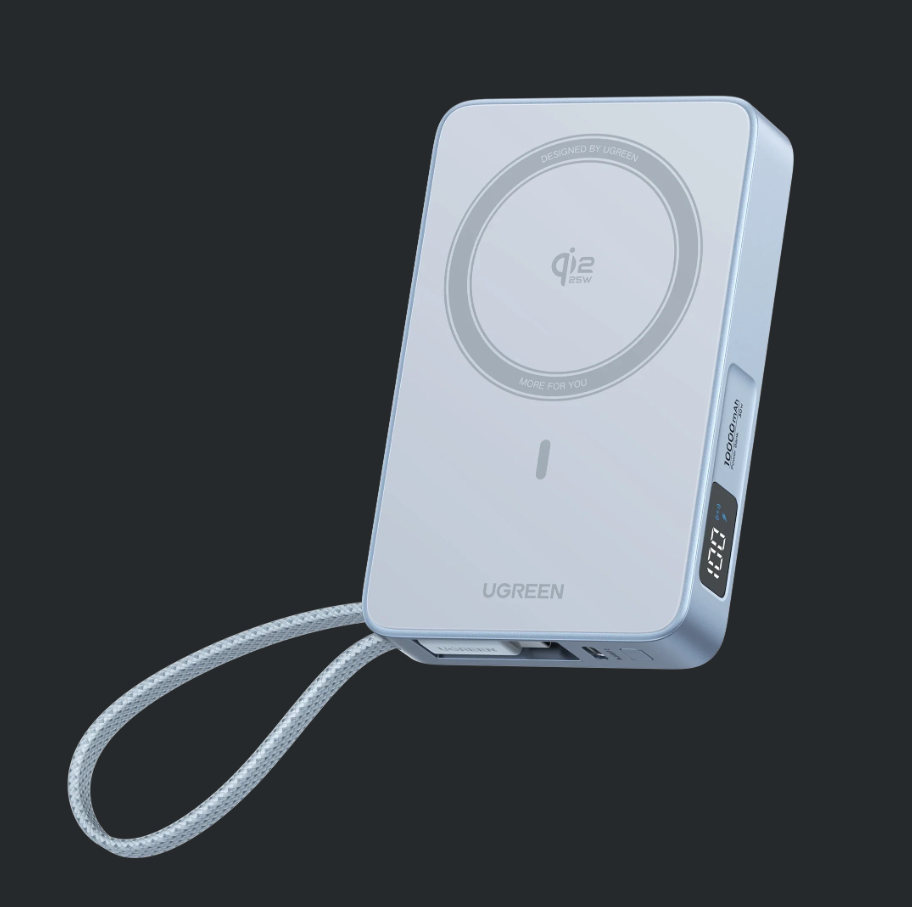
UGREEN MagFlow Magnetic Power Bank (10,000mAh, Qi2 25W). It snaps onto the back of any iPhone 12 or later and starts charging, no cable, no alignment, no thought. On a Qi2.2-capable iPhone it wirelessly charges at 25W, and a USB-C cable folds into the top edge for wired 30W when you want the fastest fill.
In independent testing it took an iPhone 16 Pro to 50 percent in 32 to 33 minutes on the wireless pad, and the pack holds about 144 percent of an iPhone 16 Pro charge. That is a full day and then some, added to a phone that started on empty.
The honest catches: the full 25W needs a Qi2.2-capable iPhone, older MagSafe iPhones charge at 15W, and 254g is heavier than the cable-only 10,000mAh picks below.
Good
- Snaps on magnetically, no cable at all
- 25W Qi2.2, the fastest wireless charging here
- Built-in USB-C cable for 30W wired charging
- Holds about 144 percent of an iPhone 16 Pro charge
Watch
- Full 25W needs a Qi2.2-capable iPhone, older ones get 15W
- 254g, heavier than the cable-only 10,000mAh picks
Start here
What are you buying it for?
Every pick below wins a specific iPhone job. Tap the job that fits and the matching charger lights up in the shortlist.
The other four picks at a glance
The winner is above. These four cover the cable-in, travel and value jobs, and every one fast-charges a USB-C iPhone.
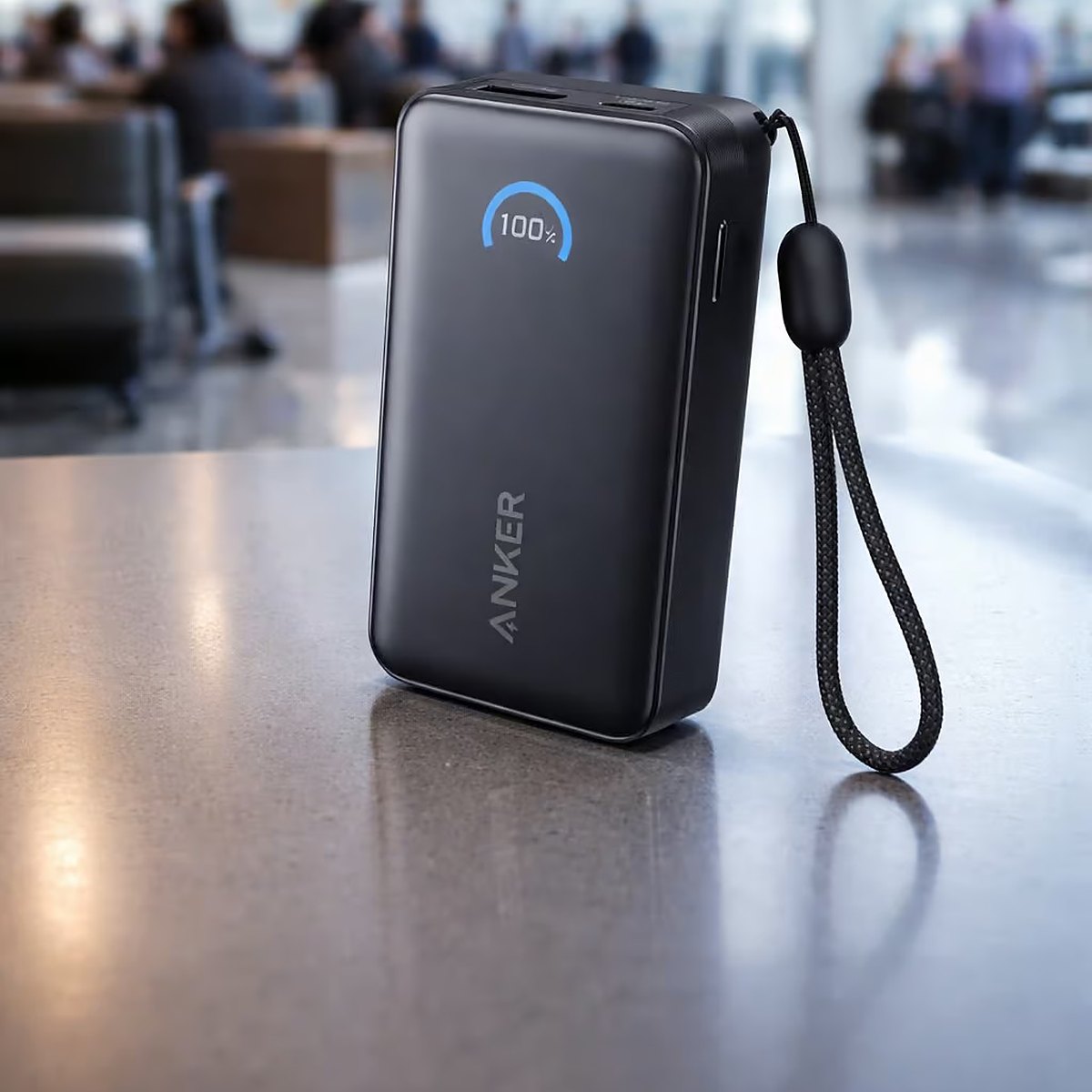 Best compact (built-in cable)
Anker Nano Power Bank (A1638)
A retractable USB-C cable lives in the body, so there is nothing to pack or forget.
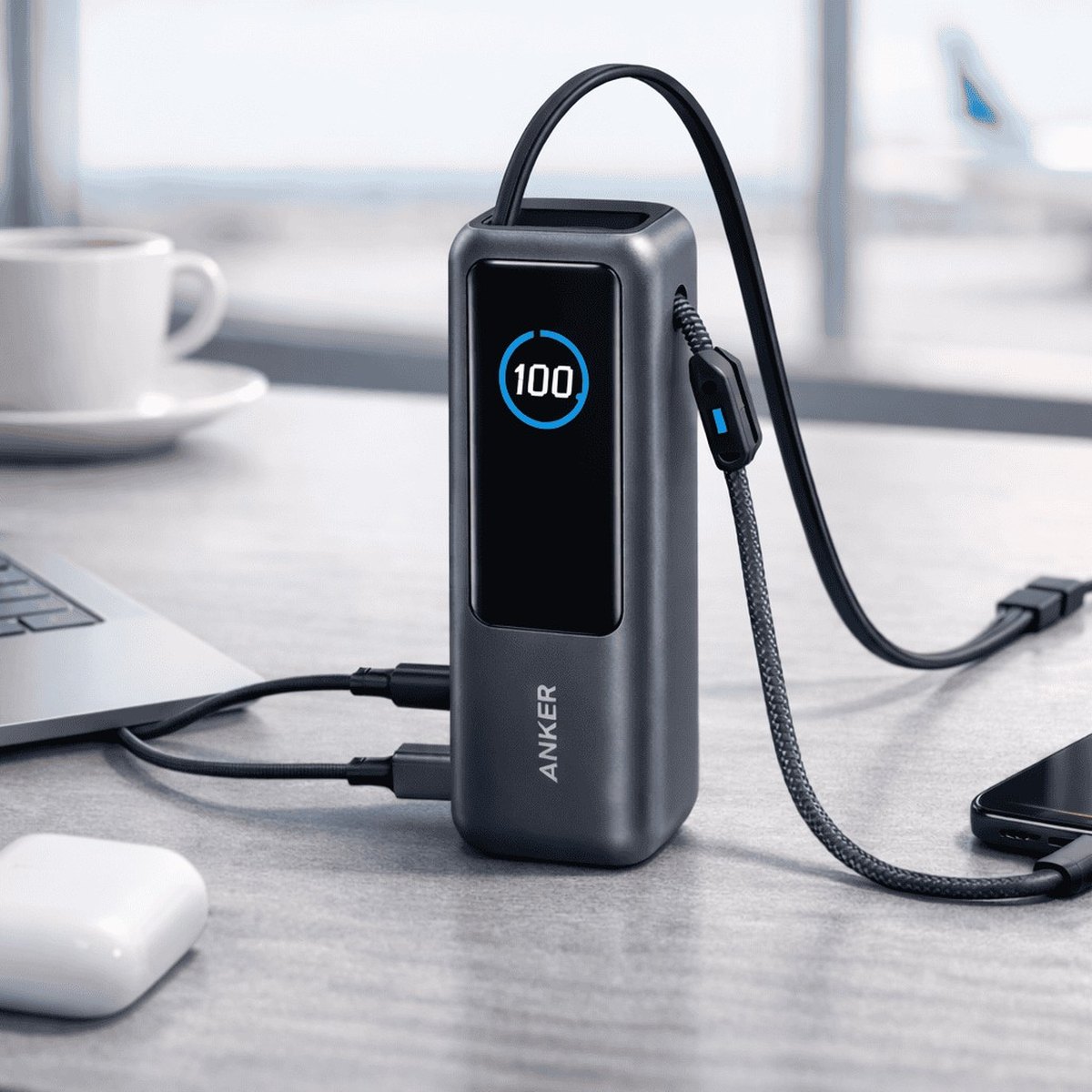 Best for high capacity and travel
Anker Laptop Power Bank (A1695)
About six iPhone charges at 90Wh, two cables built in, and the unit we own and carry.
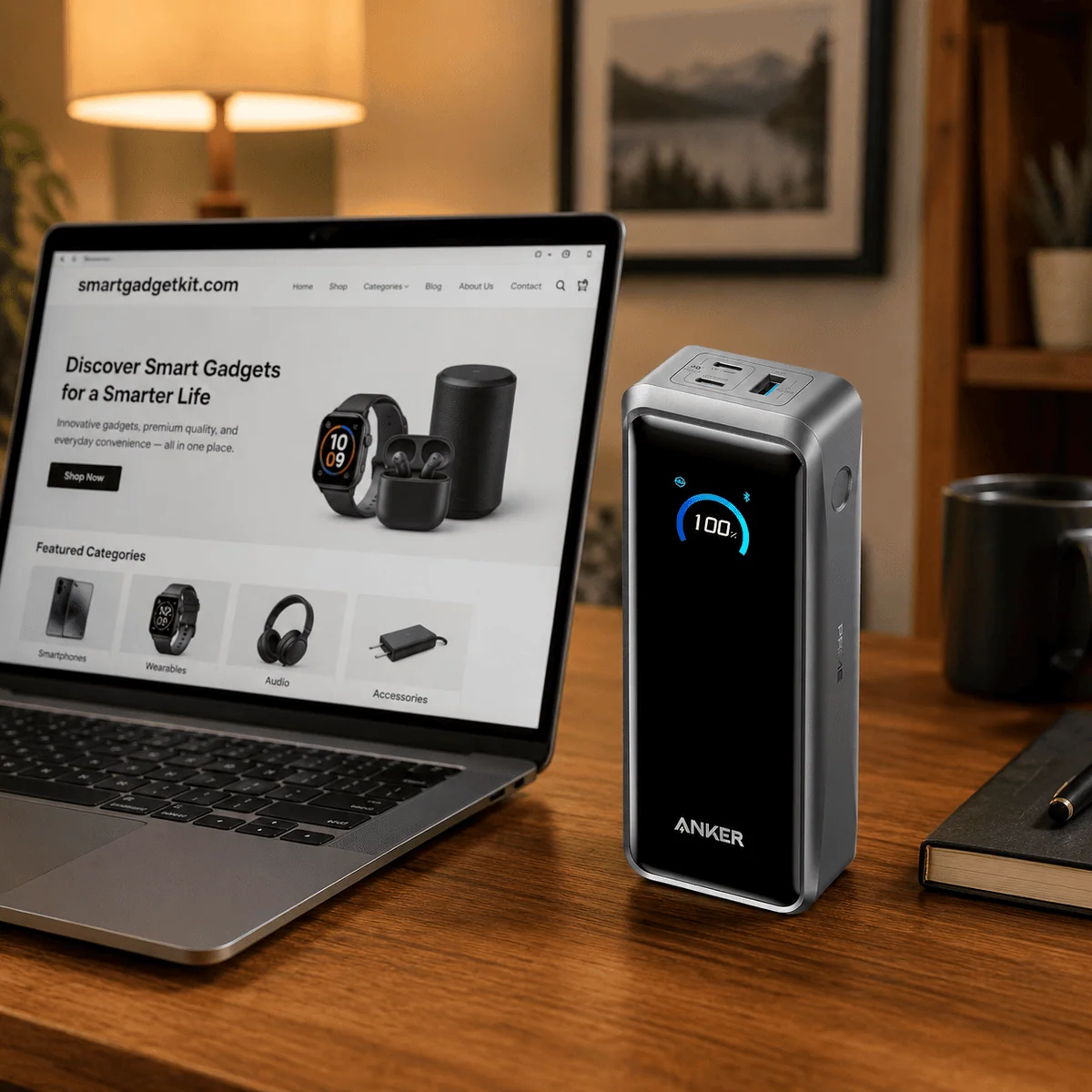 Best premium (most power)
Anker Prime Power Bank (A110A)
99.75Wh, the most capacity you can carry on a plane without airline approval.
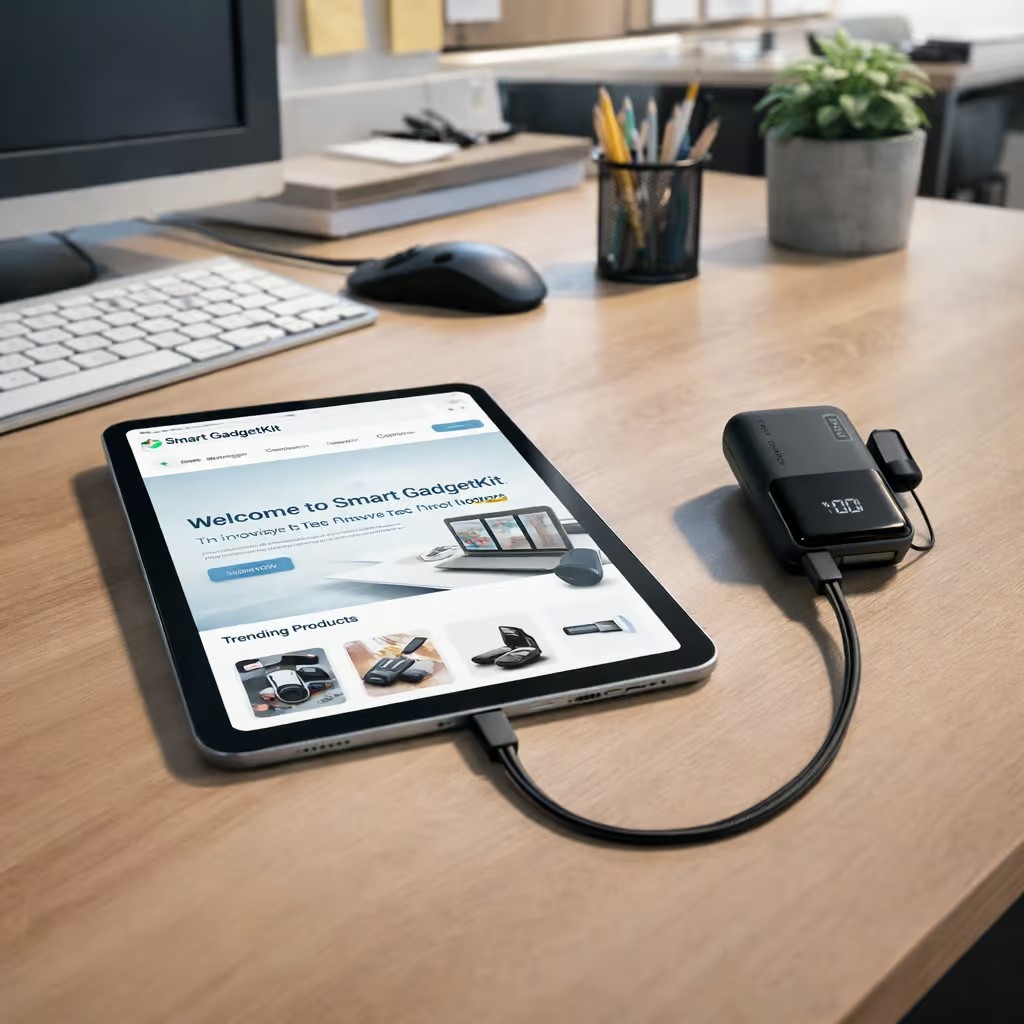 Best value
INIU Pocket Rocket P50
45W iPhone fast charging at about 160g, the lightest and least expensive way in.
Compare
Side by side
The same five portable chargers as a straight spec comparison. Sort by capacity, max output or weight. Stars are editorial, derived from each pick’s Expert Score; per-product rating markup lives on our standalone reviews, never on a roundup.
MagFlow’s headline 30W is its built-in USB-C cable; its magnetic wireless pad runs at 25W on a Qi2.2-capable iPhone. Weights marked ~ are the manufacturer’s own figures where no independent measurement exists.
 Darleene asks
“Half of these snap onto the phone and the other half want a cable. Do I actually need the magnets?”
Alisdair’s answer: no, you don’t need them, but they solve the one thing everyone hates about wireless charging. A Qi pad only charges fast when the coils line up, and with a plain pad you’re guessing. The magnets line the coils up for you, every time, and hold the bank on the back of the phone while you walk.
If you mostly charge at a desk and don’t mind plugging in, a cable bank like the Anker Nano or the INIU charges just as fast for less money and less weight. The MagFlow wins on convenience, not on being the only thing that works.
Pick 01Best MagSafe for iPhone
Best MagSafe for iPhone: UGREEN MagFlow Magnetic Power Bank (10,000mAh, Qi2 25W)
For anyone with an iPhone 12 or later who wants cable-free top-ups that are actually fast, not just convenient.
The MagFlow is the first Qi2.2-certified power bank, and Macworld’s Editors’ Choice among magnetic packs. The numbers back the badge: in Macworld’s testing it took an iPhone 16 Pro to 50 percent in 32 to 33 minutes on the wireless pad, and the pack holds about 144 percent of an iPhone 16 Pro charge.
Compatibility, stated carefully. The full 25W wireless needs a Qi2.2-capable iPhone. Older MagSafe iPhones, the 12 through 15, still snap on and charge wirelessly at the 15W Qi2 and MagSafe rate, so nothing here is wasted on an older phone.
When you want speed over convenience, a USB-C cable folds out of the top edge and charges at 30W. Cult of Mac’s review found the same strengths we weight it for: a proper digital percentage display, a cloth-wrapped cable, and a pack that stays cool at 25W.
At 254g it is not the lightest 10,000mAh bank here. You are carrying magnets, a charging coil and a cable, and it is worth it if cable-free matters to you.
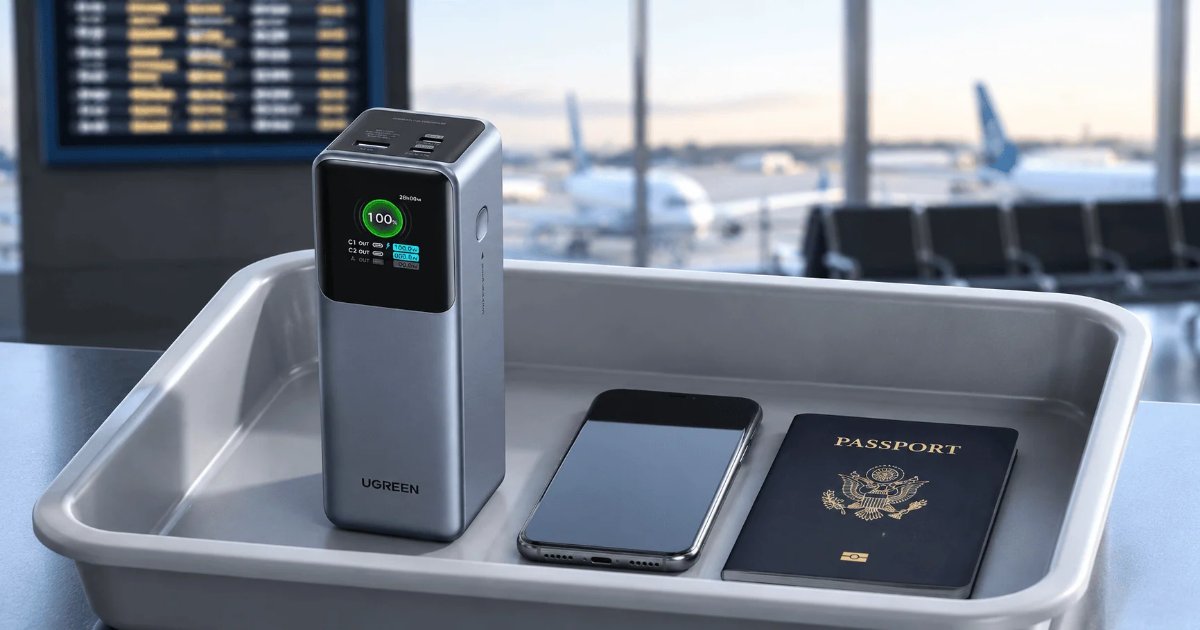
Airline: about 36Wh, well inside the usual 100Wh carry-on limit. Always check your airline.
Pros
- Snaps on magnetically to iPhone 12 and later, no cable at all
- 25W Qi2.2 is the fastest wireless charging on this page
- Built-in USB-C cable for 30W wired charging
- Holds about 144 percent of an iPhone 16 Pro charge, per Macworld
Cons
- Full 25W needs a Qi2.2-capable iPhone, the 12 to 15 charge at 15W
- 254g, heavier than the cable-only 10,000mAh picks
Pick 02Best compact (built-in cable)
Best compact (built-in cable): Anker Nano Power Bank (A1638, 10,000mAh, 45W)
For the pocket-and-go iPhone owner who wants the cable always there and never tangled.
Model A1638. The headline trick is a USB-C cable on a retractable spool inside the body, so the cable you need is the cable you have. TechRadar and Android Central both reviewed this model and confirmed the headline specs: 45W, 10,000mAh, and the retractable cable.
A line we will not cross: the ~232g weight and Anker’s 50-percent-in-27-minutes claim are the manufacturer’s own figures, not independent measurements, so treat them as spec-sheet numbers. What is independently confirmed is the part that matters, 45W over USB-C Power Delivery, which fast-charges an iPhone 15, 16, 17 or 18 at full wired speed.
It is not magnetic and has no wireless coil, so it suits the cable-happy owner rather than the snap-it-on crowd. If you want magnets, that is the MagFlow above.
Airline: about 37Wh, well inside the usual 100Wh carry-on limit. Always check your airline.
Pros
- Retractable USB-C cable built in, plus a USB-C and a USB-A port
- 45W fast-charges any USB-C iPhone at full wired speed
- About 232g per Anker, lighter than the magnetic picks
Cons
- Not magnetic, no wireless charging
- Weight and 27-minute figure are Anker’s own claims, not independently measured
Pick 03Best for high capacity and travel
Best for high capacity and travel: Anker Laptop Power Bank (A1695, 25,000mAh, 165W)
For the iPhone owner whose bag also carries an iPad or a laptop, or who simply refuses to hunt for an outlet all week.
Model A1695, 25,000mAh, 90Wh. We own this one, and it is the bank that lives in our travel bag. That ownership is why we can vouch for the practical details: the two built-in cables, a 700mm retractable and a wrist-strap cable, mean there is genuinely nothing to pack.
The performance figure is third-party: Expert Reviews, which gave it a Best Buy award, took an iPhone 16 Plus from empty to 50 percent in 26 minutes at 33W. That is fast for a phone, and the same ports will run an iPad or a laptop at up to 100W each.
As a pure iPhone accessory it is overkill, and we say so. You buy it when the iPhone is one of several things charging, or when a week away from outlets is the brief. For phone-only use, the 10,000mAh picks above make more sense.
Airline: 90Wh, inside the usual 100Wh carry-on limit with 10Wh of headroom. Always check your airline.
Pros
- 90Wh, about six calculated iPhone charges and under the flight limit
- Three USB-C ports at 100W each, plus two built-in cables
- We own and use this one, so the travel notes are first-hand
Cons
- About 595g, you will feel it in a small bag
- More bank than a phone-only owner needs
Pick 04Best premium (most power)
Best premium (most power): Anker Prime Power Bank (A110A, 26,250mAh, 300W)
For the power user who charges a phone, a tablet and a laptop from one brick and wants headroom to spare.
Model A110A, 26,250mAh. That 99.75Wh figure is the reason this pick exists: it sits a quarter of a watt-hour under the 100Wh ceiling airlines apply to carry-on baggage, which makes it the most capacity you can board with and no permission needed.
Macworld’s review took an iPhone 16 Pro to 50 percent in under 25 minutes from this bank, and rated it as a slim MacBook-class power bank. Two USB-C ports each give 140W on their own, and the USB-A gives 22.5W, under a 300W shared ceiling.
What it does not have is a built-in cable, so it pairs best with a good USB-C cable you already own. And at about 599g it is a brick in the literal sense; the iPhone-only owner should buy the MagFlow or the Nano and pocket the difference in weight.
Airline: 99.75Wh, inside the usual 100Wh carry-on limit. Always check your airline.
Pros
- 99.75Wh, the most capacity legal in a carry-on without approval
- 140W from either USB-C port, enough for a laptop
- Charges three devices at full tilt under a 300W ceiling
Cons
- About 599g, the heaviest pick here, and no built-in cable
- Far more bank than an iPhone-only user needs
Pick 05Best value
Best value: INIU Pocket Rocket P50 (P50-E1, 10,000mAh, 45W)
For the iPhone owner who wants the most charging per dollar and per gram, with no features they will never use.
Model P50-E1. Reviewed’s test is the headline: an iPhone 17 went from 3 percent to a full charge in just under an hour, which is what 45W over USB-C looks like in real life. Cubed3’s review backs up the same picture of a small, honest bank that hits its rated speeds.
At about 160g it is the lightest thing on this page, and the detachable lanyard doubles as a USB-C cable, so even its strap earns its keep. The cost of that minimalism is real: the lanyard cable is short for using the phone while it charges, and there is no wireless and no display.
As a value pick it earns its slot on the numbers, not on charm. If you want the cheapest way to fast-charge an iPhone properly, this is it.
Airline: about 37Wh by the standard cell figure, well inside the usual 100Wh carry-on limit. Always check your airline.
Pros
- About 160g, the lightest pick here
- 45W fast charging, with a lanyard cable included
Cons
- Lanyard cable is short for phone-in-hand use
- No wireless charging, no display, no extras
The bottom line
Most iPhone owners should buy the UGREEN MagFlow. It snaps on, it charges fast enough to matter, and it carries about 144 percent of an iPhone 16 Pro charge in 254g.
Prefer a cable? The Anker Nano if you want the cable built in, the INIU P50 if you want the lightest and least expensive way in. Traveling with an iPad or laptop, or away from outlets for days: the Anker A1695 at 90Wh, or the Anker Prime 26K at 99.75Wh if you want the absolute maximum a carry-on allows.
Our stars come straight from each pick’s Expert Score on the same four-part rubric, charging speed, portability, value, and ports and cables, never from a feel for the product. New to the figures? Our guide to choosing a power bank starts from scratch, and the wider field is ranked in our best power banks 2026 roundup.
Choosing the best portable charger for iPhone starts with the port
Start with the port on your phone. Everything else follows from that and from whether you want magnets.
The USB-C switch is the single biggest change in iPhone charging. Since the iPhone 15, which arrived in September 2023, every iPhone charges through USB-C with USB Power Delivery. The iPhone 15, 16, 17 and the new iPhone 18 and iPhone Air all take any USB-C PD power bank and fast-charge from it.
iPhone 14 and earlier stay on Lightning. They work with every bank on this page through a USB-C to Lightning cable, they just cannot use a built-in USB-C cable directly. Every pick here keeps at least one free port, so a Lightning iPhone loses nothing but the cable convenience.
What this means in practice: if you are searching for a type c charger apple now ships, you are really searching for USB-C Power Delivery, and any PD bank between 20W and 45W fast-charges a modern iPhone. All five picks clear that bar. The wall plug side of the equation is covered in our best iPhone charger guide.
MagSafe vs Qi2: what your iPhone can actually use
Every iPhone since the iPhone 12 has a ring of magnets in the back. That is what lets a MagSafe battery pack like the MagFlow snap on and hold itself in place while you walk.
MagSafe is Apple’s own magnetic system. It charges an iPhone wirelessly at up to 15W. Qi2 is the open standard that adopted the same magnets, so a certified Qi2 power bank behaves like a MagSafe one on an iPhone: snap on, align perfectly, 15W. Qi2.2 is the newer revision that lifts wireless charging to 25W, which is what the MagFlow delivers on a Qi2.2-capable iPhone.
If you came looking for the best wireless charger for iPhone use on the move, that is the job a Qi2.2 magnetic bank does.
The alignment point is not cosmetic. A plain wireless pad loses most of its speed when the coils sit off-center, and with a loose pad you are guessing. Magnets end the guessing, and they are the difference between wireless charging that is genuinely useful and wireless charging that is a party trick.
One case note: magnetic charging wants a thin case or a MagSafe and Qi2-compatible one. A thick rugged case weakens the grip and can drop the wireless speed, though the built-in cable on the MagFlow sidesteps the problem entirely.
We go much deeper on this in our best MagSafe power banks roundup, including the full Qi2 certification picture, so we will not duplicate it here.
Which iPhone do you have?
The right portable charger iPhone owners need follows the phone. Here is the short version for each current model.
iPhone 16. USB-C with Power Delivery and Qi2 magnetic wireless charging. Any pick here works; the MagFlow snaps on and charges magnetically at up to 25W where Qi2.2 is supported, and every other pick fast-charges it over a cable at 45W or less, which is all an iPhone asks for.
iPhone 17. USB-C and the Qi2.2 generation of magnetic charging. This is the phone the MagFlow was certified for: 25W wireless, snapped on, no cable. The Reviewed test of the INIU P50, an iPhone 17 from 3 percent to full in just under an hour, shows what the cable picks do on this model.
iPhone 18 and iPhone Air. Brand new, so treat the buying rule as capacity and magnets rather than model-specific tests: all five picks fast-charge them over USB-C, and the MagFlow attaches magnetically as it does to any iPhone 12 or later. We name them for compatibility, not from hands-on time with the new hardware.
iPhone 14 and earlier (Lightning). Any bank here works through a USB-C to Lightning cable into a free port. Skip nothing: wired charging speeds are the same as on USB-C iPhones. What you give up is only the built-in-cable convenience on the Nano and the A1695.
How many charges will each size give your iPhone?
A calculated estimate, not a measurement: we work in watt-hours, allow about 15 percent transfer loss, and divide by an iPhone 16 battery of about 13Wh.
The math, shown once: usable Wh = rated Wh x 0.85, then full charges = usable Wh / 13Wh for an iPhone 16. A 10,000mAh bank is about 37Wh (10,000mAh x 3.7V), which gives about 31Wh usable, or roughly 2.4 iPhone 16 charges. The same three steps size any power bank for iPhone use: rated Wh, times 0.85, divided by your iPhone’s Wh.
| Pick | Rated | Usable (calc) | iPhone 16 charges |
|---|---|---|---|
| UGREEN MagFlow | 36Wh | 30.6Wh | about 2.3 |
| Anker Nano (A1638) | 37Wh | 31.4Wh | about 2.4 |
| Anker A1695 | 90Wh | 76.5Wh | about 5.9 |
| Anker Prime (A110A) | 99.75Wh | 84.8Wh | about 6.5 |
| INIU Pocket Rocket P50 | 37Wh | 31.4Wh | about 2.4 |
Calculated estimates based on manufacturer capacities and the standard 15 percent USB-C transfer-loss assumption. Real-world counts vary with cable quality, ambient temperature, and phone condition. Newer and larger iPhones, including the iPhone 17 Pro Max class, carry bigger batteries, so expect slightly fewer than the figures above.
Measured reality check: Macworld’s test of the MagFlow found it held about 144 percent of an iPhone 16 Pro charge, which lands right on our calculated 2.3 for a slightly smaller Pro battery. The math and the lab agree.
Taking your portable charger on a plane
Every pick on this page is allowed in carry-on baggage under the rules the TSA applies in the US: up to 100Wh per battery without airline approval, and up to 160Wh with it. The UK CAA and most other regulators write the same 100Wh line. All five picks sit under the limit, from about 36Wh on the MagFlow to 99.75Wh on the Anker Prime.
Two rules catch people out. Power banks go in the cabin, never in a checked bag, wherever you fly. And the limit is per battery, not per passenger, so a 99.75Wh bank and a 36Wh bank can both fly together.
The cable banks here will also top up an Apple Watch or AirPods from a spare port, so a portable charger Apple Watch and iPhone owners share covers the whole seatback pocket.
The watt-hour figure is the one a gate agent can ask for, and it is why we print it for every pick here. If a listing only gives mAh, our mAh to Wh calculator converts it in one step, and our power bank airline rules guide covers the edge cases, including the airlines that ask you to show the printed Wh at boarding.
Frequently asked questions
Straight answers to what iPhone owners search for.
Do the iPhone 15, 16, 17 and 18 use USB-C?
Yes. Apple switched to USB-C with the iPhone 15 in September 2023, so the iPhone 15, 16, 17 and the new iPhone 18 and iPhone Air all charge through USB-C with Power Delivery. Only the iPhone 14 and earlier still use Lightning.
What is the difference between MagSafe and Qi2 on a power bank?
MagSafe is Apple’s magnetic charging system, good for up to 15W on an iPhone. Qi2 is the open standard that adopted the same magnets, so a Qi2 bank snaps onto an iPhone 12 or later and charges at the same 15W. Qi2.2 is the newer revision that raises wireless charging to 25W, which is what the UGREEN MagFlow delivers on a Qi2.2-capable iPhone.
How many times will a 10,000mAh power bank charge my iPhone?
As a calculated estimate, about 2.3 to 2.4 full charges of an iPhone 16. A 10,000mAh bank holds about 37Wh, about 15 percent is lost in transfer, and an iPhone 16 battery is about 13Wh. Bigger iPhones, including the iPhone 17 Pro Max class, land slightly under two charges.
Can I take a power bank on a plane?
Yes, in carry-on baggage. The TSA allows up to 100Wh per battery without airline approval, and every pick on this page is under that limit. Power banks never go in a checked bag. See our airline rules guide for the edge cases.
Does a MagSafe power bank charge slower than a cable?
Yes, slightly. The fastest wireless here is 25W on the MagFlow’s Qi2.2 pad, while its own built-in cable does 30W and the Anker Nano or INIU P50 do 45W over USB-C. Wireless also loses more energy to heat. You trade a little speed for not touching a cable at all.
What size power bank do I need for an iPhone?
For a day or two, 10,000mAh is the sweet spot: about 2.3 iPhone 16 charges at roughly half a pound or less. For travel, camping, or charging an iPad and laptop too, 25,000mAh and 90Wh to 99.75Wh covers several days and still boards a plane.
Will an old Lightning iPhone work with a USB-C power bank?
Yes. Every pick here keeps a free port, so you connect a USB-C to Lightning cable and charge as normal. You only give up the built-in-cable convenience of the Anker Nano and the Anker A1695, whose fixed cables are USB-C.
Keep reading
The guides that go deeper on each job.
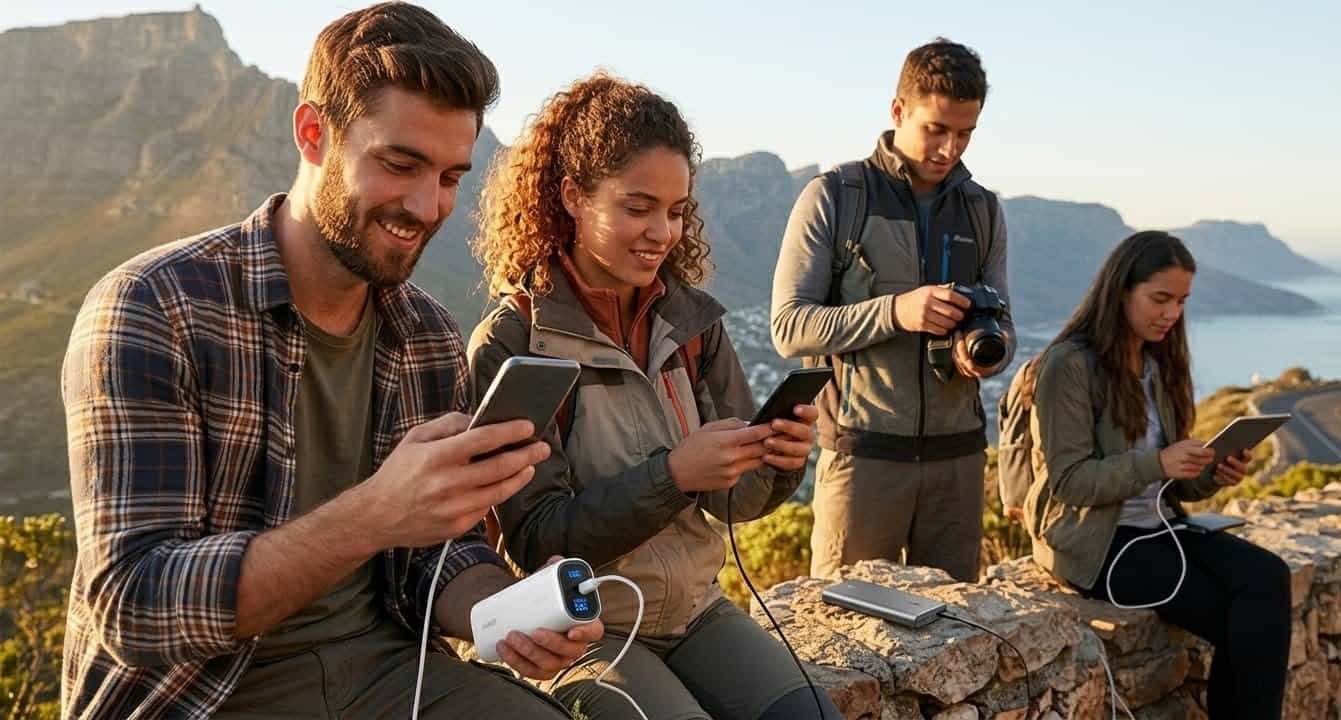
Best power banks 2026
The wider roundup across every size of portable charger, from pocket 10,000mAh banks to laptop-class bricks.
Best MagSafe power banks
The magnetic deep-dive: Qi2 and Qi2.2 certification, alignment, and every snap-on bank worth buying.
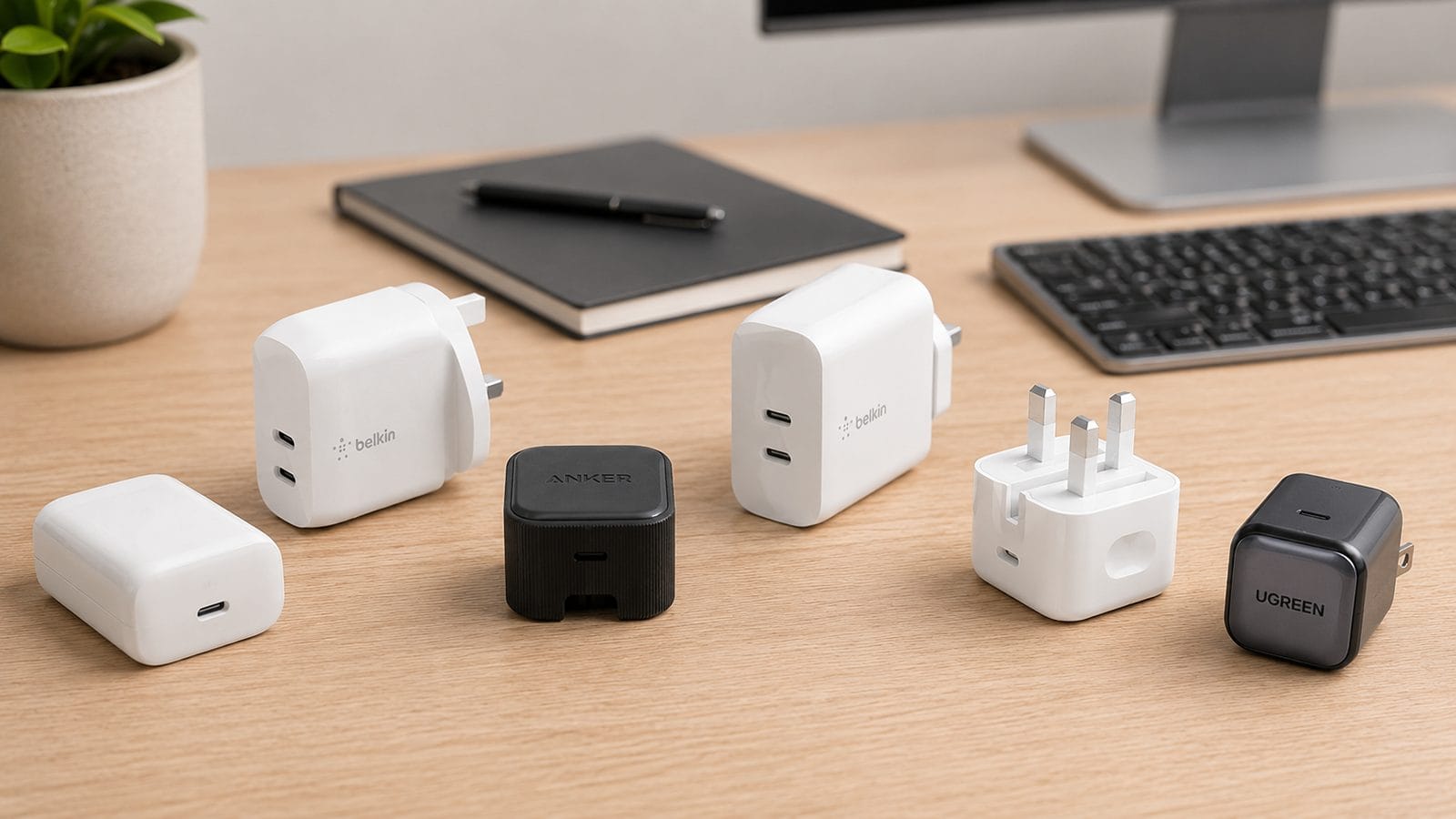
Best iPhone charger
The wall plugs that fast-charge an iPhone properly, for home, office, and travel.
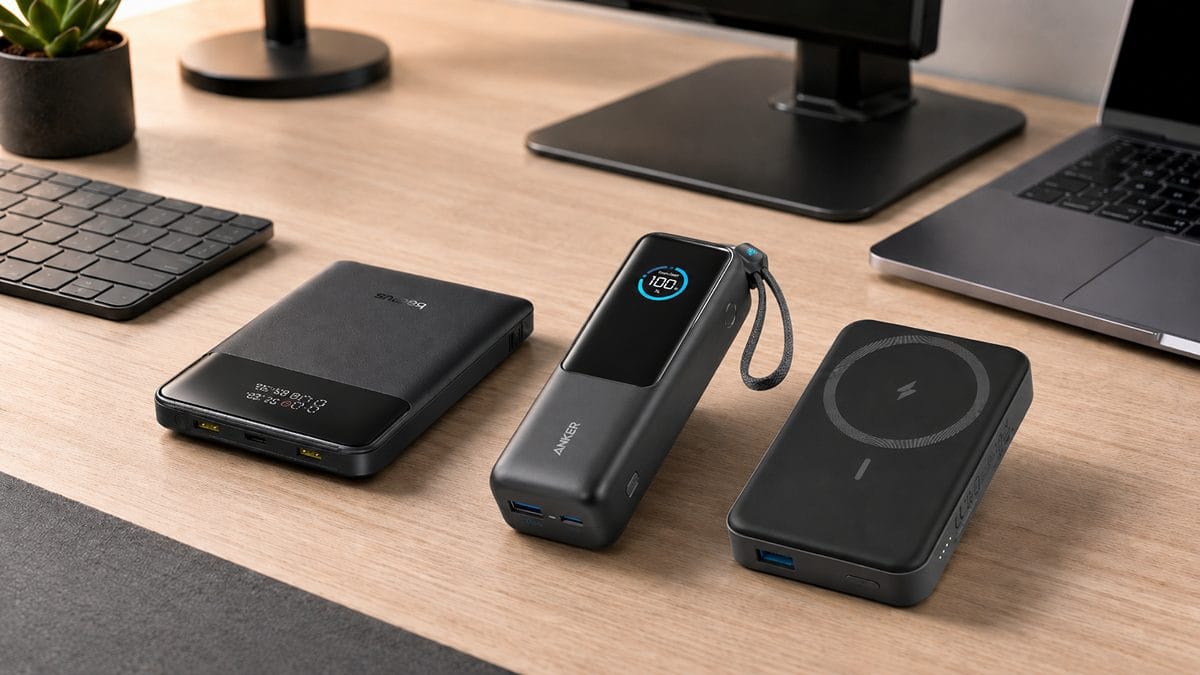
How to choose a power bank
The buying guide that starts from your job rather than the spec sheet.
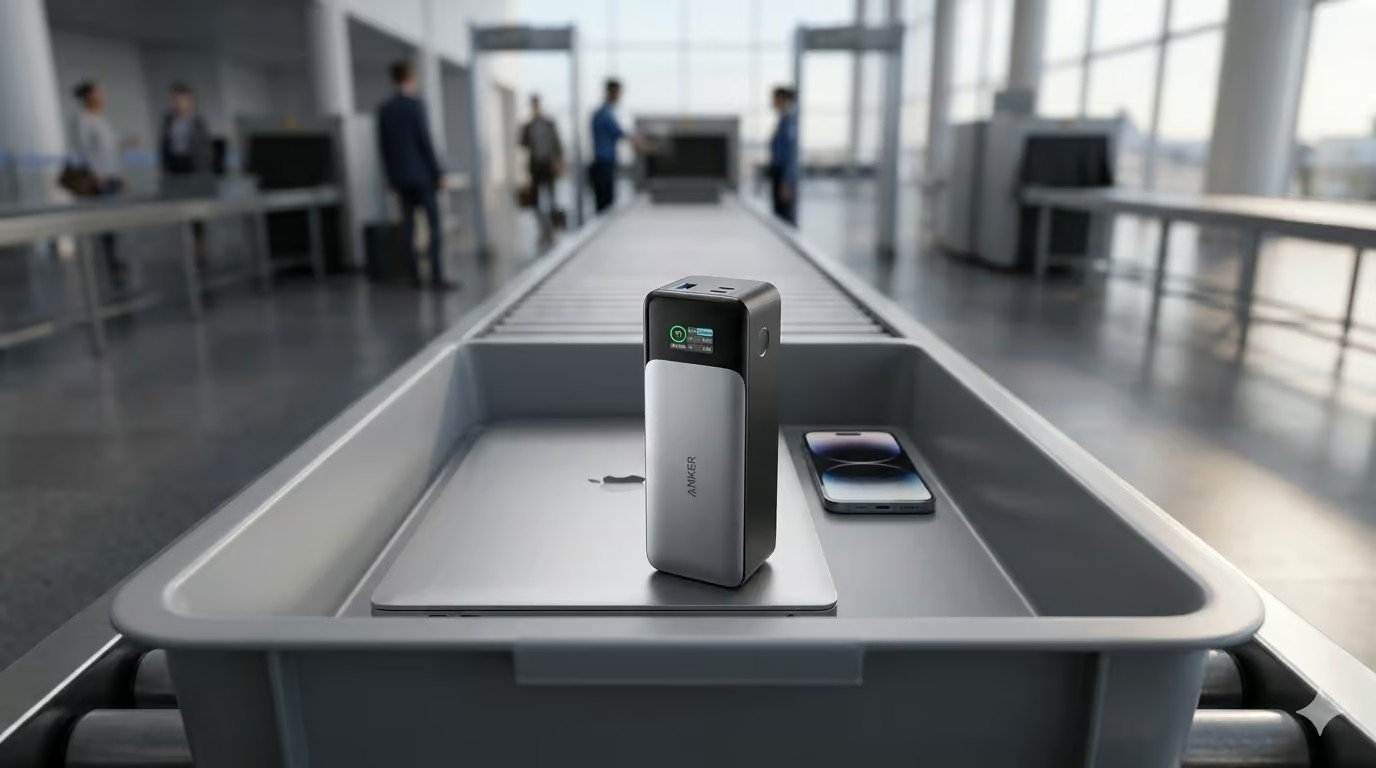
Power banks on a plane
The 100Wh carry-on rule in plain English, and what it means for every pick here.
mAh to Wh calculator
Convert any listing’s mAh figure into the watt-hours airlines ask for, in one step.
Latest from SmartGadgetKit
 Anker vs UGREEN: Which Brand Should You Buy in 2026?
 Best Travel Charger 2026: GaN Chargers for Every Trip
 Lithium Ion Battery Fire Statistics 2026
 LISEN Power Bank Review: The Qi2.2 25W MagSafe 10000mAh, Measured
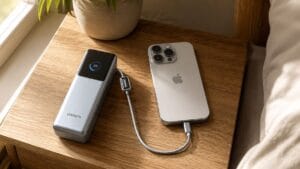 How Long Does a Power Bank Last? Charges, Years and Sizing
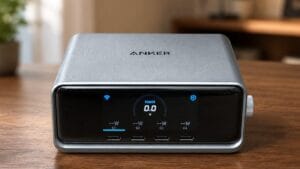 Anker Prime 250W Charger Review: 6-Port Desktop Hub
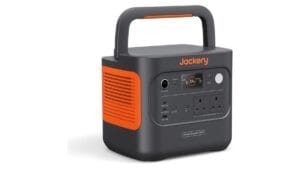 Jackery Explorer 2000 v2 Review: The Lightest Way to Carry 2kWh?
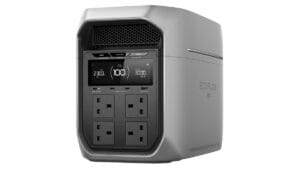 EcoFlow DELTA 3 Max Plus Review: What 2,048Wh Really Gives You