Magnetic power bank head-to-head
Anker MagGo vs UGREEN MagFlow: which 10,000mAh magnetic bank should you buy?
Same capacity, same wired speed, and a 10W gap in magnetic charging that not every iPhone can use.

Scored against independent measured testing
SmartGadgetKit is reader-supported. We may earn a commission if you buy through links on this page, at no extra cost to you. We only recommend gear we would carry ourselves.
Before anything else
Which iPhone are you charging?
The whole comparison turns on this. The MagFlow’s 25W magnetic speed only exists on a recent iPhone; on anything older both banks charge at the same 15W. Tap yours and the right bank lights up.
In short: an iPhone 16 or newer unlocks the MagFlow’s 25W and makes it our pick; an iPhone 15 or older caps both banks at 15W, which hands the decision to the lighter Anker MagGo 10K Slim. The rest of this page shows the working.
The verdict, up top
Two banks, one decision
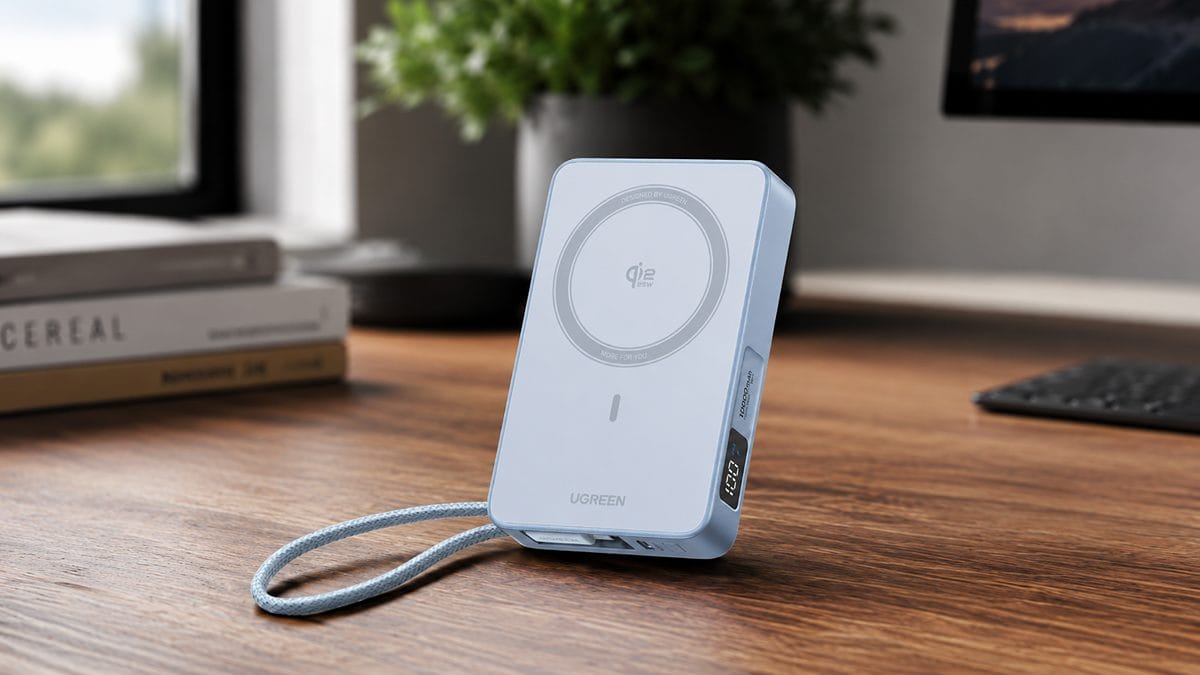
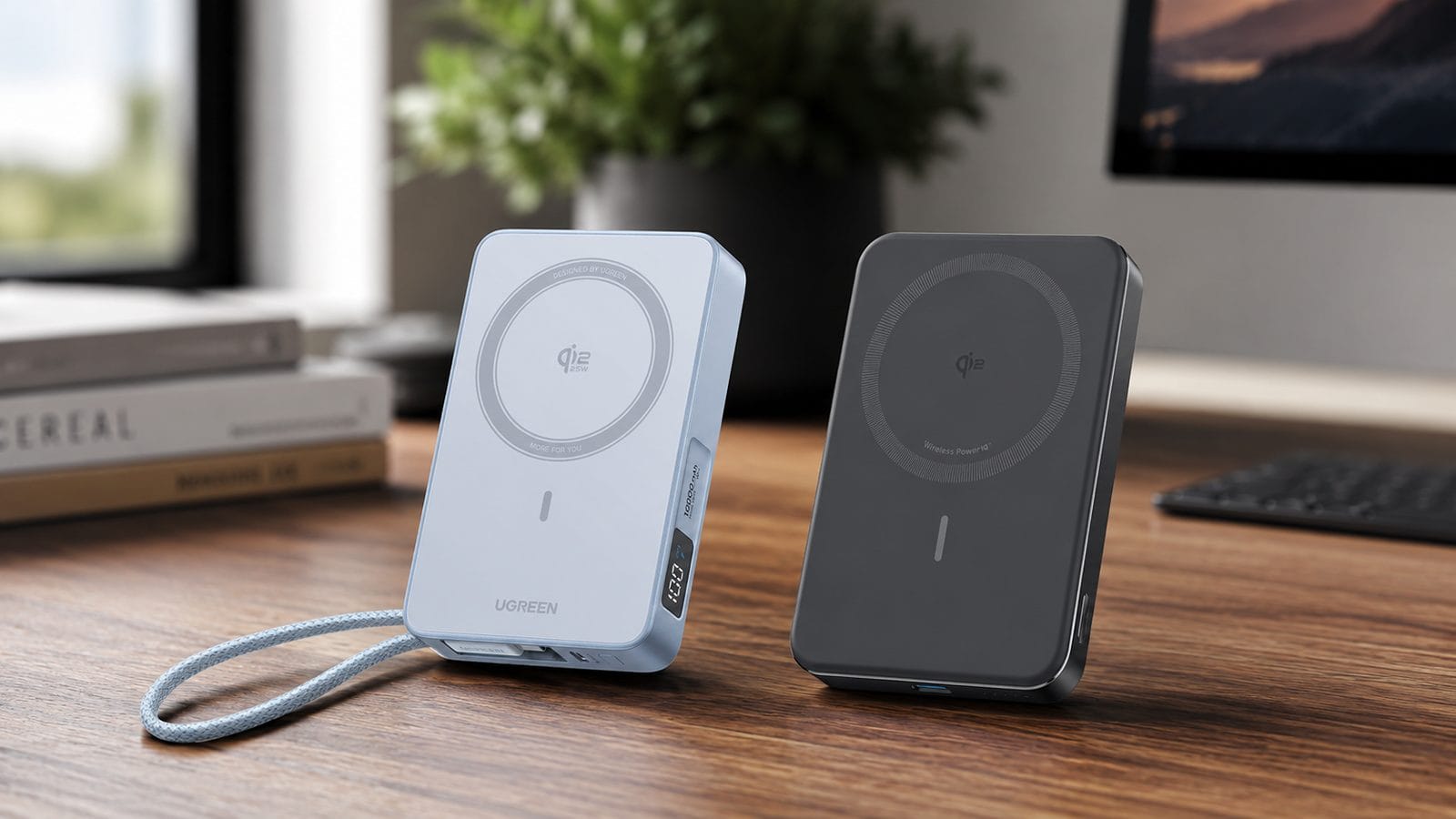
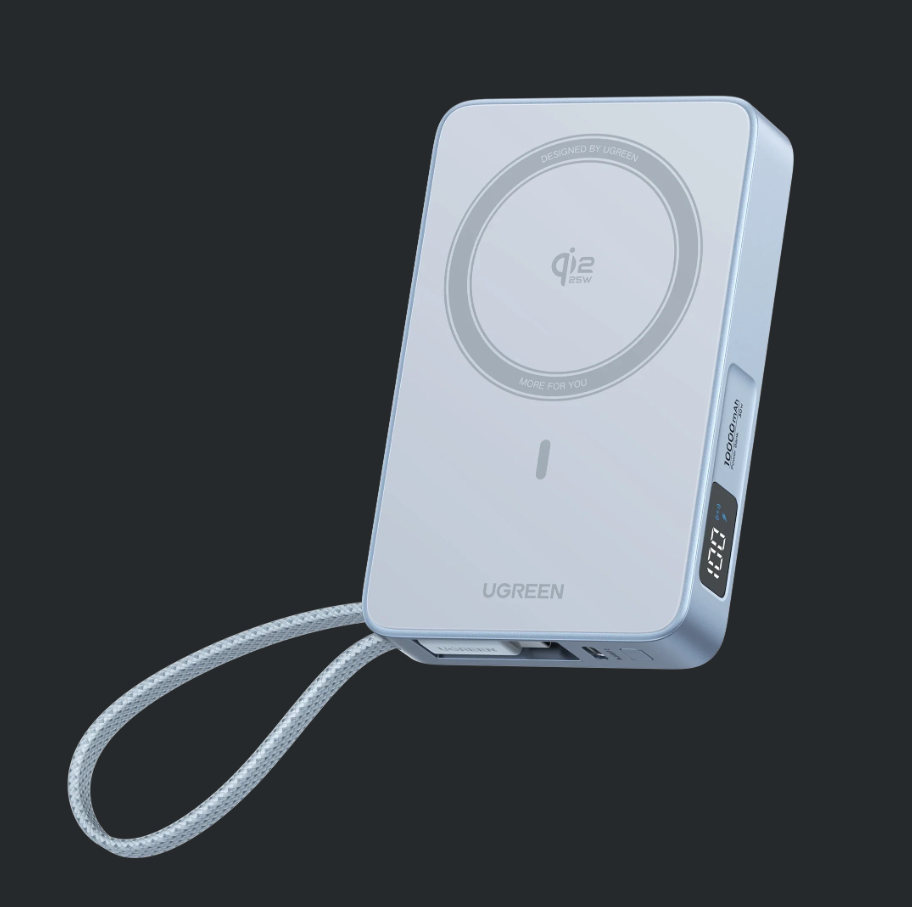
UGREEN MagFlow 10000mAh 25W (PB773)
Fastest magnetic charging here
The MagFlow charges wirelessly at 25W, the fastest magnetic speed you can buy in a 10,000mAh bank right now. It also carries its own USB-C cable, so there is one less thing to forget.
Pros
Cons
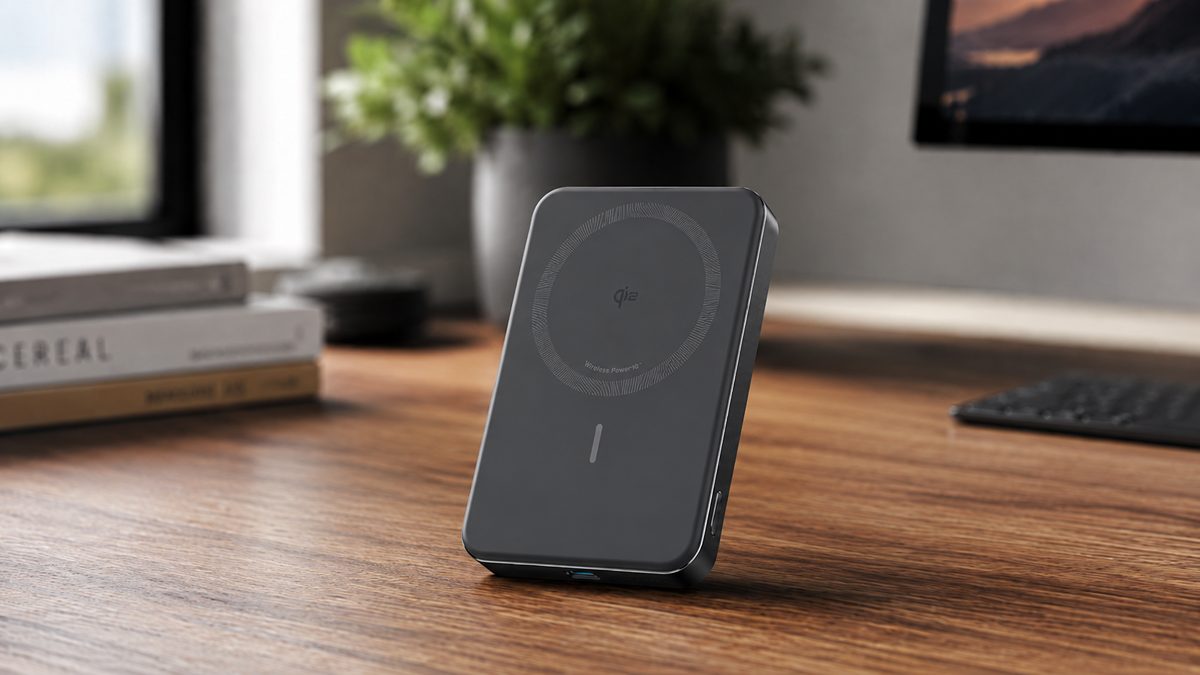
Anker MagGo Power Bank (10K, Slim), A1664
Lighter, slimmer, holds more
The Anker MagGo 10K Slim is 14.7mm thick, lighter than its rival, and it holds marginally more energy despite the identical number on the box. Magnetic charging stops at 15W.
Pros
Cons
The short answer: buy the UGREEN MagFlow if your iPhone can take 25W wireless charging, because nothing else this size charges magnetically faster. Buy the Anker MagGo 10K Slim if you are on an iPhone 15 or older, where both banks deliver the same 15W and the Anker’s lower weight is the only difference you will feel. How we test and score.
On paper
Anker MagGo vs UGREEN MagFlow: side by side
The manufacturers’ own numbers. We argue about what they mean below, not in the table. Rows where the two banks differ carry the ember tint.
Every figure above is the manufacturer’s own published rating, taken from Anker’s specification sheet for the A1664 and UGREEN’s support documentation for the PB773. Our verdicts weigh those numbers against named independent testing. See how we test and score.
Head to head
Four rounds, no overall blowout
Round 01
Which charges an iPhone faster with no cable
Round winner: UGREEN MagFlow, on a recent iPhone
Wireless speed is where these two split. The MagFlow carries Qi2.2 certification, and on an iPhone 16 or later it holds 25W magnetic charging. The MagGo Slim runs Qi2, so it tops out at 15W even on the newest phones. The gap is not a marketing number: Qi2.2 is the newer Wireless Power Consortium standard, and the MagFlow’s entry sits on the WPC register.
Picture the Schiphol gate dash. Twenty minutes before boarding, phone at 18 percent, no cable in reach. On an iPhone 16 the MagFlow pushes power at 25W while the MagGo dribbles at 15W. Over that short window the difference is a meaningful slice of battery, and it is the one scenario where this round decides the whole comparison.
Flip the phone and the round flips with it. On an iPhone 15 or older both banks are capped by the phone itself, so neither pulls ahead. And there is no spending your way past it: Anker sells eight different MagGo magnetic power banks and not one goes above 15W, so the Slim is already the strongest magnetic charger Anker offers.
 Darleene’s versionNewer iPhone, no cable, in a hurry: the UGREEN fills it faster. Older iPhone: this round is a draw and you can stop caring about wattage.
Round 02
Which is easier to carry all day
Round winner: Anker MagGo 10K Slim
The MagGo Slim is 200g and 14.7mm thick. The MagFlow is 254g and thicker. On a spec sheet 54g sounds like nothing; on the back of a phone you hold for hours it is the difference between forgetting the bank is there and feeling it every time you pick the phone up.
The MagGo also packs its energy tighter: 50 mAh per gram against the MagFlow’s 39.4. Anker built this thing to disappear into a pocket, and it does. The MagFlow is not heavy by power bank standards, but against this rival it is the one you notice.
Darleene’s takeI judge a pocket bank by my scrubs. The Anker rides in the pocket through a full shift and I stop thinking about it. The UGREEN is the one I would move to a bag by lunch.
Round 03
What happens once you plug a cable in
Draw: tie on wired speed, MagFlow on what you pack
Wired, both banks deliver 30W over USB-C, so on raw speed there is nothing between them. The difference is what leaves the house with you. The MagFlow has a built-in USB-C cable plus a second port, so it can charge two devices at once and can never be caught without a cable. The MagGo needs you to bring your own.
The Chicago hotel scenario makes it concrete: one bank, a phone and earbuds, nothing else packed. With the MagFlow you charge both and dig nothing out of the bag. With the MagGo you either remembered a cable or you are choosing which device eats first. Our ports-and-cable score reflects it: 9.0 for the MagFlow, 6.0 for the MagGo.
Round 04
Which holds more charge
Round winner: Anker MagGo 10K Slim
Both say 10,000mAh on the box, and both numbers are true at their own cell voltage. In watt-hours, the figure airlines and physics care about, the MagGo holds 38.7Wh and the MagFlow 36Wh. The Anker edges it because its 10,000mAh is rated at 3.7V from a single-cell design, while the MagFlow’s two-cell 7.2V pack stores a touch less energy in total.
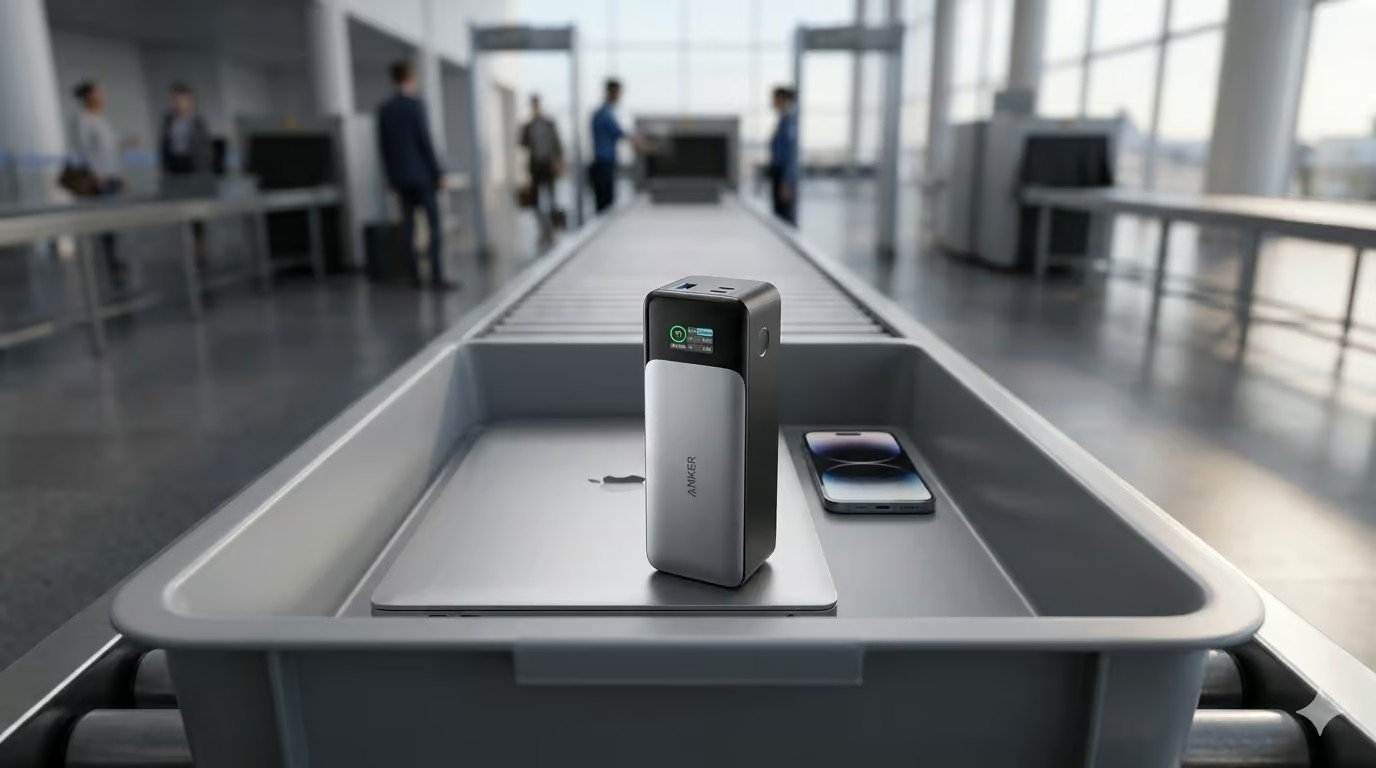
Neither comes near any aviation limit. The cabin rules cut in at 100Wh, so both banks fly in hand luggage without question; our plane guide covers the full rules. In practice the 2.7Wh gap buys minutes, not hours, so treat this round as a technical win rather than a reason to switch.
Darleene asks
What am I choosing between here?
Two ways of carrying the same 10,000mAh. One charges a new iPhone faster and never needs a cable packed. The other disappears in your pocket. Your phone’s age and your pockets make the call, and that is the whole decision.
The numbers
Scored against every power bank on our current rubric
Overall: UGREEN MagFlow 8.5 against Anker MagGo 10K Slim 7.7. Charging speed and ports carry the MagFlow; the MagGo takes carry and capacity on points.
The decision
Which one should you buy?
The MagFlow wins, and the rounds finished level. That is the honest shape of this comparison: the UGREEN takes the two rounds that matter daily on a recent iPhone (wireless speed and never packing a cable), while the Anker takes the two you feel in a pocket (weight and stored energy). Your phone’s age settles it.
Buy the UGREEN MagFlow if
- You carry an iPhone 16 or newer and want the full 25W magnetic rate
- You never want to pack a separate cable again
- You charge two devices at once, phone and earbuds together
Buy the Anker MagGo 10K Slim if
- Your iPhone is a 15 or older, where 25W buys you nothing
- Pocket space and weight outrank everything else
- You already carry a cable and want the slimmest 10K going
One more option
An alternative worth a look
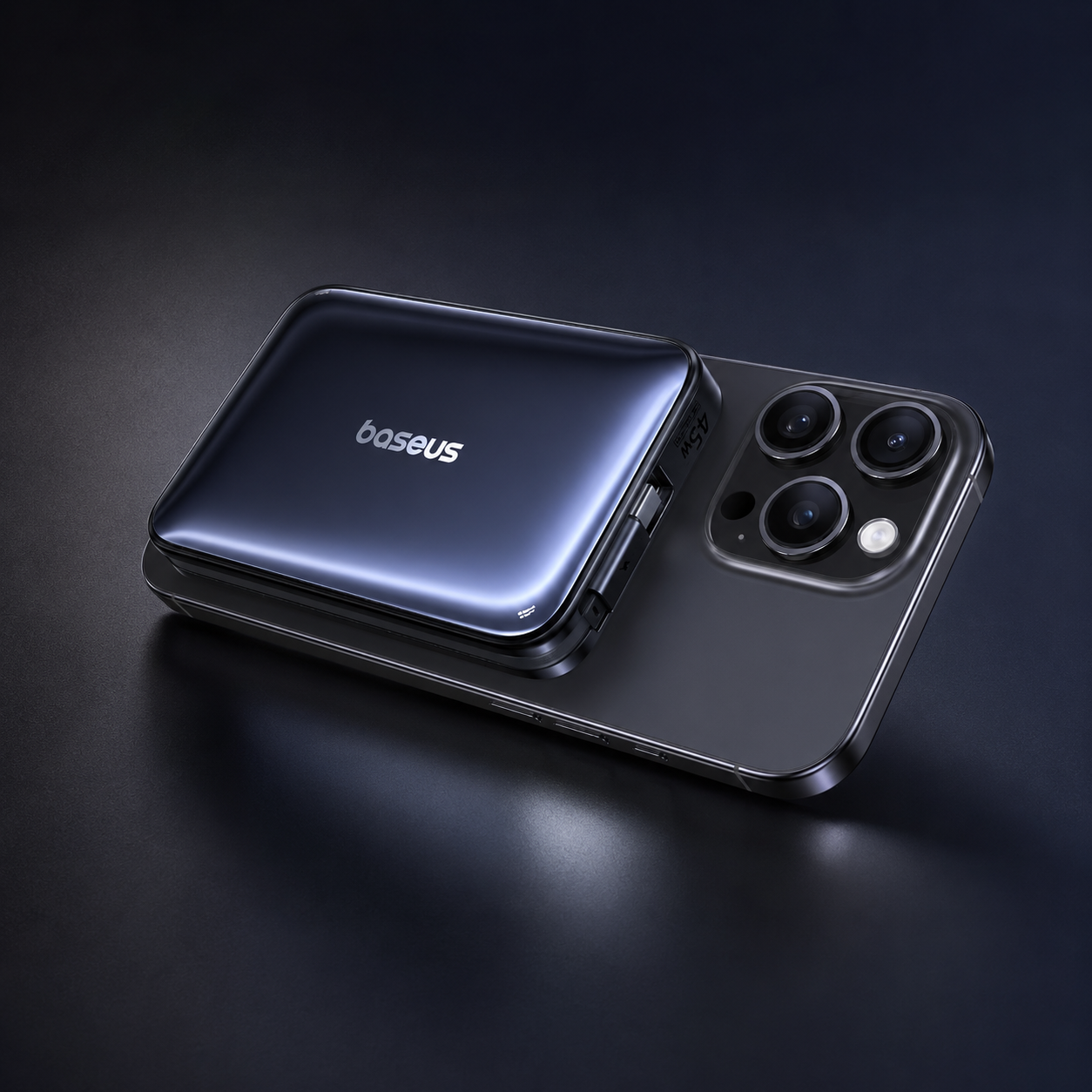
Baseus PicoGo AM61
Qi2.2 certified like the MagFlow, so it hits 25W on a recent iPhone, and it undercuts the Anker on weight. It belongs in this decision if you want the new wireless standard without the MagFlow’s bulk. It sits at pick three in our MagSafe power bank roundup.
amazonCheck latest priceQuick answers
Frequently asked questions
Which is better, the Anker MagGo or the UGREEN MagFlow?
Whether you frame it as UGREEN MagFlow vs Anker MagGo or the other way round, the answer is the same. For most people with an iPhone 16 or newer, the MagFlow: 25W magnetic charging and a built-in cable win daily use. For an iPhone 15 or older, or anyone counting grams, the MagGo 10K Slim is the smarter buy.
What is the difference between Qi2 and Qi2.2?
Both are Wireless Power Consortium magnetic charging standards. A Qi2 magnetic power bank caps at 15W; Qi2.2 raises the ceiling to 25W on phones that support it, currently the iPhone 16 range and later. Older iPhones draw the same power from either standard.
Will the MagFlow charge my iPhone at 25W?
Only if you have an iPhone 16 or newer. On an iPhone 15 or earlier the phone itself limits magnetic charging to 15W, so both banks perform identically.
Do these work with Android phones?
Both charge anything that takes USB-C at up to 30W wired. Magnetic alignment needs a Qi2 or MagSafe compatible phone or case, which most Android phones lack, so Android owners should buy on the wired spec alone.
Which MagGo model is this?
The A1664, sold as the MagGo Power Bank (10K, Slim). Anker’s wider MagGo range covers eight models with magnetic output from 5W to 15W; the Slim is the strongest of them.
Can I take either bank on a plane?
Yes. The MagGo is 38.7Wh and the MagFlow 36Wh, both far under the 100Wh cabin limit. Keep them in hand luggage, never checked bags, and see our plane guide for the full rules.
Is 10,000mAh enough for a day out?
For one phone, comfortably: expect roughly one and a half full charges of a modern iPhone after conversion losses. For a phone plus earbuds, the MagFlow’s two-device output covers both without a midday hunt for a socket.
Keep reading
Related guides
 Roundup
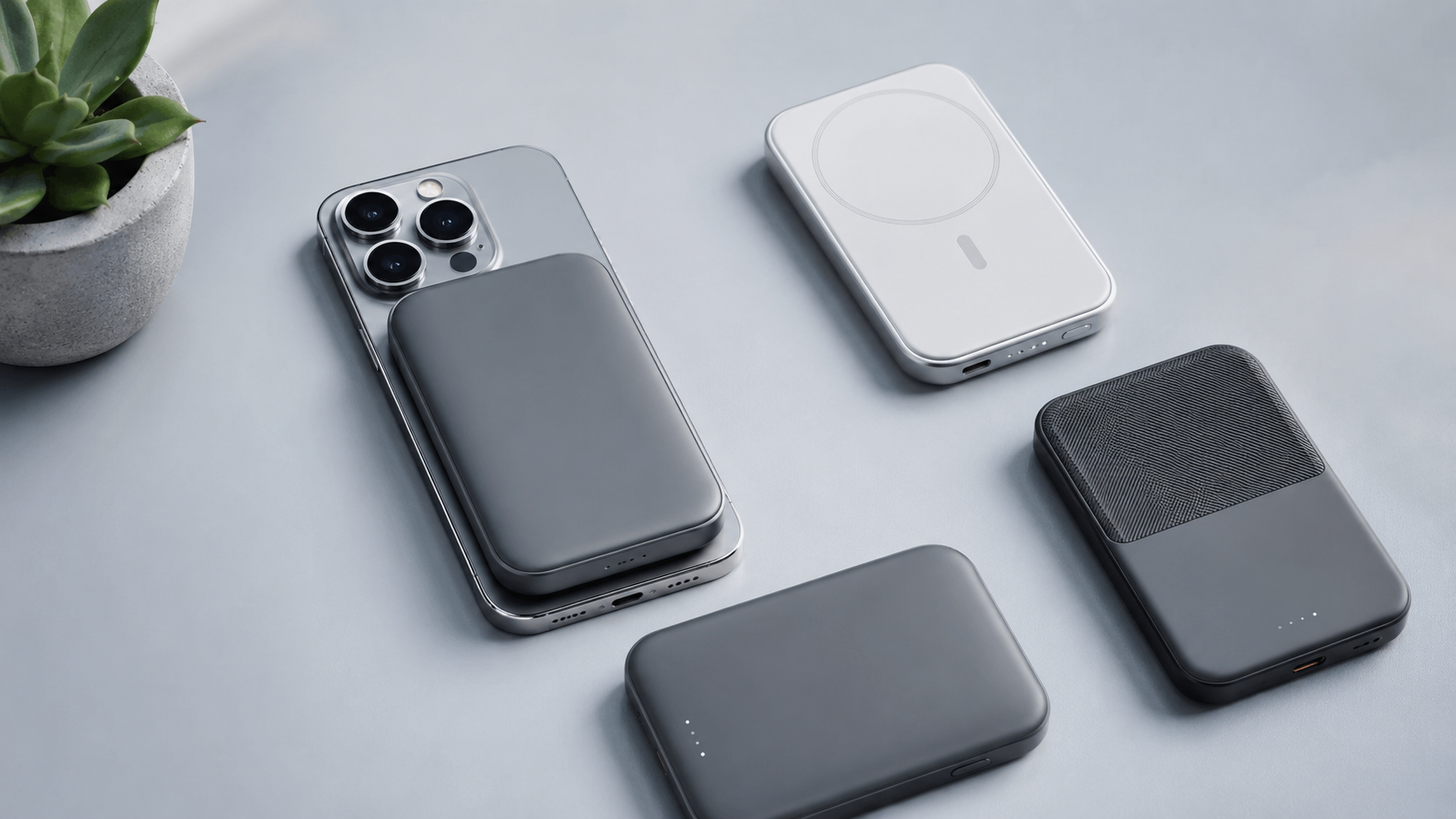
Best MagSafe power banks
Every magnetic bank worth buying, ranked.
Read the roundup ›
Roundup
Best MagSafe power banks
Every magnetic bank worth buying, ranked.
Read the roundup ›
 Review
UGREEN MagFlow review
The full solo verdict on today’s winner.
Read the review ›
Review
UGREEN MagFlow review
The full solo verdict on today’s winner.
Read the review ›
 Guide
Power banks on planes
The watt-hour rules, airline by airline.
Read the guide ›
Guide
Power banks on planes
The watt-hour rules, airline by airline.
Read the guide ›
 Review
LISEN P604 power bank review
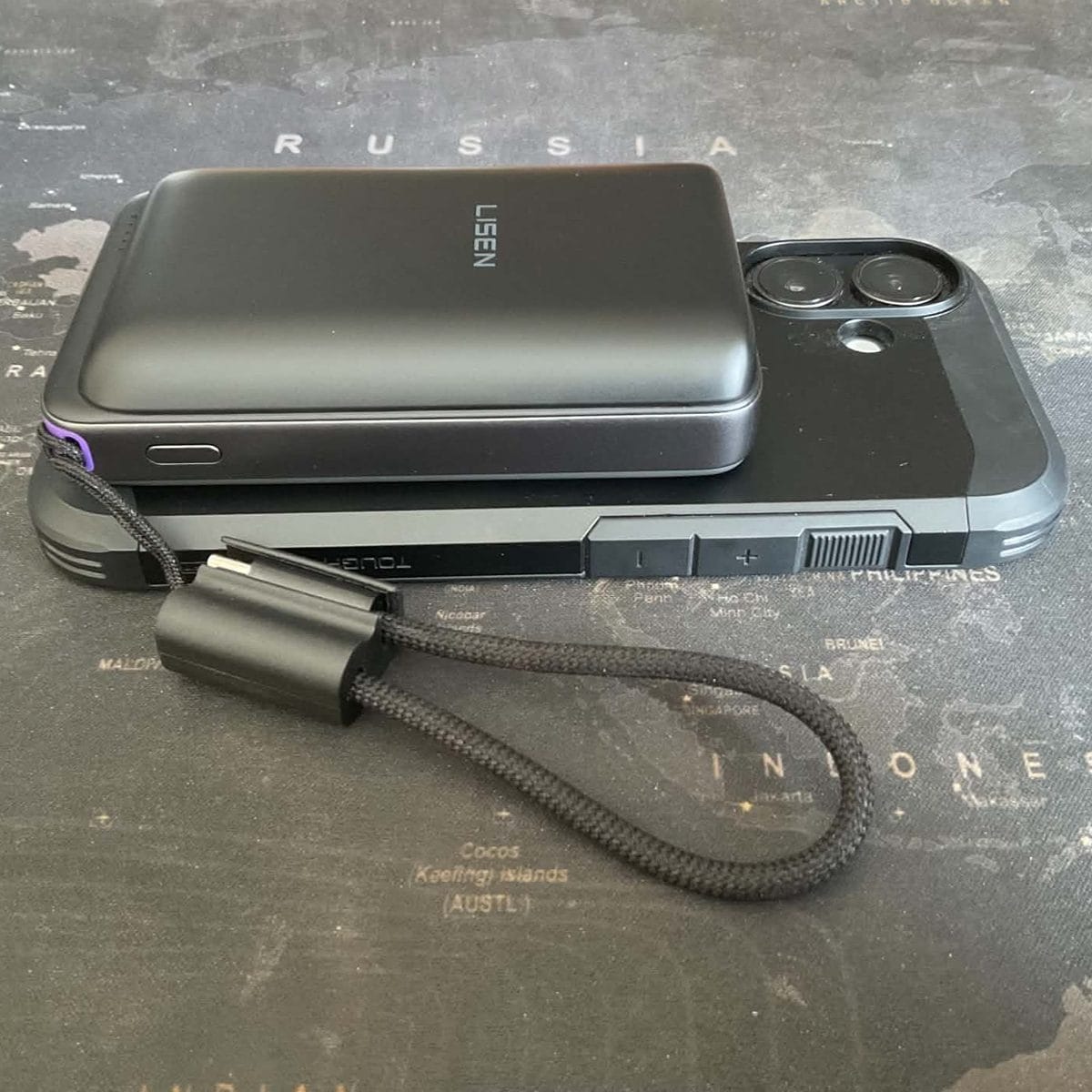
The Qi2.2 rival we tested on our own meter.
Read the review ›
Review
LISEN P604 power bank review
The Qi2.2 rival we tested on our own meter.
Read the review ›
Chosen by people who carry this kit
Our verdicts weigh the manufacturers’ own numbers against named independent testing, and we tell you the trade-offs, not only the wins. How we test and score.