Explainer
What is MagSafe?
Apple’s magnetic charging and accessory system, explained in plain English: how it works, how it differs from Qi and Qi2, which iPhones support it, and whether it’s worth buying into.
The short answer
A magnet ring that makes wireless charging faster and easier.
MagSafe is Apple’s magnetic charging and accessory system for the iPhone. A ring of magnets around a wireless charging coil snaps compatible chargers, power banks, wallets and mounts into place and aligns them for faster, up to 25W, Qi-based wireless charging. It launched with the iPhone 12 in 2020.
- What it is: a magnet ring around a standard Qi coil, built into the back of the phone
- What it does: snaps accessories into perfect alignment, which unlocks the faster speeds
- What it isn’t: a new power technology. The power is ordinary Qi; the magnets are alignment
Facts checked 10 Oct 2026 against Apple’s own MagSafe documentation and the Wireless Power Consortium’s published Qi2 materials. How we test and score.
The short version
The numbers that matter
The definition
What is MagSafe, in plain terms?
MagSafe, explained without the marketing: what the ring is, what it does, and what it is not.
The name is a reuse. Apple first used MagSafe for the magnetic break-away power connector on MacBooks, the one that saved your laptop when someone tripped over the cable. The name came back in October 2020 on the iPhone 12, this time meaning the magnet ring on the back of the phone. The old MacBook plug is a different, discontinued product that shares only the name.
MagSafe is also a certification. Apple licenses the name to accessory makers, and certified chargers are the only ones allowed to deliver the full 15W or 25W. Anything that merely holds on with magnets is only “MagSafe compatible,” a weaker claim covered in the FAQ.
 Darleene asks
“So is it just a magnet holding my charger on? What is it actually doing that my old pad doesn’t?”
Alisdair: mostly, yes, and that is the clever part. Wireless coils are fussy about position: line up badly and the phone charges slowly and hot.
The magnet removes that. The charger clicks into the one spot where the coils overlap perfectly, so you get the fast, cool charge every time. The power itself is ordinary Qi, which is why a MagSafe puck still charges any Qi phone, just without the snap.
Under the back glass
How does MagSafe work?
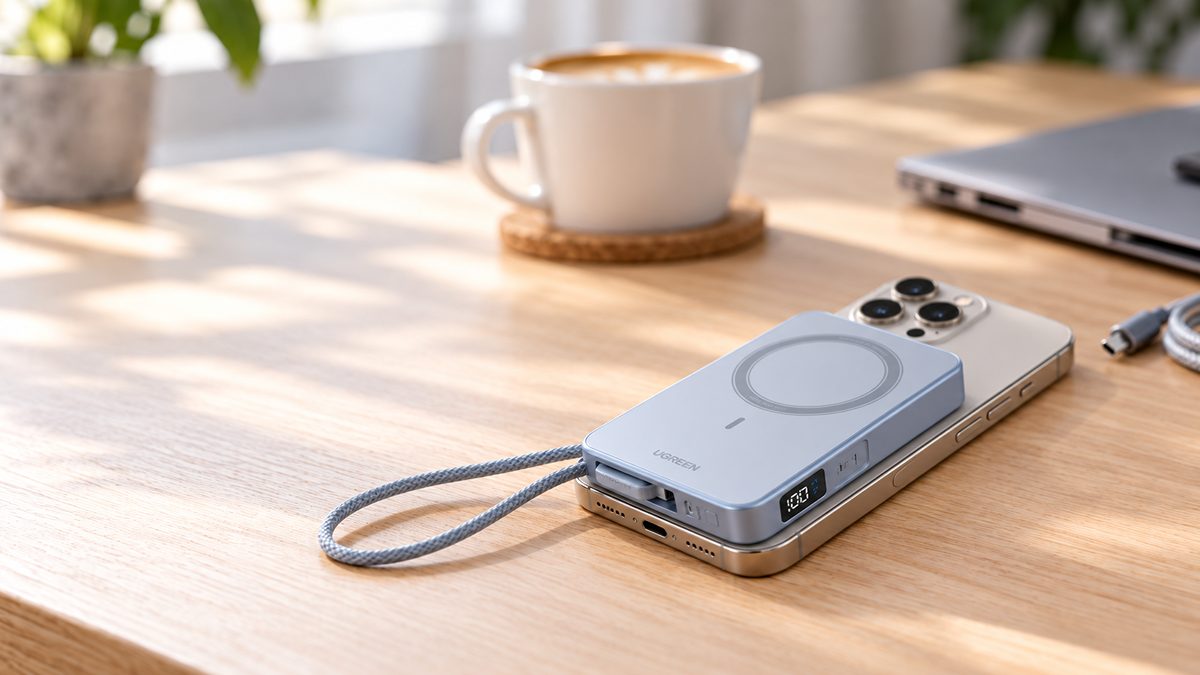
Inside a MagSafe iPhone sits a charging coil with a ring of magnets around it, plus a second alignment magnet below. When a MagSafe accessory gets close, the rings pull it into register with a click and hold it firmly enough to dangle the phone from a car mount.
The coil then does what Qi coils have done for years: it creates a magnetic field, the charger’s coil picks it up, and power flows across the few millimeters of air between them. Good alignment loses far less energy as heat, which is what unlocks the higher speeds. The same ring also anchors wallets, stands and mounts, covered below.
The magnets are the alignment system, not the power system. Any claim about MagSafe speed is really a claim about how perfectly two coils line up.
The common confusion
Is MagSafe the same as wireless charging?
Put an iPhone on a plain Qi pad and it charges at 7.5W, the ceiling Apple sets for generic Qi. Put the same phone on a certified MagSafe charger and the magnets align the coils and the ceiling rises to 15W, or 25W on newer iPhones with the right adapter. It runs both ways too: a MagSafe puck charges any Qi phone, including Androids, which just lose the snap and the speed tier.
The open standard
What is Qi2?
The Wireless Power Consortium has governed Qi since 2008. For Qi2, adopted in 2023, it took the magnetic alignment idea Apple had proven and made it the open standard, in a profile it calls the Magnetic Power Profile: Qi2 chargers snap onto a compatible phone exactly the way MagSafe snaps onto an iPhone.
For iPhone owners a Qi2 or Qi2.2 charger behaves like a MagSafe charger, same snap and speed tiers, and iPhones from the 12 onward support Qi2. For Android owners it is the first native magnetic snap charging, no Apple hardware involved.
Side by side
MagSafe vs Qi2: what’s the difference?
| MagSafe | Qi | Qi2 | |
|---|---|---|---|
| Who owns it | Apple, licensed to certified accessory makers | The Wireless Power Consortium, open to all | The Wireless Power Consortium, open to all |
| Built-in magnets | Yes, in the phone and the charger | No | Yes, in the phone and the charger |
| Peak speed on iPhone | 15W on iPhone 12 to 15; up to 25W on iPhone 16, 17 and 18 Pro | 7.5W on any iPhone | 15W; Qi2.2 certified chargers reach 25W on iPhone 16, 17 and 18 Pro |
| Which devices | iPhone 12 or later with MagSafe (16e and SE excepted) | Any Qi phone, iPhone 8 onward and most Androids | iPhone 12 or later, plus Android phones with Qi2 built in |
| Typical cost tier | Mid to high | Low | Mid |
Figures as at October 2026, from Apple’s published MagSafe materials and the Wireless Power Consortium’s Qi2 specifications.
How we checked this
- Primary sources only. Every figure comes from Apple’s own MagSafe documentation or the WPC’s published Qi2 specifications, not retailer listings. We own no MagSafe unit, so nothing here is a first-party measurement.
- Speed wording. “Up to” matters. A 25W ceiling needs a current iPhone, a certified charger and a 30W or higher adapter together; miss one and you get less.
Update log
Page published. Qi2.2 figures added, iPhone support table updated through the iPhone 18 Pro line.
Android Qi2 support is moving fast. We will update the Android section as new phones ship with the magnets built in.
The comparison table on this page is free to reuse, in whole or in part, with attribution to SmartGadgetKit and a link to this page. Journalists wanting clarification can reach Alisdair through our contact page.
Ready to pick a charger? Our wireless chargers roundup scores the pads, stands and magnetic banks that make the most of all three standards.
See our wireless charger picksThe cross-platform question
Does MagSafe work on Android?
A MagSafe puck will charge an Android phone, since the underlying power transfer is plain Qi. What it will not do is snap, align, or charge fast: the Android has no matching magnet ring, so it sits loosely on the pad at ordinary Qi speeds.
The headline Android Qi2 phone is Google’s Pixel 10 series, which Google brands Pixelsnap: the first major Android line with the Qi2 magnets built into the phone itself. Other 2025 flagships took a halfway route: the Galaxy S25 and OnePlus 13 support Qi2 but ship without the built-in magnets, so they need a magnetic case to get the snap. That case route works on almost any phone, and it is how most Android owners join the ecosystem today.
The support list
Which iPhones support MagSafe?
| iPhone line | MagSafe | Peak wireless speed | Notes |
|---|---|---|---|
| iPhone 12, 13, 14, 15 | Yes, gen 1 | Up to 15W | Mini models peak at 12W |
| iPhone 16, 17 | Yes, gen 2 | Up to 25W | Needs a 30W or higher USB-C adapter for the full 25W |
| iPhone 18 Pro, 18 Pro Max | Yes, gen 2 | Up to 25W | Same gen 2 tier as iPhone 16 and 17 |
| iPhone 8 to 11 | No | 7.5W on Qi | Wireless charging without magnets |
| iPhone 16e, iPhone SE (3rd gen) | No | 7.5W on Qi | The modern exceptions: wireless charging, no MagSafe ring |
Support table checked 10 Oct 2026 against Apple’s published iPhone specifications. Wattages are Apple’s stated ceilings, not our measurements.
If you own a 16e or an SE, skip the MagSafe aisle. No magnet ring means magnetic chargers, wallets and mounts will not grip, and the wireless ceiling stays at 7.5W. A good USB-C cable and a small wall charger serve you better.
The speed story
How fast does MagSafe charge?
The tiers, per Apple’s own documentation: iPhone 8 to 11 charge at 7.5W on a MagSafe puck, the same as on any Qi pad. Gen-1 MagSafe, on iPhone 12 to 15, peaks at 15W, with the mini models limited to 12W. Apple’s own MagSafe charger guidance is the source for these figures.
Gen-2 MagSafe, from the iPhone 16 era onward, raises the ceiling to 25W, and Apple is upfront about the catch: the full 25W needs a USB-C adapter rated at 30W or higher.
Two things quietly cap real-world speed whatever the tier. Heat: wireless charging warms the phone, and the phone protects its battery by slowing as it warms. And accessories: connect a Lightning accessory while charging and MagSafe drops to 7.5W, an obscure Apple-documented limit.
Wired USB-C is still faster than any of these. MagSafe’s case is convenience and alignment, not raw speed.
- 7.5W: iPhone 8 to 11 on any pad, any iPhone on an uncertified MagSafe-compatible charger, and any iPhone with a Lightning accessory connected
- 15W: gen-1 ceiling on iPhone 12 to 15, and the base Qi2 tier
- 25W: gen-2 ceiling on iPhone 16, 17 and 18 Pro, from Qi2.2 or gen-2 MagSafe chargers, with a 30W or higher adapter
Need the right wall power behind it? Our GaN charger guide covers the compact 30W and higher adapters that unlock the full 25W tier.
See our GaN charger guideBeyond the pad
What can you do with MagSafe?
Chargers are the core: pucks for the bedside, stands that hold the phone upright for video calls without it sliding off, something loose Qi pads never managed. Wallets snap on behind the phone, car mounts grip it hands-free, and grips round out the shelf. None of these need power at all; they just use the ring as a mount.
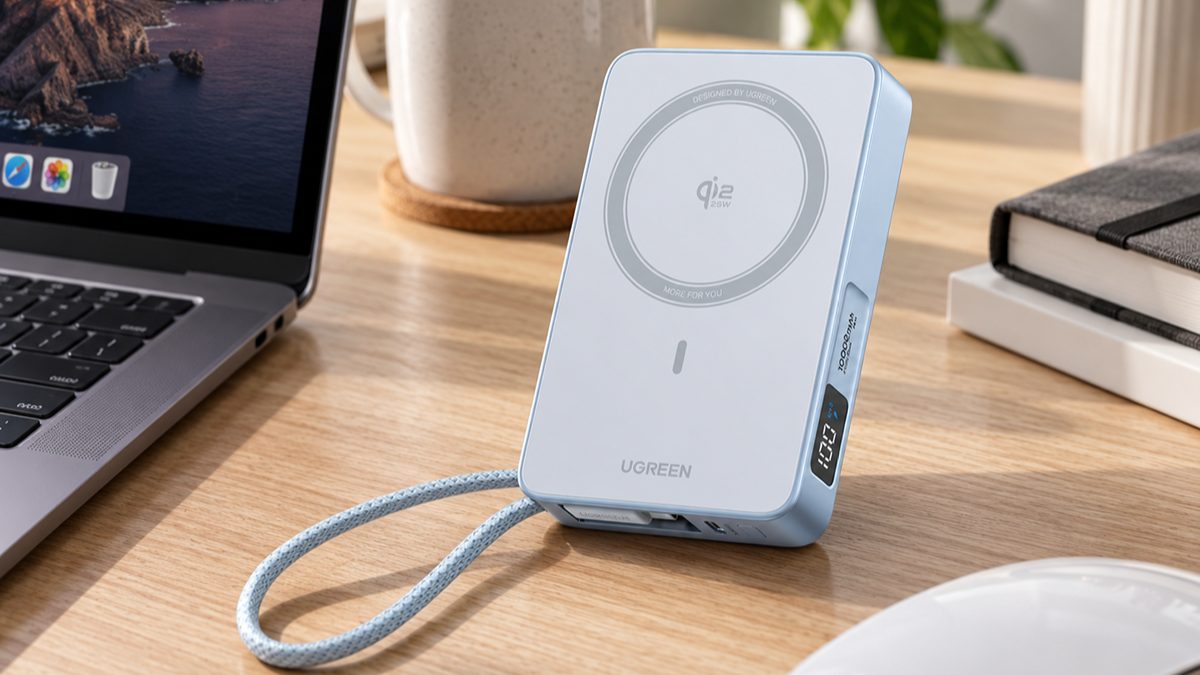
Magnetic power banks are the category we test most. A MagSafe power bank sticks to the back of the phone while it charges, so there is no cable to hold. Our best MagSafe power banks roundup ranks the Qi2 and Qi2.2 models we rate highest, and our UGREEN MagFlow review shows what a 25W magnetic bank does well and where it compromises.
The verdict
Is MagSafe worth it?
The honest case for: drop the phone anywhere near the charger and it clicks into the fast spot, every time. Stand it on a desk, snap a bank on in a moving car, mount it for navigation: the magnet removes the fiddling that made wireless pads annoying.
The honest case against: money and heat. Certified MagSafe and Qi2 gear costs more than plain Qi, and wireless charging of any kind runs warmer and slower than a cable. If you charge overnight by the bed and never during the day, a cheap pad does the same job for less.
Our reviewer call: for an iPhone 12 or later, yes, have at least one magnetic charger in your life, usually a stand for the desk or a bank for the bag. Between the big magnetic bank brands, our Anker MagGo vs UGREEN MagFlow comparison lays out who each one suits. Buy in for the convenience of the snap, not for speed, and skip it entirely if your iPhone has no magnet ring.
Quick answers
MagSafe: your questions, answered
Does MagSafe work through a case?
Usually, yes. A thin, non-metallic case passes power fine, though thick cases slow things down. For the snap and the fastest speeds you want a MagSafe or Qi2 case with its own magnet ring. Metal cases can block charging entirely.
Will the magnets damage my phone or bank cards?
Your phone is safe; iPhones are designed around the magnet ring. Bank cards are the different story. A magnetic stripe card, like a hotel key card, sandwiched between the phone and a MagSafe charger can be demagnetized. Use a MagSafe wallet with a shielded card pocket.
Do I need a MagSafe case?
No for basic charging: any thin case works on a pad. Yes for everything the magnets do: holding the phone on a stand, gripping a car mount, or snapping a power bank in place. Without a magnetic case you get the charge but not the snap.
Are cheap MagSafe-compatible chargers any good?
They work, but read the wording. MagSafe compatible without Apple certification or a Qi2 logo charges an iPhone at 7.5W, the same as any basic Qi pad. Only certified MagSafe and Qi2 chargers unlock 15W or 25W. The magnet ring on a cheap pad is for alignment, not extra speed.
Does MagSafe weaken over time?
The magnets barely degrade; you will not notice a weaker snap. What ages is the battery: wireless charging runs warmer than cable charging, and heat is what wears a lithium battery. Apple manages the charge rate to limit the extra wear.
Keep reading
Where this page’s readers usually go next
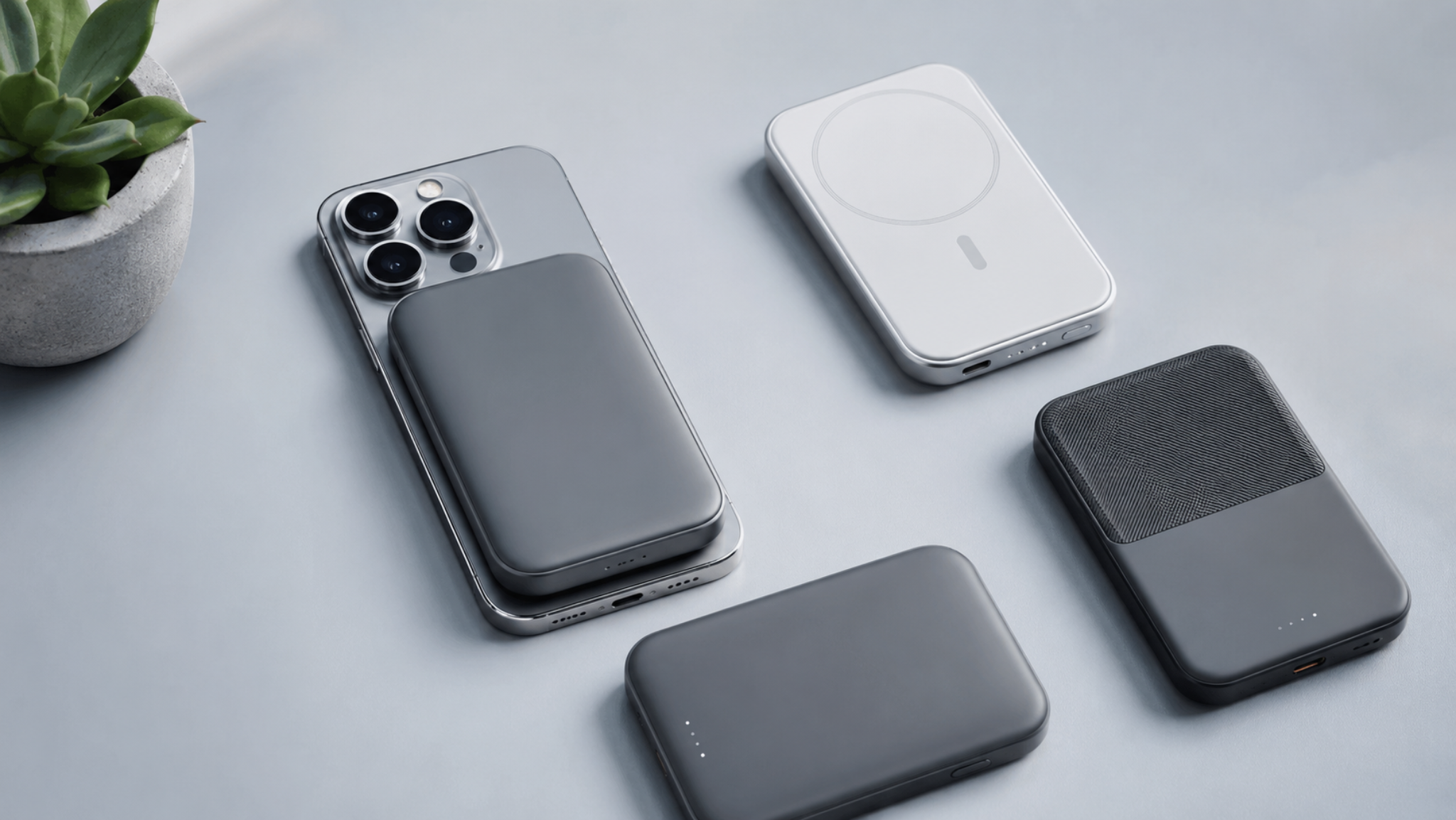
The best MagSafe power banks
Qi2 and Qi2.2 magnetic banks ranked by job.
Read the roundup ›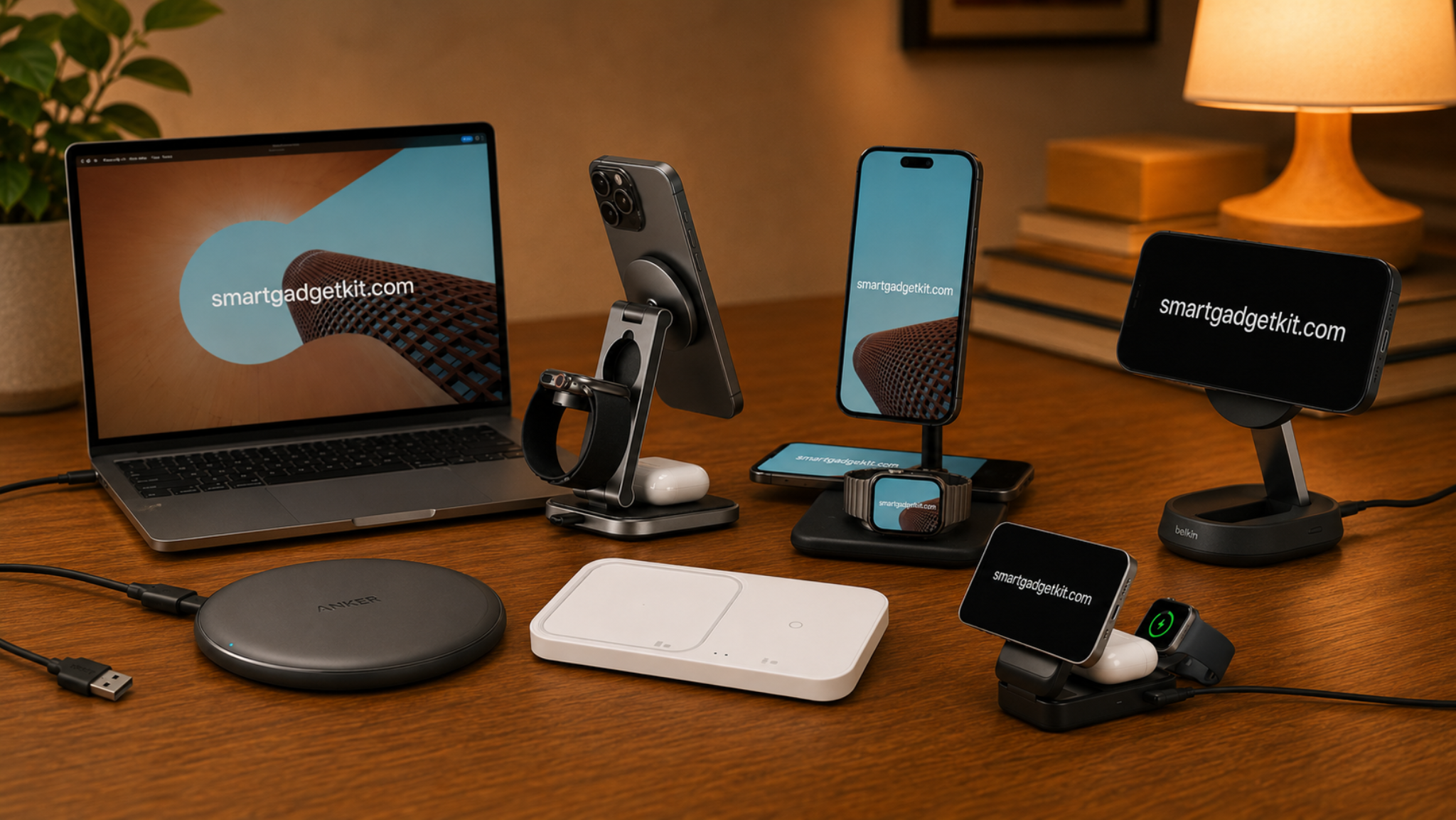
The best wireless chargers
Pads, stands and stations across all three standards.
Read the roundup ›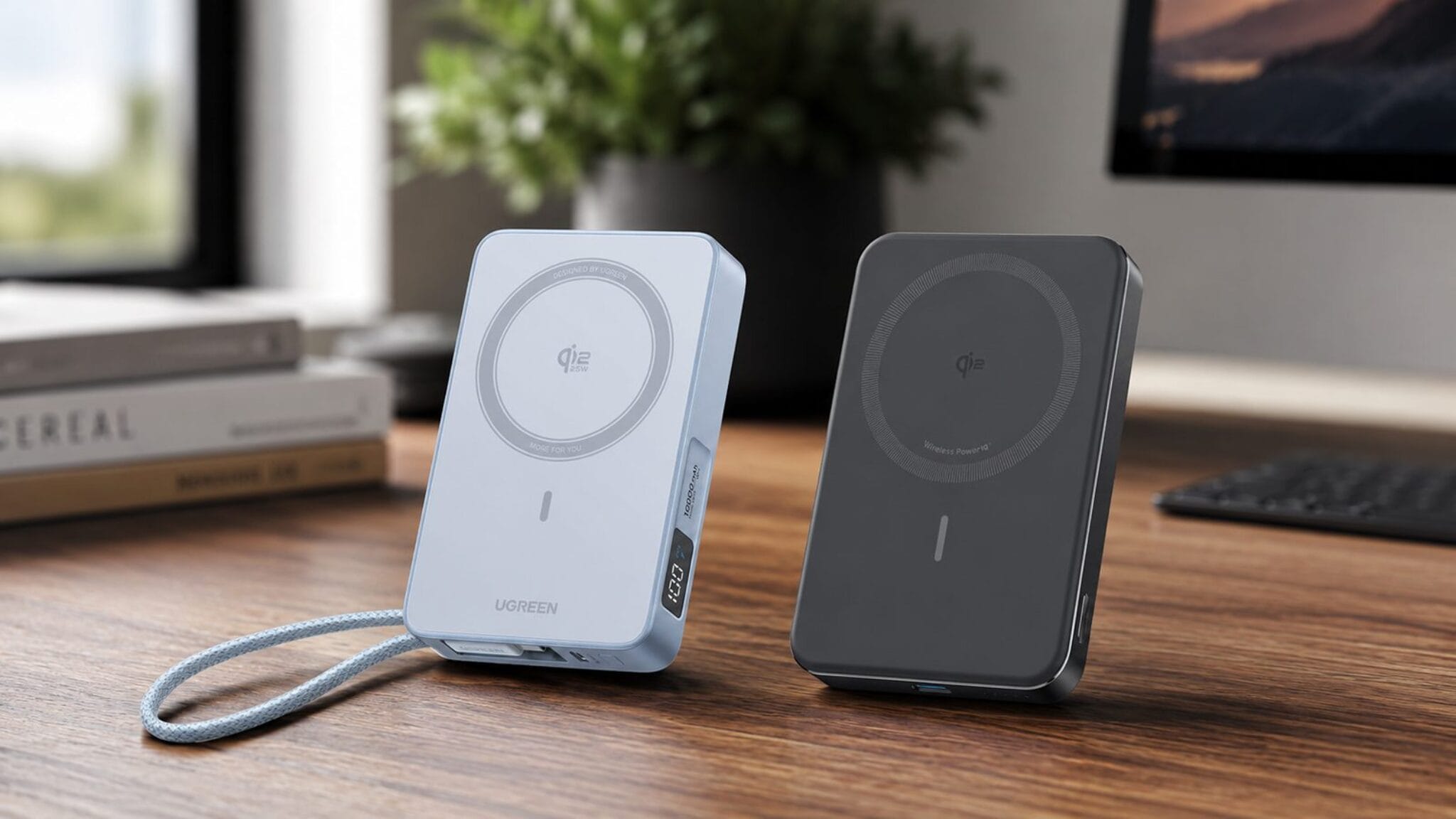
Anker MagGo vs UGREEN MagFlow
Two leading magnetic banks, head to head.
Read the comparison ›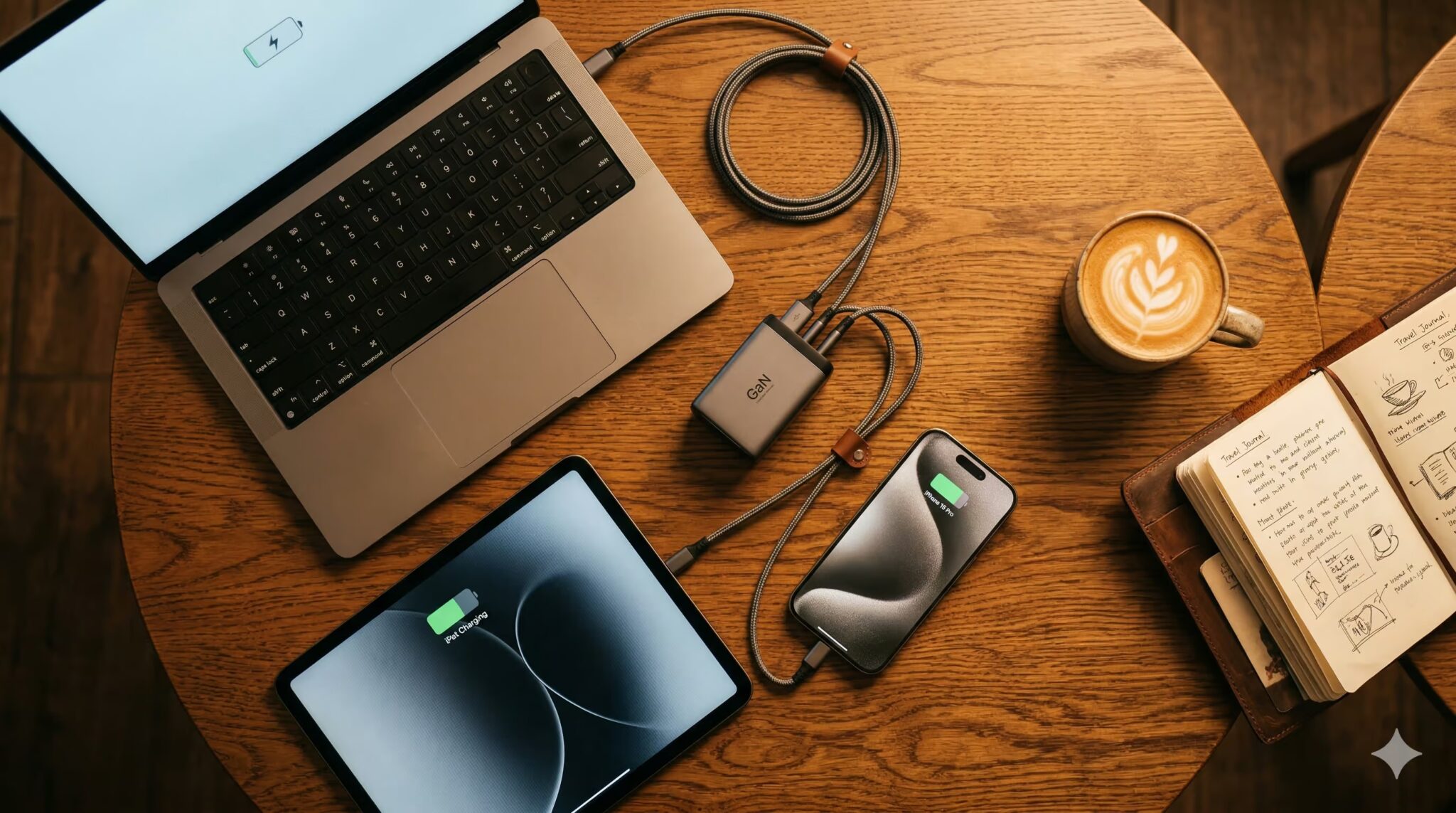
The best GaN chargers
The compact 30W and higher adapters behind 25W MagSafe.
Read the guide ›Facts on this page come from Apple’s own MagSafe documentation and the Wireless Power Consortium’s published materials, named where each is first mentioned. See how we test and score.
Latest from SmartGadgetKit
 Best Portable Charger for iPhone: 5 Picks for 16, 17, and 18 Pro
 Anker vs UGREEN: Which Brand Should You Buy in 2026?
 Best Travel Charger 2026: GaN Chargers for Every Trip
 Lithium Ion Battery Fire Statistics 2026
 LISEN Power Bank Review: The Qi2.2 25W MagSafe 10000mAh, Measured
 How Long Does a Power Bank Last? Charges, Years and Sizing
 Anker Prime 250W Charger Review: 6-Port Desktop Hub
 Anker Prime 300W Power Bank Review: Two Laptops, One Socket-Free Table
Behind this guide
Our verdicts combine hands-on testing by the SGK team with trusted independent lab data. This page is informational: every figure on it is attributed to Apple or the Wireless Power Consortium, because we own no MagSafe unit and make no first-party charging claims here.