Best USB-C and USB-A Charger 2026: 6 Dual-Standard Picks
The best usb c and usb a charger keeps one foot in both camps: fast USB-C ports plus a legacy USB-A port. Six chargers ranked for households, travelers and shared desks.

Updated 13 September 2026
Affiliate disclosure: if you buy through links on this page we may earn a commission, at no extra cost to you. As an Amazon Associate we earn from qualifying purchases.
Our top pick
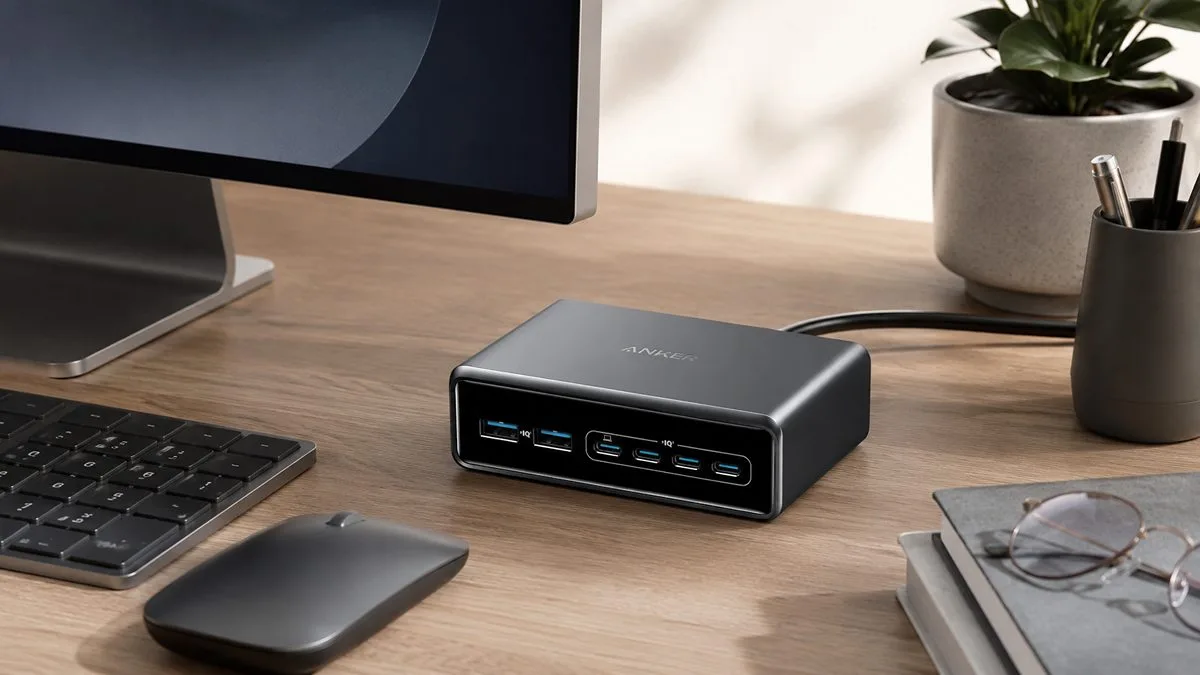
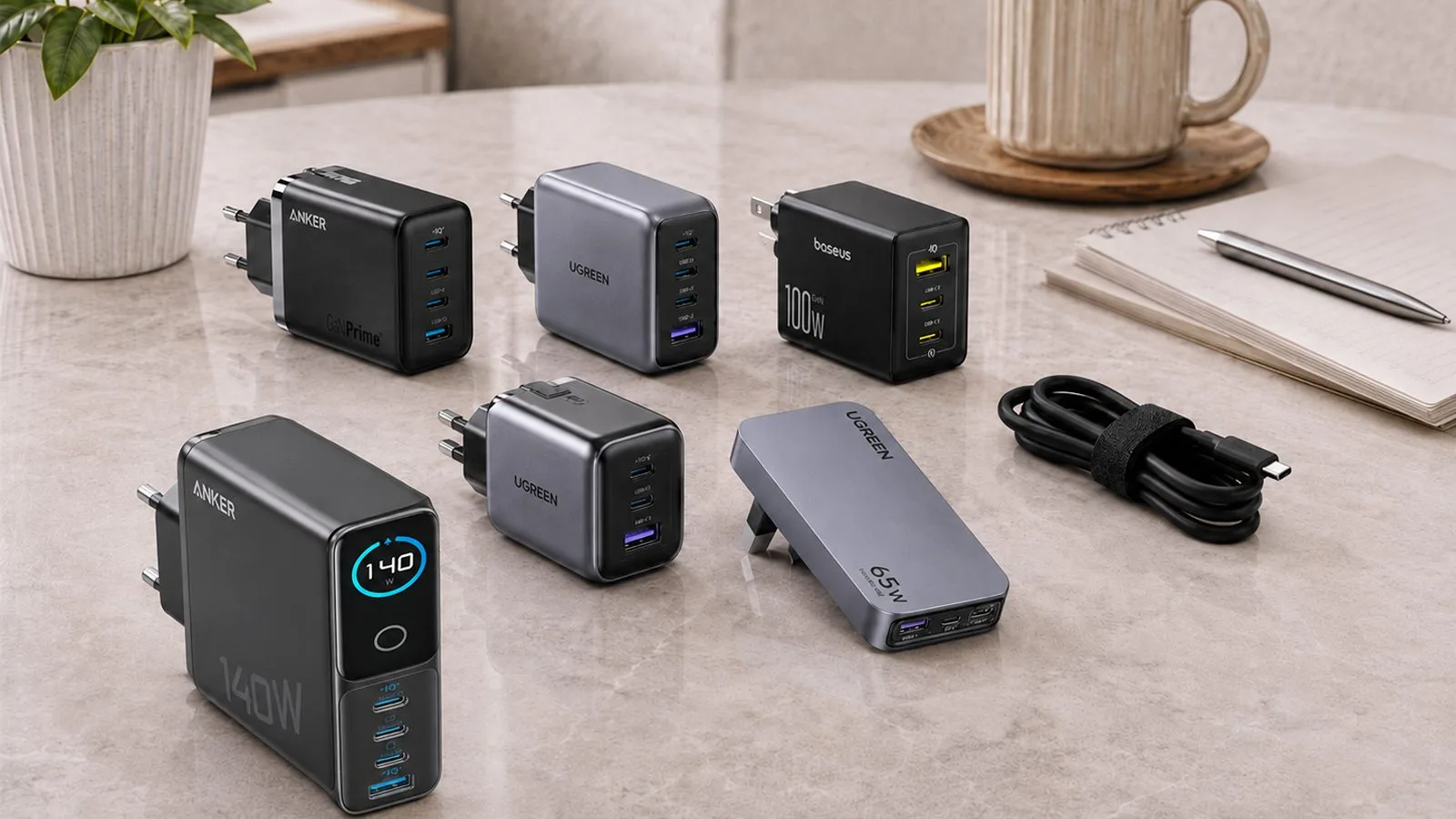
Anker Prime 200W 6-Port Charging Station
Anker Prime 200W 6-Port. When one plug is not enough, this is the step up. Four USB-C ports and two USB-A ports share 200W, with each USB-C port able to hit 100W on its own. It is built for a shared desk or family charging corner where several devices all need a home at once.
It is overkill if you only ever charge one or two things, and it is not a travel plug. For a bag, the smaller picks below give you better value.
Good
- Six ports, four USB-C and two USB-A
- Up to 100W per USB-C port, enough for a laptop
- Runs a whole desk from one socket
Watch
- Overkill if you only charge one or two things
- Desktop-sized, not a travel plug
Start here
What are you buying it for?
Every pick below is a use-case winner. Tap the job that fits and the matching charger lights up in the shortlist.
The other five picks at a glance
The winner is above. These five cover the other jobs, from a whole-house all-rounder to a compact travel plug.
 Best all-rounder
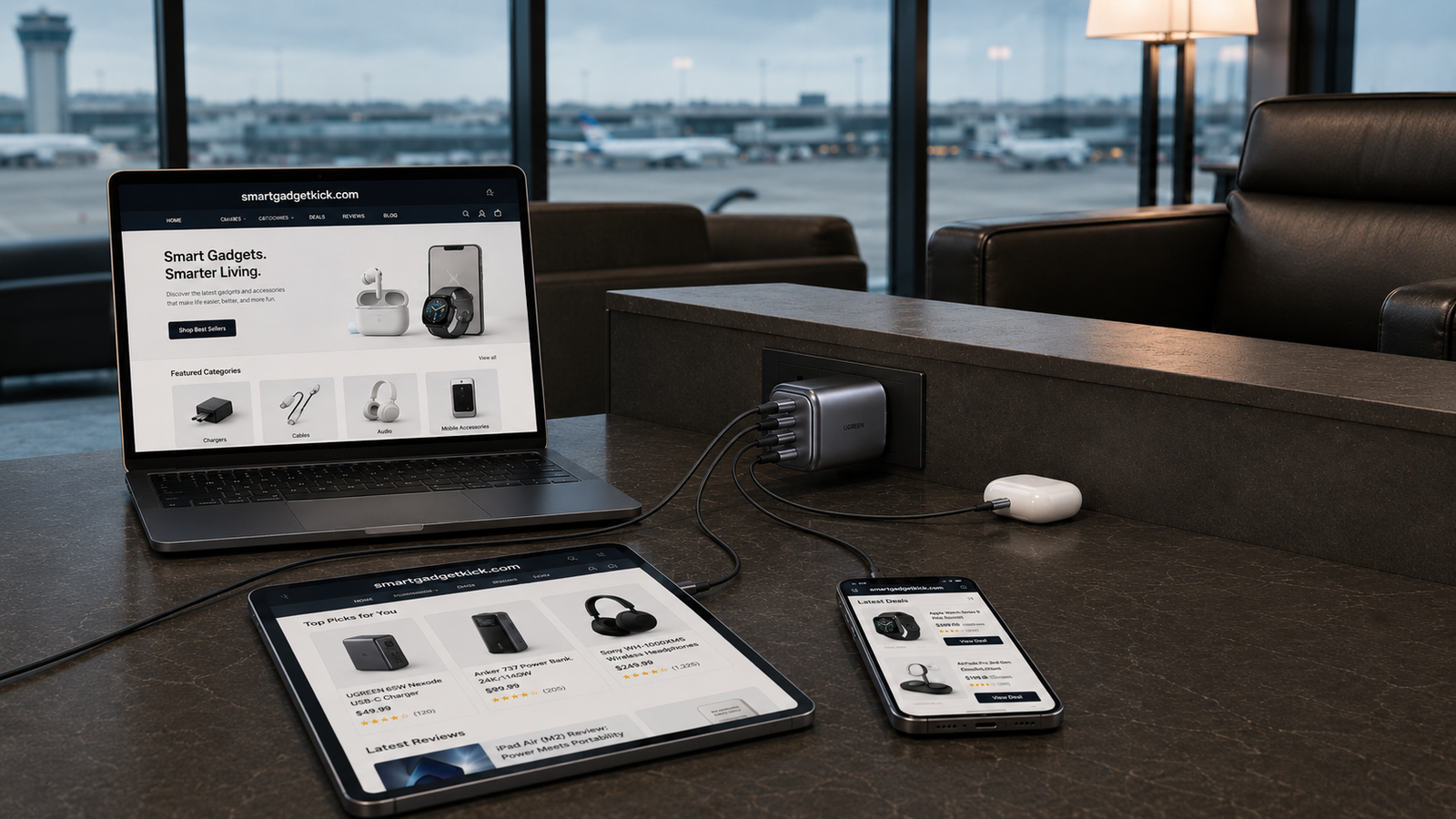
UGREEN Nexode 100W 4-Port
3x USB-C + 1x USB-A
 Best for laptop + phone + legacy
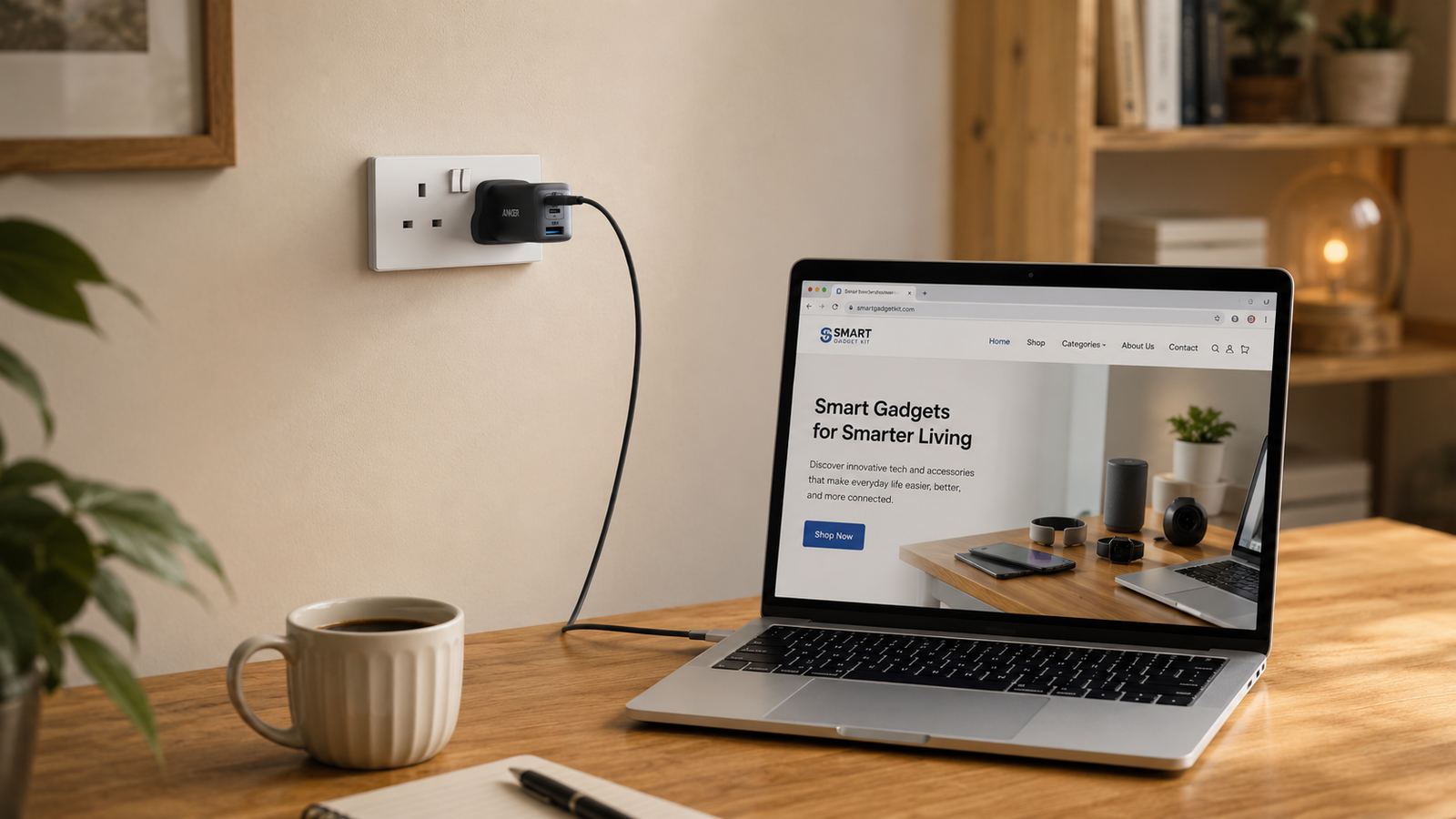
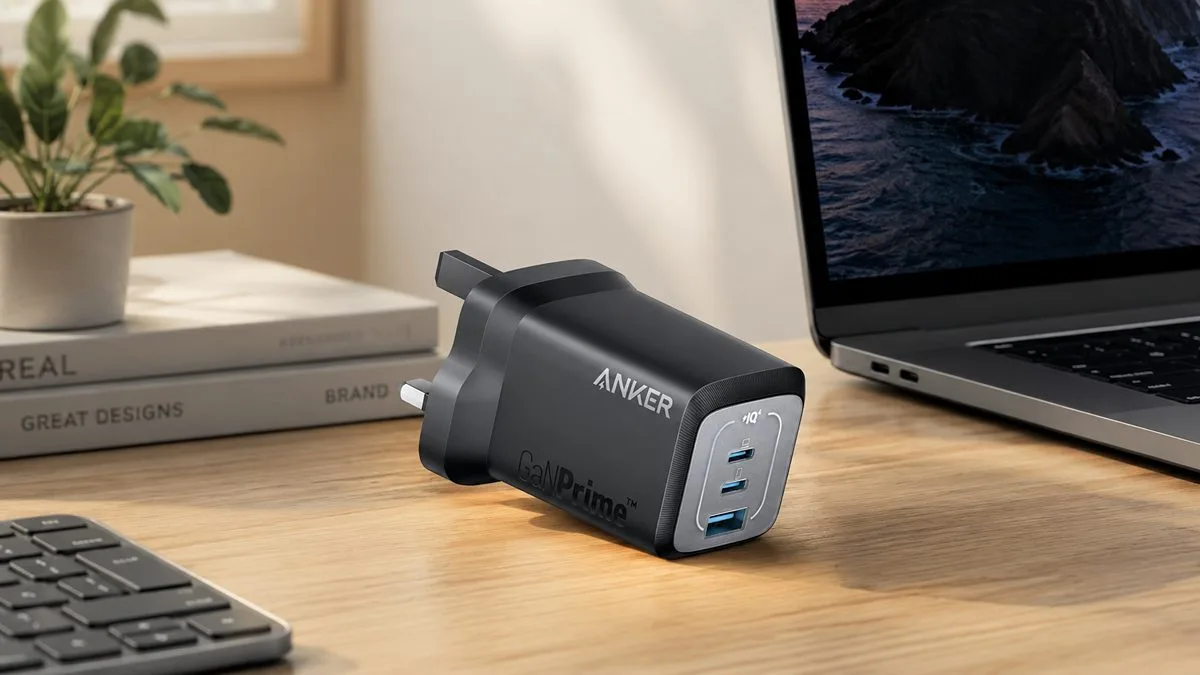
Anker 735 Nano II 65W
2x USB-C + 1x USB-A
 Best compact everyday
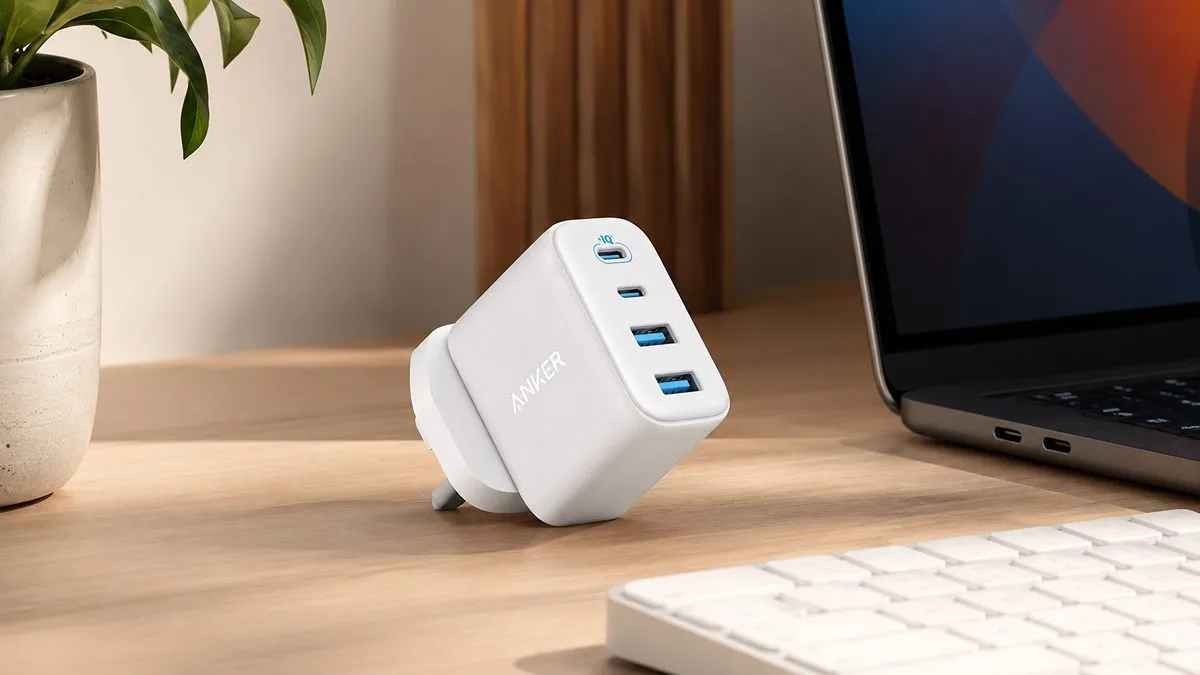
Anker Prime 67W
2x USB-C + 1x USB-A
 Best travel
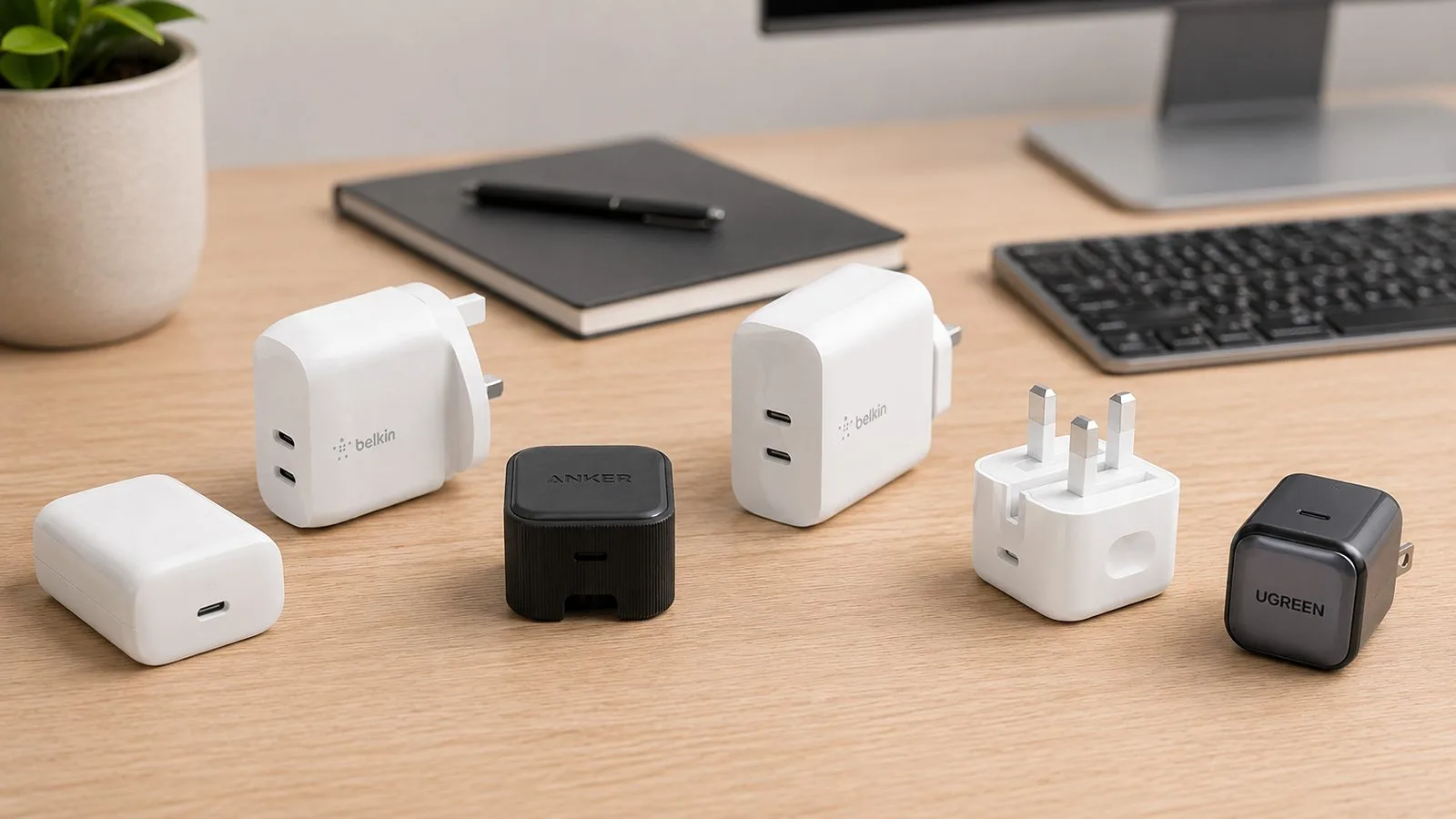
Belkin BoostCharge Dual 42W
1x USB-C 30W + 1x USB-A 12W
 Best value
Anker Zolo 50W 4-Port
2x USB-C + 2x USB-A
Compare
Side by side
The same six chargers as a straight spec comparison. Single-port output is the best one port can do on its own; total output is what they share across every port. Stars are editorial; per-product rating markup lives on our standalone reviews, never on a roundup.
Single-port output tells you what one device gets when it is alone on the charger. Total output is what is shared once every port is busy.
First, the basics
What each port actually does
The two ports are not just different shapes. They do different jobs, and knowing which is which is the whole game.
The two ports aren’t just different shapes. They do different jobs, and knowing which is which is the whole game.
USB-C is the modern port. On these chargers it carries USB Power Delivery, the fast-charging standard a phone, tablet or laptop negotiates for. This is the port that tops a phone up quickly or runs a laptop off a single cable.
USB-A is the older, rectangular port. On a modern charger it’s there for compatibility, not speed. It runs at a lower level of power, often somewhere between 12W and 22.5W depending on the charger, and it doesn’t do full USB Power Delivery. That’s fine for a watch, earbuds, an older phone overnight or an accessory. It’s not the port you want feeding a laptop.
So the rule is easy. Plug the newest, hungriest device into USB-C. Use USB-A for the older cable you never got round to replacing.
 Darleene asks
“Everything is USB-C now, so why would I still want a USB-A port at all?”
Alisdair’s answer: because most of us have not actually replaced everything. Picture what is in the drawer: the older phone, the watch dock, the earbuds case, the cable that came with a gadget three years ago.
Those are nearly all USB-A. A charger with a USB-A port means all of that keeps working without buying new cables. The day you finally replace the lot, you move over to the USB-C ports and nothing changes.
It is a bridge, and it is a cheap one.
The short version, for Darleene: USB-C is fast and clever, USB-A is slow and loyal. A charger with both means you never have to pick.
Best all-rounder: UGREEN Nexode 100W 4-Port (3C+1A, B091N7FVDL)
3x USB-C + 1x USB-A | 100W total
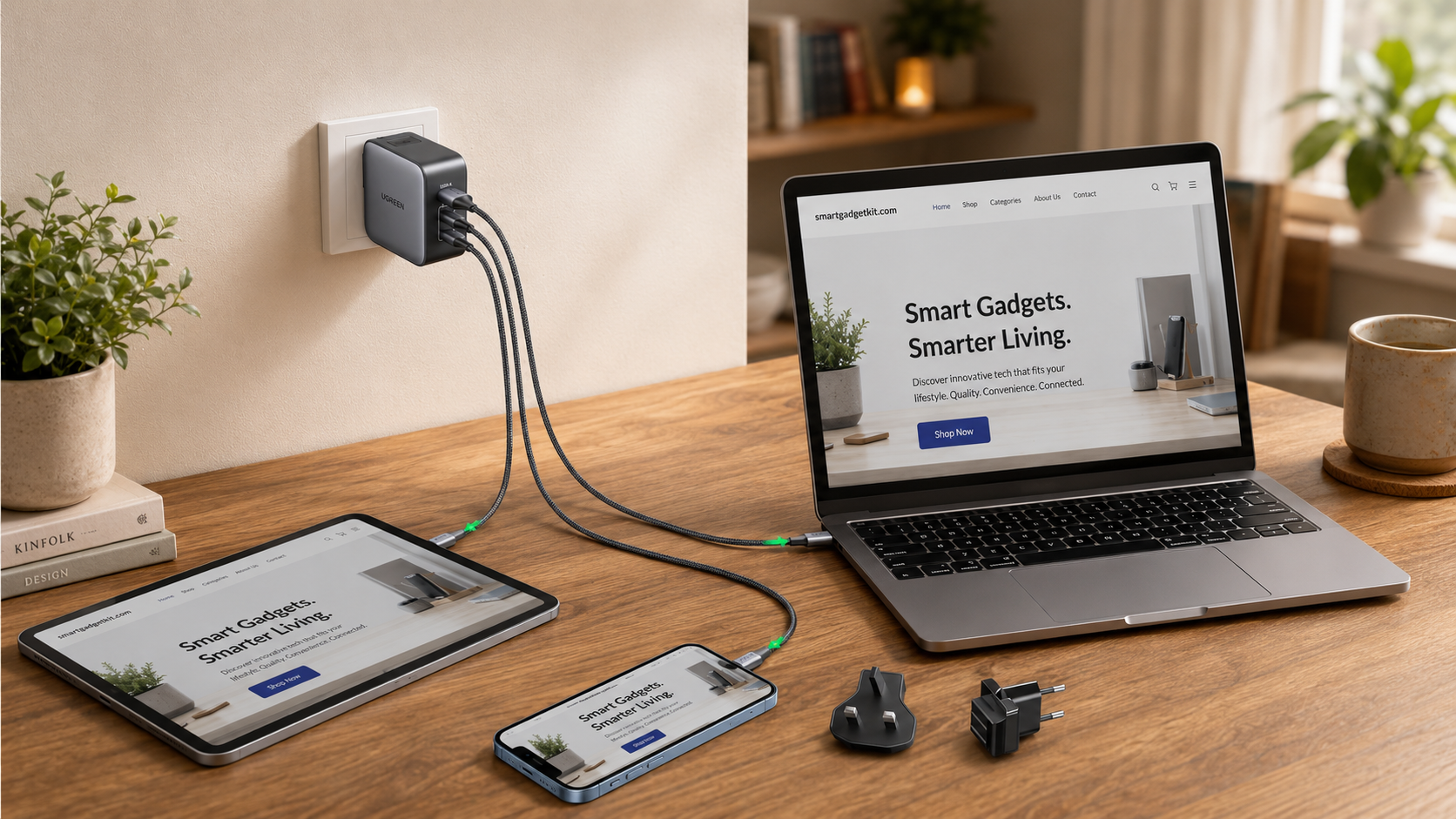
If you want one charger to cover almost everything in the house, this is it. The Nexode 100W gives you three USB-C ports and one USB-A, so a laptop, a phone and a tablet can all pull fast USB-C power while the USB-A port keeps an older cable in play.
It uses GaN internals, a chip material that runs cooler, which is why a 100W charger can be this small instead of the size of an old laptop brick. On its own, one USB-C port drives a mainstream laptop at full speed; plug in more devices and the 100W is shared across them, which is plenty for a household’s everyday mix.
TechGearLab rated the Nexode 100W as a broadly compatible, high-power charger for laptops and multiple devices in its testing. UGREEN is the one brand we partner with directly, so buying through the UGREEN link supports the site at no extra cost to you.
Pros
- Three USB-C ports plus a USB-A, enough for a whole household
- 100W runs a mainstream laptop at full speed on its own
- GaN keeps a 100W charger pocket-sized
- Buy-direct option from UGREEN
Con
- Total power is shared across the four ports when they are all in use
Best for laptop + phone + legacy: Anker 735 Nano II 65W (2C+1A, A2667, B09C87NLDN)
2x USB-C + 1x USB-A | 65W total
The Anker 735 is the pocket workhorse. Two USB-C ports handle a laptop and a phone at speed, and the single USB-A port takes the older accessory.
Anker rates it to fast charge up to three devices at once, and either USB-C port can drive a mainstream laptop when it is the only thing plugged in. This is the charger to drop in a carry-on before a long-haul flight.
It runs the laptop on the tray table, tops the phone up, and still has a port for the older cable you inevitably packed. For most people it is the one that leaves the house every day.
Pros
- Two USB-C ports drive a laptop and a phone at speed
- USB-A port keeps an older cable useful
- Pocket-sized GaN body for travel
Con
- 65W is shared, so a laptop slows if a second device draws hard
Best compact everyday: Anker Prime 67W (2C+1A, A2669, B0C4Y1FFQH)
2x USB-C + 1x USB-A | 67W total
Close in spirit to the 735, the Prime 67W offers the same useful mix of two USB-C ports and one USB-A in a neat everyday body. It is aimed at the reader who does not need a full 100W but wants a tidy plug for the bag or the family room that still charges three things at once.
GaN keeps it small. Because it sits so close to the 735, there is little reason to own both; pick whichever is easier to get hold of.
Pros
- Same 2C+1A mix in an even tidier body
- 67W is plenty for a phone, tablet or mainstream laptop
Cons
- Sits so close to the 735 that owning both makes little sense
- Power is shared once all three ports are busy
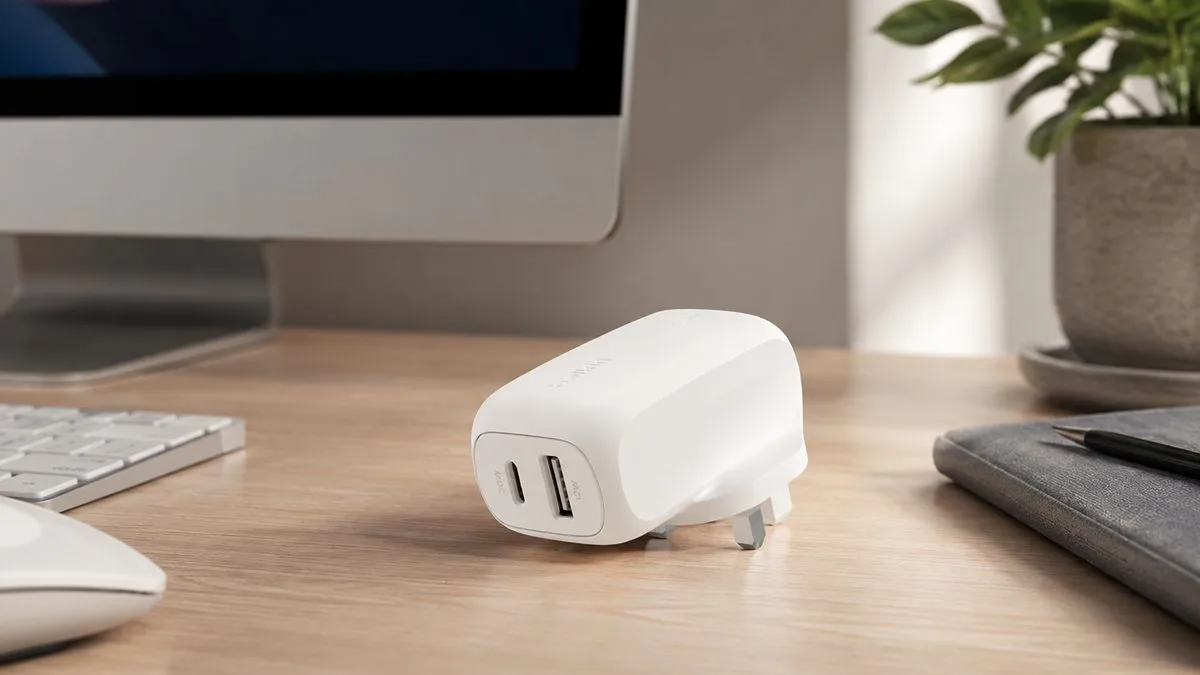
Best travel: Belkin BoostCharge Dual 42W (1C+1A, WCB009myWH, B0CVNBGMGY)
1x USB-C 30W + 1x USB-A 12W | 42W total
Sometimes you do not want to think about it. The Belkin 42W gives you exactly one USB-C port and one USB-A port, nothing more to work out.
Belkin rates the USB-C port at up to 30W, enough to fast charge a phone or a small tablet, and the USB-A port at up to 12W for the older cable. That 12W USB-A port is for topping up an accessory, not fast charging a second phone, so know what you are buying.
It is the plug to leave in the travel bag so you always have one of each, whether you are charging a hotel-room phone in Lisbon or a controller on a train.
Pros
- One of each port, nothing to configure
- 30W USB-C fast charges a phone or small tablet
Cons
- USB-A capped at 12W, for accessories not fast charging
- Only two ports and a lower total power
- No laptop-class output
Best busy-desk station: Anker Prime 200W 6-Port (4C+2A, A2683, B0D59JNQ9F)
4x USB-C + 2x USB-A | 200W total
When one plug is not enough, this is the step up. The Prime 200W station carries four USB-C ports and two USB-A ports, and Anker rates each USB-C port at up to 100W, so it can run a laptop and still have power to share.
It is built for a shared desk, a family charging corner or a creator setup where several USB-C and USB-A devices all need a home at once. It is overkill if you only ever charge one or two things, where the smaller picks give you better value.
Pros
- Six ports, four USB-C and two USB-A
- Up to 100W per USB-C port, enough for a laptop
- Runs a whole desk from one socket
Cons
- Overkill if you only charge one or two things
- Desktop-sized, not a travel plug
Best value: Anker Zolo 50W 4-Port (2C+2A, A121E, B0G4KCHPW3)
2x USB-C + 2x USB-A | 50W total
The Zolo 50W is the sensible middle. Two USB-C ports and two USB-A ports charge up to four devices from one wall outlet, without jumping to a desktop station.
If your household leans heavily on older USB-A cables but you still want a pair of modern USB-C outputs, this is the easy pick. The 50W is shared, so it is built for phones, tablets and accessories rather than fast laptop charging.
Pros
- Two USB-C and two USB-A, four devices at once
- Good value without stepping up to a desktop brick
Cons
- 50W total is modest once several ports are busy
- USB-A ports are low-power, for accessories only
The bottom line
If you want one charger to do almost everything, the UGREEN Nexode 100W is the pick: three fast USB-C ports, a USB-A port for old cables, and enough power for a laptop.
For a plug that lives in your bag, the Anker 735 covers a laptop, a phone and a legacy device without weighing you down. Travelling light? The Belkin 42W keeps it to one of each.
Running a shared desk? The Anker Prime 200W station has ports to spare. Whichever you choose, the point is the same: one charger, both port types, and no more digging for the right cable.
How to choose a USB-C and USB-A charger
How many ports do you need? Count the things that get charged in the same place at the same time. One device on the move is a single-port job. A phone plus a watch is two. A family corner is four or more. Buy for the busiest moment, not the quietest.
How much power? Match it to your biggest device. A phone or small tablet is happy on 20W to 30W over USB-C. A mainstream laptop wants 45W to 65W, and our best USB-C laptop charger guide goes deeper on that end. If you want to charge a laptop and a phone at full speed together, look at 100W and up so the charger isn’t rationing power between ports.
What does GaN change? GaN, or gallium nitride, is the material inside the newer chargers. It runs cooler and lets the maker pack more power into a smaller, lighter body. Every high-power pick here uses it. It’s why a 100W charger can be barely bigger than an old phone plug.
When does USB-A still matter? Whenever you own cables you don’t want to replace. USB-A is slower and it isn’t Power Delivery, but it’s loyal. As long as that drawer of old cables exists, one USB-A port earns its place.
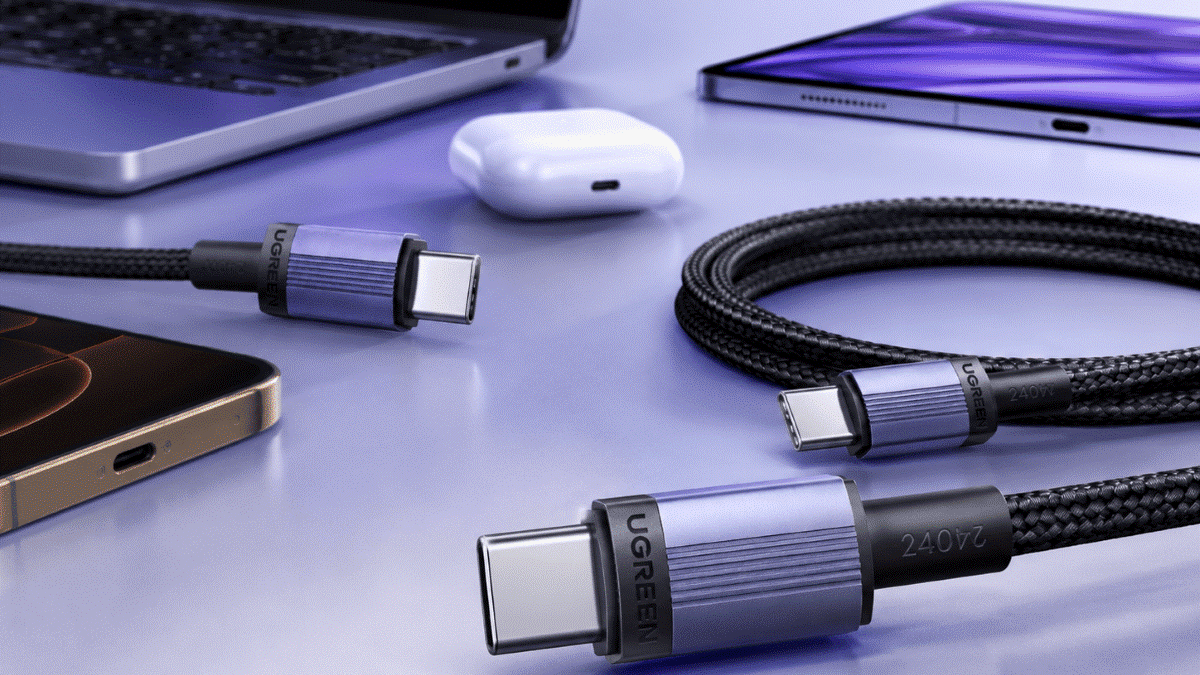
A note on cables. To get fast charging over USB-C you need a proper USB-C cable rated for the power you want. If you’re unsure what the markings mean, our guide on USB-C cables explained walks through it.
Frequently asked questions
Straight answers to what buyers search for.
Can I use both the USB-C and USB-A ports at the same time?
Does wattage drop when I plug into multiple ports?
Why would I want a USB-A port when USB-C is faster?
Is USB-A slower than USB-C for charging?
Can a dual-port charger replace my laptop’s original charger?
What is USB-C Power Delivery?
Are these chargers safe for phones and tablets?
Keep reading
The guides that go deeper on each job.
USB-C cables explained
Walks through the cable markings that actually let USB-C run fast.

Best power banks 2026
The wider roundup across every size, from pocket banks to power stations.