Best USB-C Laptop Charger 2026: Six Picks by Wattage
The brick your laptop shipped with is the part the maker skimped on. These six USB-C laptop chargers cover the 65W, 100W and 140W tiers, so you can buy for your machine instead of guessing.

Picks cross-checked against published load testing from LanOC Reviews, Macworld and ChargerLab
Updated 5 October 2026
SmartGadgetKit is reader-supported. We may earn a commission if you buy through links on this page, at no extra cost to you. We only recommend gear we would use ourselves.
Our top pick
Anker Prime 100W
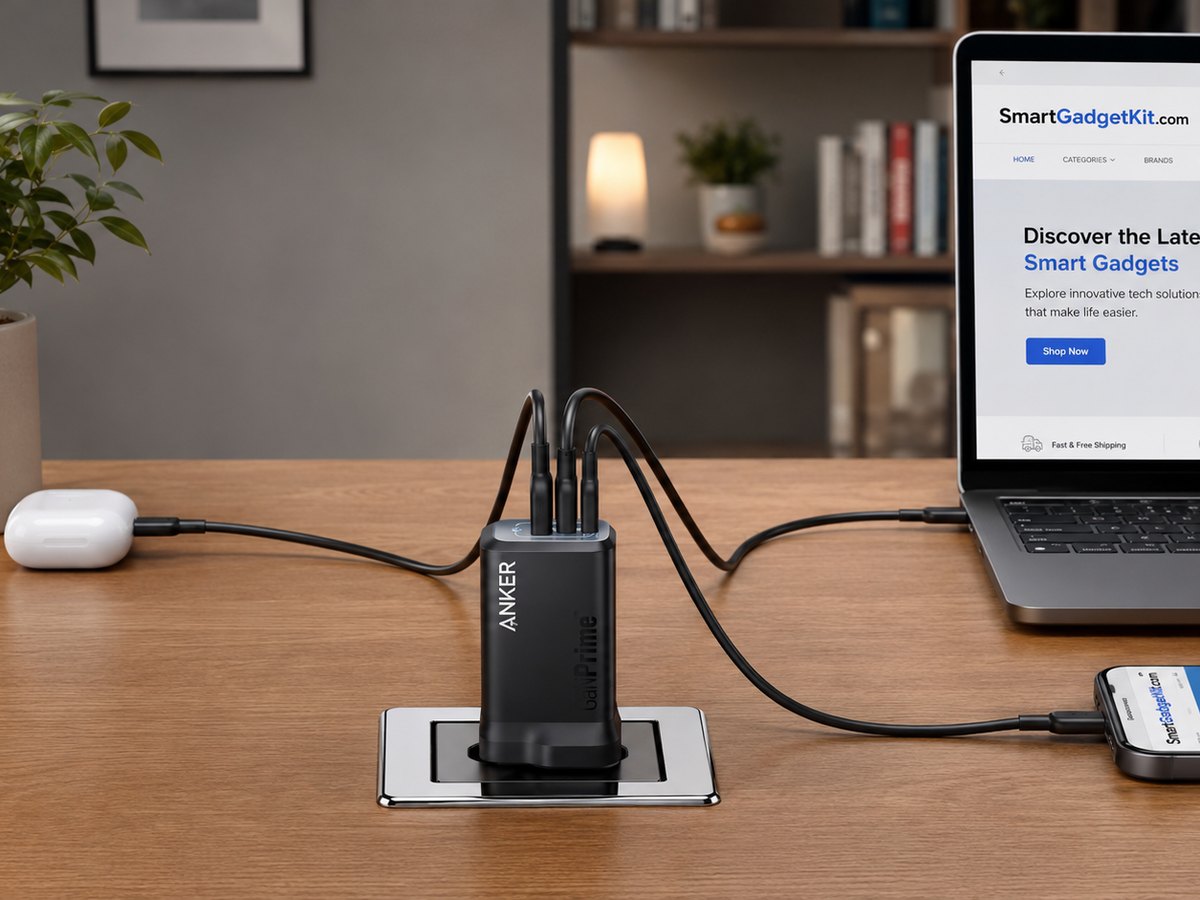
Anker Prime 100W. The full 100W goes down one USB-C port, which covers everything short of the 16in MacBook Pro, and two more ports take the phone and the tablet. It is small for the output and it stays cool all day on a desk.
Good
- Full 100W to one laptop, confirmed by LanOC
- Three ports for laptop, phone and tablet
- Compact for a 100W charger
- Stays cool under sustained load
Watch
- You pay for the Prime finish
- Below the 140W a 16in MacBook Pro can take
Start here
What are you buying it for?
Every pick below is a use-case winner. Tap the job that fits and the matching charger lights up in the shortlist.
The six picks at a glance
Ordered by the job they do, not by size. All six run on universal 100 to 240V mains, so they work in the UK, Europe, the US and Asia with the right plug or adapter.
Best overall 2026Anker Prime 100W
Almost any laptop short of the 16in MacBook Pro.
 Best all-rounder
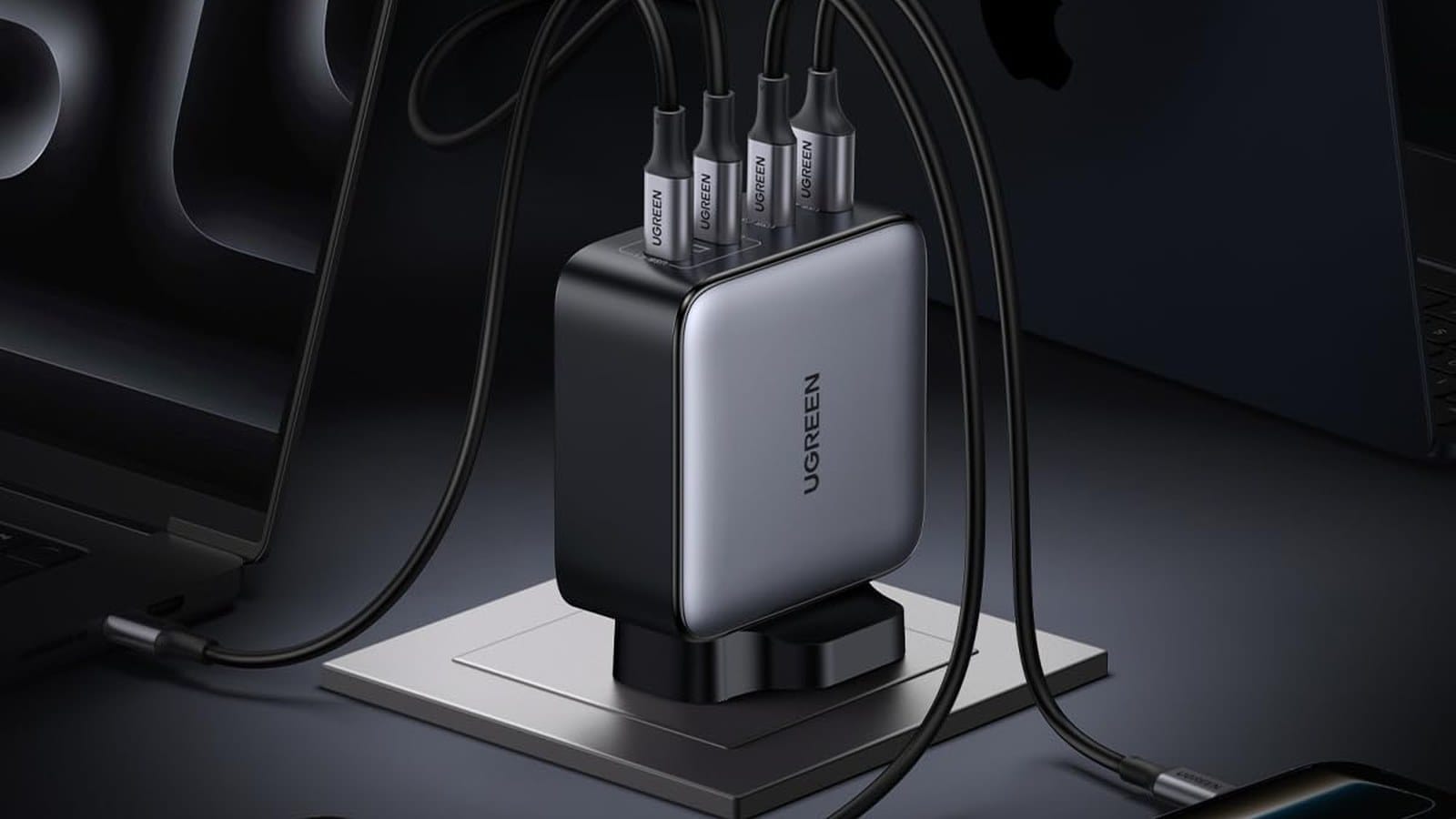
UGREEN Nexode 100W 4-Port
A busy desk that charges four things at once.
 Best for two laptops
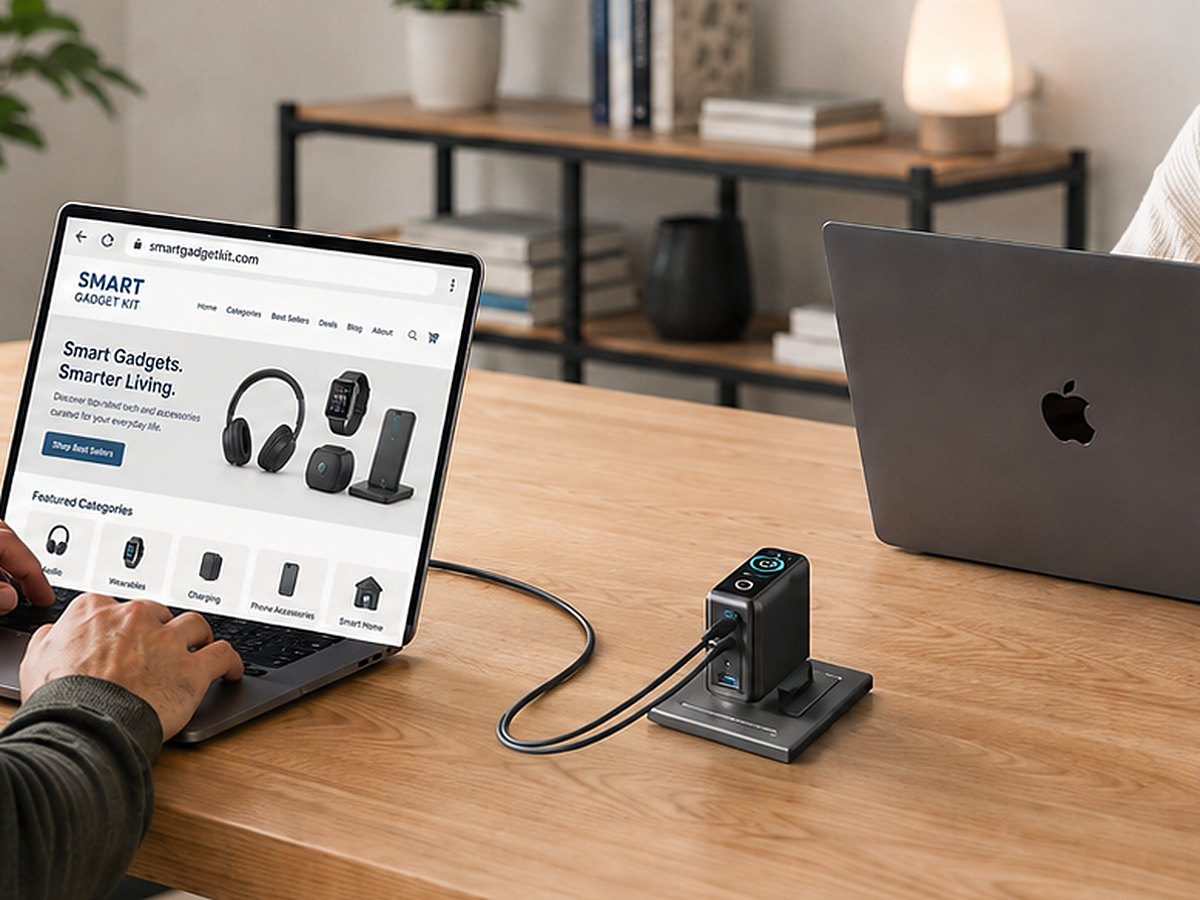
UGREEN Nexode 200W 3C1A
One desk, two laptops, nothing left waiting.
 Best for 16in MacBook Pro
Anker 4-Port 140W
The one laptop tier that 100W cannot serve.
 Best for travel
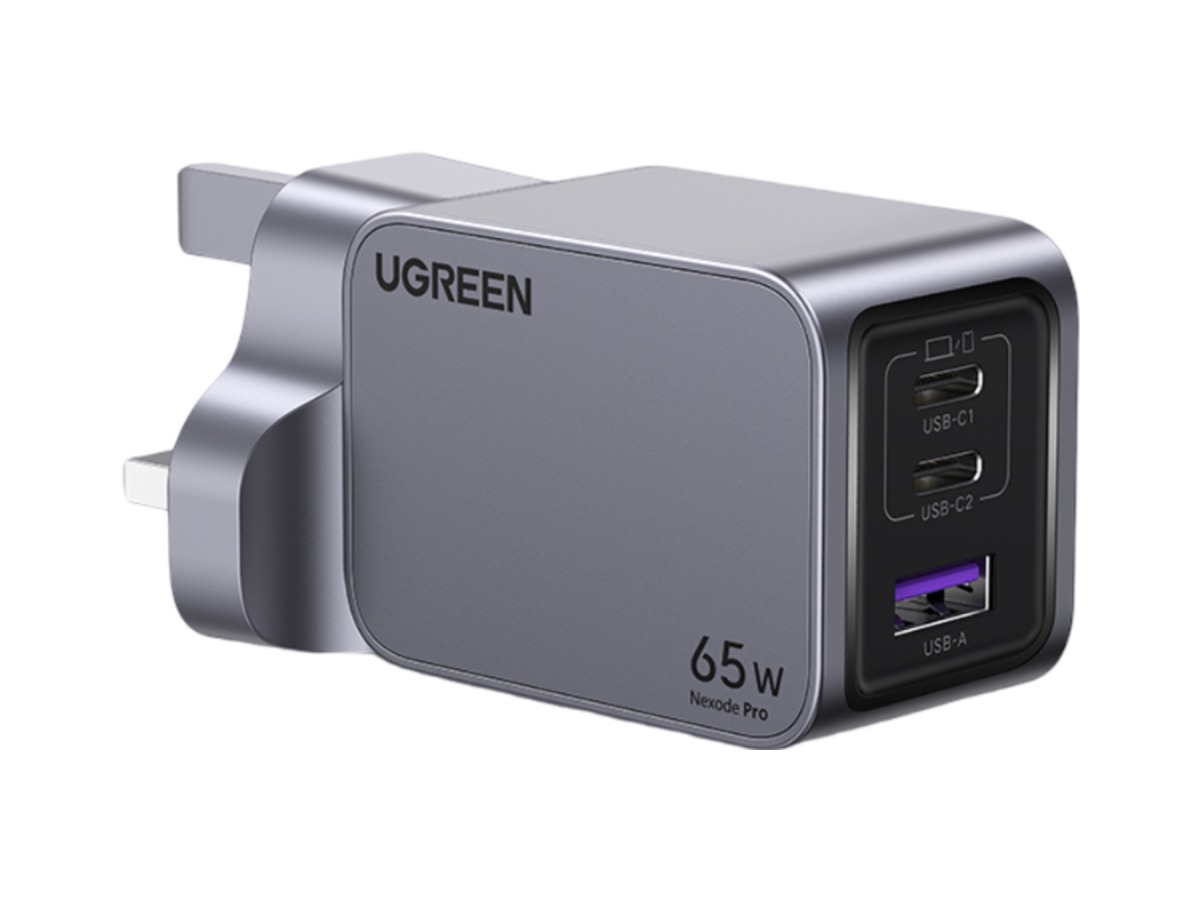
UGREEN Nexode Pro 65W
Chromebooks, the MacBook Air and every trip.
 Best value
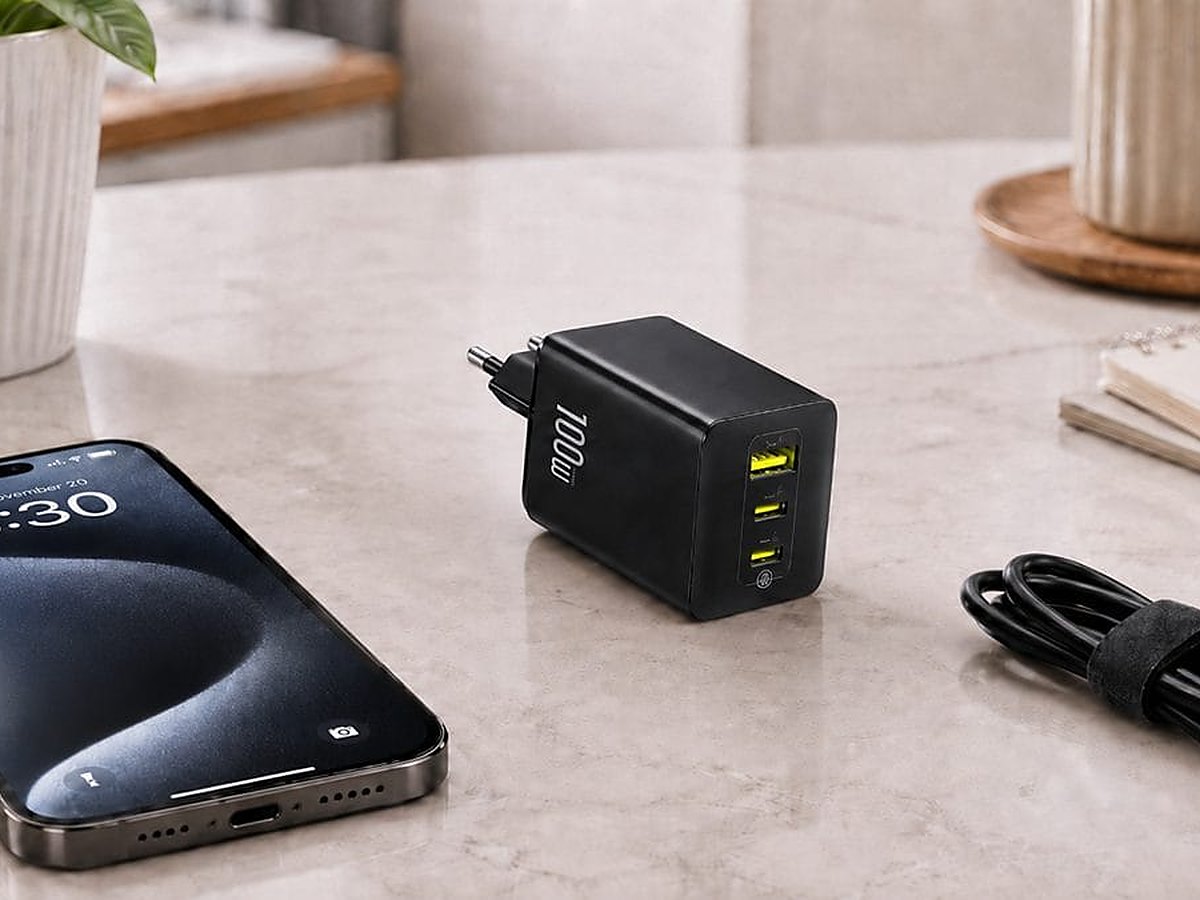
Baseus EnerFill FE11 100W
A dependable 100W brick for a student or a spare desk.
Compare
Side by side
The same six USB-C laptop chargers as a straight spec comparison, for narrowing a shortlist.
Max single port is what one laptop can draw on its own. Plug in a second device and every multi-port charger here splits its budget, which is how shared power works rather than a fault.
First, how many watts does your laptop want?
This is the only question that decides the shortlist. The answer is printed on the brick your laptop came with.
Chromebooks, the MacBook Air and thin Windows ultrabooks run happily on 45 to 65W. That is the travel tier and the cheapest tier to buy into.
Most mainstream laptops, including the 14in MacBook Pro, want 100W. This is where the majority of readers land, which is why the top pick sits here.
Only the 16in MacBook Pro and a few high-power Windows machines need the full 140W. Everything above that number is bought for a second laptop, not a faster one.
 Darleene asks
“My laptop plug says 65W. If I buy the 140W one instead, am I going to cook the laptop?”
Alisdair’s answer: No. The charger and the laptop agree on the power between them before anything flows, so a 140W charger hands a 65W laptop exactly 65W.
The bigger number is headroom, not force. It only matters if you also want to charge a second, hungrier device from the same plug.
So buy for the biggest thing you plug in. If that is a Chromebook, the 65W pick is the whole answer.
Best overall: Anker Prime 100W
For almost any laptop short of the 16in MacBook Pro, with a phone and a tablet along for the ride.
Want one USB-C laptop charger and no more reading? This is it.
The Prime sends the full 100W down a single USB-C port, which covers the 14in MacBook Pro, every MacBook Air and almost any Windows ultrabook or mainstream laptop.
Add a phone on the second USB-C and something on the USB-A and it shares power sensibly instead of starving the laptop. LanOC Reviews measured the three-port split at 67W, 22W and 11W, and it held steady under sustained load.
It is small for the output and runs cool all day, which is what you want from the charger that lives on a desk rather than in a bag.
The trade is the price of the Prime finish, and the ceiling: if you own the 16in MacBook Pro, 100W will charge it but not at its fastest.
Good
- Full 100W to one laptop, confirmed by LanOC
- Three ports for laptop, phone and tablet
- Compact for a 100W charger
- Stays cool under sustained load
Watch
- You pay for the Prime finish
- Below the 140W a 16in MacBook Pro can take
Best all-rounder: UGREEN Nexode 100W 4-Port
For a busy desk or a shared household that charges a laptop plus three other things from one brick.
The Nexode 100W is the pick for the desk with a lot going on.
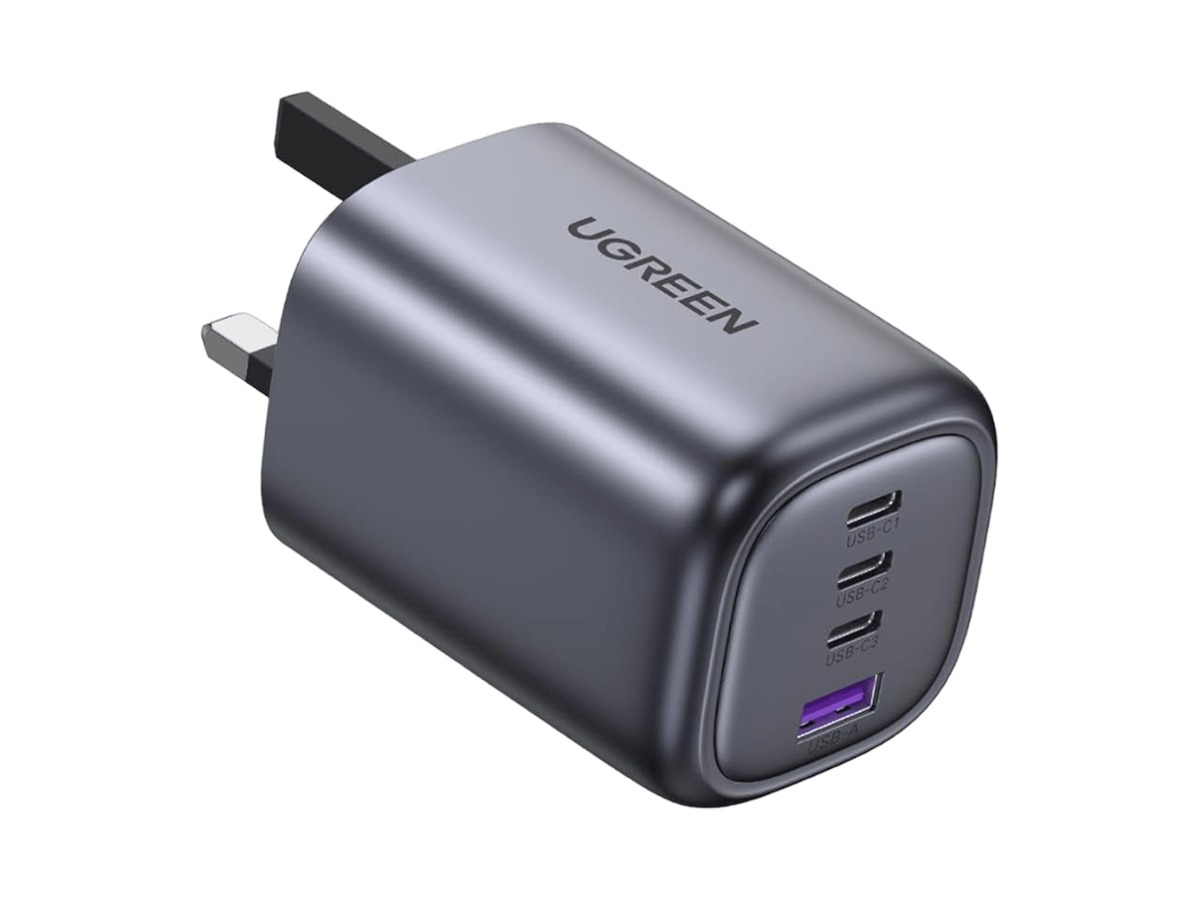
Four ports, three USB-C and one USB-A, split the 100W budget between them, so a laptop can run at full speed while a phone, earbuds and a tablet top up alongside it.
Used on its own, the first USB-C port hands the whole 100W to the laptop. TechGearLab rated it highly for exactly that flexibility, and in daily use it is the charger you stop noticing.
The trade for the extra ports is a slightly chunkier body than a two-port charger, and the same shared-budget maths as every multi-port unit here: four busy ports means less each.
Good
- Four ports, so one plug covers a whole desk
- Full 100W to a single laptop when it is alone
- Sensible power sharing rather than a hard split
- Sold direct by UGREEN as well as on Amazon
Watch
- Bigger than you need for one device
- Four active ports means less power each
Best for two laptops: UGREEN Nexode 200W 3C1A
For a desk that runs two laptops at once, or one workstation that eats everything you give it.
Run two laptops at one desk and this is the brick that replaces three.
The 4-port 3C1A version we reviewed puts up to 140W down its top USB-C port and can drive two laptops at 100W each at the same time, with a port left over for a phone.
It stands on its own base and clears the cable clutter, and it will refill a laptop power bank properly overnight rather than trickling into it.
ChargerLab’s testing of the Nexode 200W desktop charger shows this class of GaN design delivering close to its rated output after normal conversion losses.
For a single laptop it is too much charger, and that is the point. Buy it when two machines share the desk. Per-port figures beyond the headline are as published by UGREEN.
Good
- Two laptops at once from one socket
- 140W on tap for the biggest laptops
- One tidy unit instead of three plugs
- USB-A on board for older accessories
Watch
- Too much charger, and too big, for one laptop
- A desk unit, not something to pack
Best for 16in MacBook Pro: Anker 4-Port 140W
For the one laptop tier that 100W cannot charge at full speed, plus a desk of USB-C devices around it.
The 16in MacBook Pro is the one laptop here that needs more than 100W to charge at its fastest, and this is the charger built for it.
Macworld confirmed the full 140W to a single MacBook Pro on port one, which is what unlocks fast charging on the big Mac and on demanding Windows creator laptops.
With all four ports busy it delivers 140W, 65W, 30W and 20W. TechRadar ran all four under simultaneous load and reported clean thermals, helped by a graphene insulator.
The touch panel showing live wattage per port sounds like a gimmick until you are working out which port is doing the work on a crowded desk.
The trade-offs are real: no USB-A, it is the largest pick here, and if your laptop tops out at 100W you are paying for headroom you will never use.
Good
- Full 140W to one laptop, confirmed by Macworld
- Four USB-C ports with live wattage on each
- Clean thermals under four-port load (TechRadar)
- PD 3.1, the standard the 140W tier needs
Watch
- No USB-A for older accessories
- The largest pick here
- More power than most laptops can use
Best for travel: UGREEN Nexode Pro 65W
For Chromebooks, the MacBook Air, thin Windows ultrabooks, and anyone who packs light.
Not every laptop needs 100W. Chromebooks, the MacBook Air and most thin-and-light Windows ultrabooks run perfectly on 65W.
For those, the Nexode Pro 65W is the clever pick: How-To Geek measured the full 65W from a single port, in a body that weighs 113g.
Charging two things at once, ChargerLab records a 45W and 20W split, which is a laptop and a phone covered from one small block.
On travel plugs, UGREEN lists three interchangeable heads in the box, US, UK and EU, and the Amazon listing says the same. We have not had one in hand to confirm what ships in every market, so treat that as the maker’s specification and check the listing for your region.
The limit is honest and obvious: 65W will charge a 14in or 16in MacBook Pro, but not at full speed under load.
Good
- Full 65W from one port, verified by How-To Geek
- 113g, the lightest way to cover a laptop here
- Three ports in a pocketable body
- US, UK and EU heads listed by UGREEN
Watch
- Not enough for a MacBook Pro under load
- 65W is shared once all three ports are busy
Best value: Baseus EnerFill FE11 100W
For a student, a second charger for the office, or anyone who wants a dependable 100W brick and nothing more.
If the Anker Prime is more charger than you want to pay for, the EnerFill FE11 is the smart saving.
It is a three-port 100W GaN charger that nails the main job, the full 100W to a single laptop, and leaves the rest to the pricier picks.
You give up some fit and finish and the cleverer power sharing, so with three devices connected the split is blunter than on the Anker or the UGREEN units.
For a student, a spare at the office, or a second charger that lives in a drawer until it is needed, it is hard to argue with.
Good
- Full 100W to one laptop
- Three ports
- The value call of the six
Watch
- Power sharing is less refined than the premium picks
- Sold on Amazon only, with no brand-direct option
The bottom line
For most people the Anker Prime 100W is the one to buy: full 100W to a single laptop, two more ports, and a body small enough to leave on the desk without noticing it.
Own the 16in MacBook Pro? Step up to the Anker 4-Port 140W. Charging a Chromebook, a MacBook Air or anything that travels, the UGREEN Nexode Pro 65W is the lightest way to cover it.
Feeding two laptops at one desk, the UGREEN Nexode 200W earns its size. Want a dependable 100W brick and nothing else, the Baseus EnerFill FE11 is the value call.
How to choose a USB-C laptop charger
Start with your laptop’s wattage
Check the brick your laptop shipped with, or its support page, for a watts figure. That number is the shortlist.
As a rule: 45 to 65W for Chromebooks, the MacBook Air and thin ultrabooks; 100W for most mainstream laptops and the 14in MacBook Pro; 140W only for the 16in MacBook Pro and high-power Windows machines.
In practice a 100W USB-C charger covers that middle tier comfortably, and a 140W USB-C charger is only worth the extra for the biggest machines.
A higher-watt charger charges a lower-watt laptop safely, it costs more for headroom you will never draw. Buy for your laptop, not above it.
GaN is why it fits in the bag
Gallium nitride internals run cooler and shrink a charger to a fraction of an old laptop brick at the same power. Every pick here is GaN.
GaN5, GaNInfinity and GaNPrime are generation and brand names for the same idea. The generation matters; the marketing name is secondary.
Ports share one power budget
A single USB-C port gives the cleanest full-speed charge to one laptop. Multi-port chargers share a power budget instead.
So a 100W four-port unit will not hand 100W to everything at once. If you plan to run a laptop and a tablet together, check what drops when both ports are busy.
PD, PPS and the 140W tier
USB Power Delivery is the standard that lets a charger and a laptop agree on the right voltage before power flows.
PD 3.1 is what carries the 140W tier, so it is the spec to look for if you own a 16in MacBook Pro. PPS helps phones, Samsung especially, fast charge. Each pick covers the standards its wattage needs.
Is a third-party charger safe?
A certified USB-C charger from a known brand negotiates power with your laptop over PD, so it cannot overdrive it.
The risk sits with cheap uncertified bricks, not with the names on this list.
Frequently asked questions
The questions readers ask before they buy a laptop charger.
What wattage USB-C charger do I need for my laptop?
Check the watts on your laptop’s original brick or its support page. Chromebooks, the MacBook Air and thin ultrabooks are usually 45 to 65W.
Most mainstream laptops and the 14in MacBook Pro want 100W. Only the 16in MacBook Pro and high-power Windows laptops need 140W.
Can I charge a MacBook Pro with a USB-C charger?
Yes. The 14in MacBook Pro charges at full speed on 100W, and the 16in needs 140W to match that.
Any USB-C PD unit works as a MacBook charger, but below the rated wattage it slows under heavy use.
Will a USB-C charger work with a Chromebook?
Is a GaN charger better for a laptop?
Can one USB-C charger power my laptop and phone at the same time?
Is it safe to use a third-party USB-C charger with my laptop?
Does a higher wattage charger damage my laptop?
Keep reading
The guides that go deeper on each job. For everything else, browse all our charger guides and reviews.
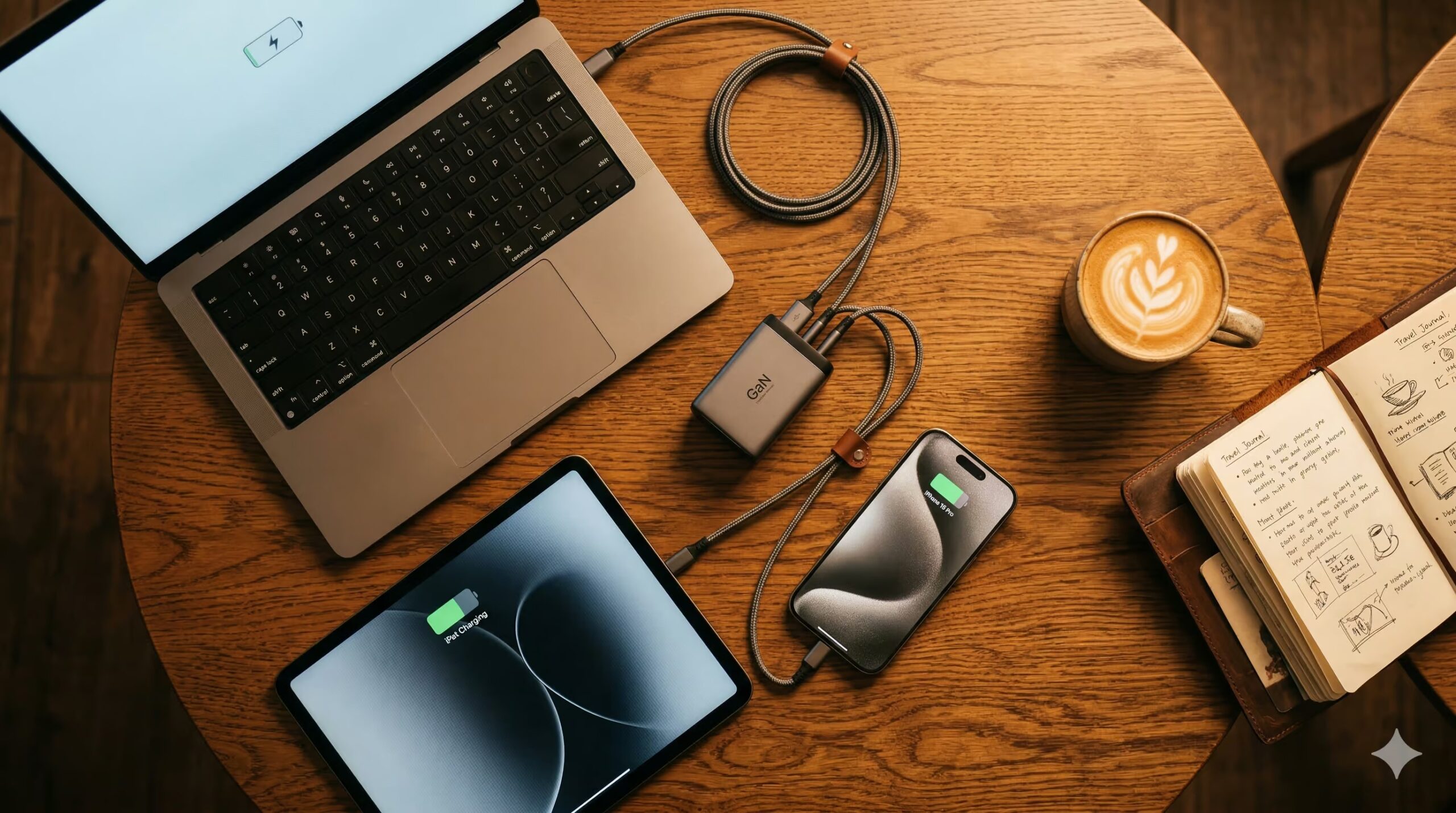
Best GaN Chargers 2026
The same technology, ranked for the road rather than the desk.
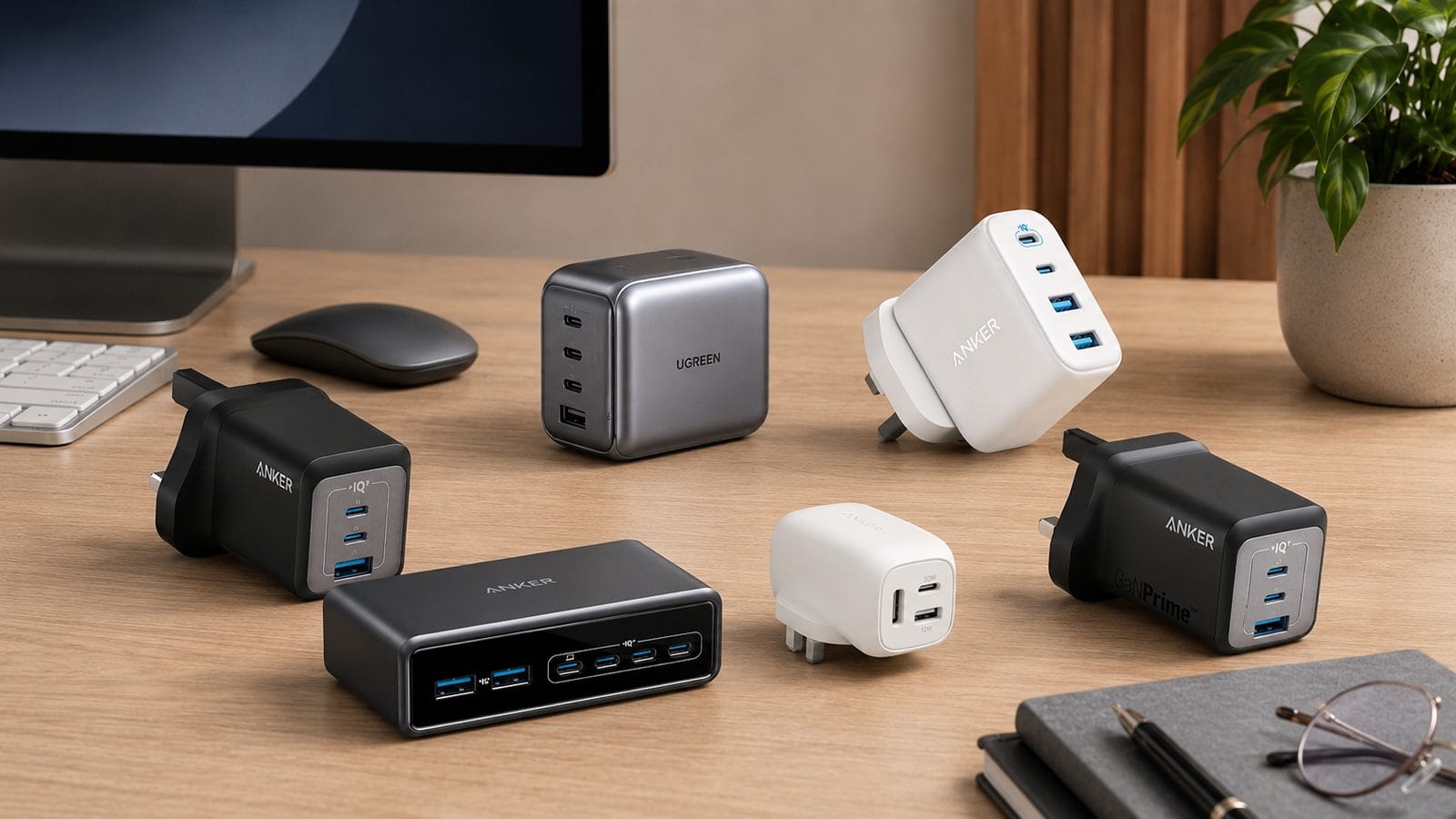
Anker Prime 100W Charger Review
Pick one in full: what you get when two ports are busy.
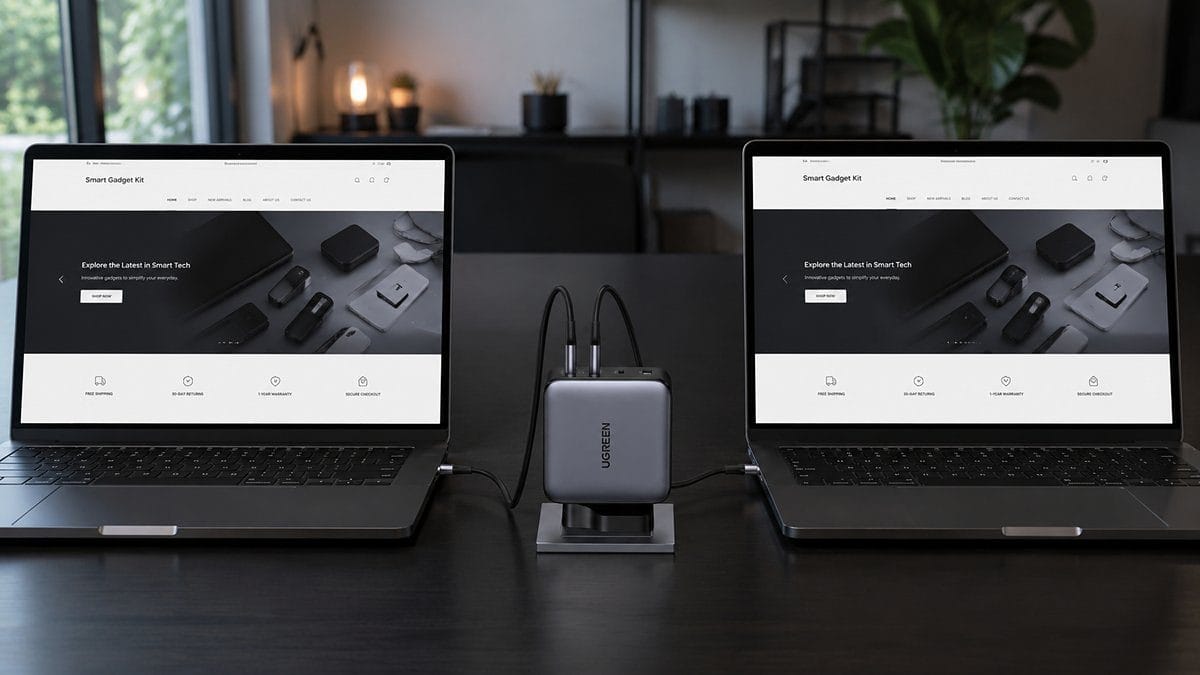
UGREEN Nexode 200W Review
Pick three in full: the desk charger that runs two laptops at once.
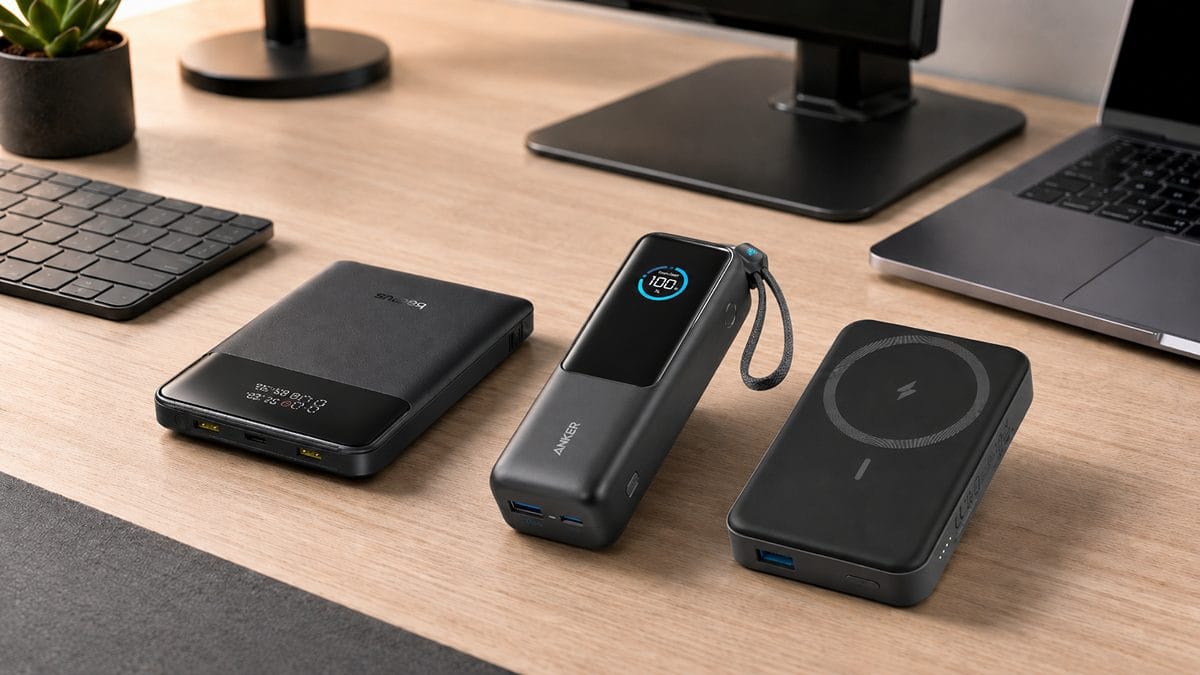
How to Choose a Power Bank
The buying guide that starts from the numbers that actually matter.
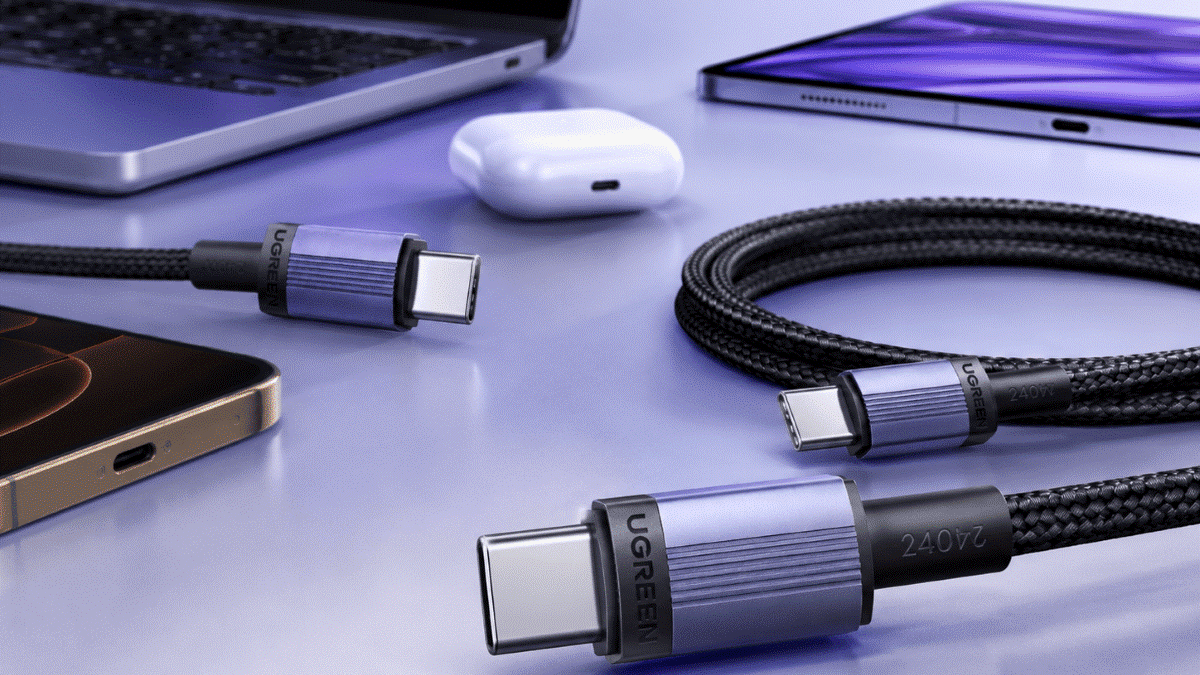
Best USB-C Cables 2026
The right cable is what lets a charger reach its rated wattage.
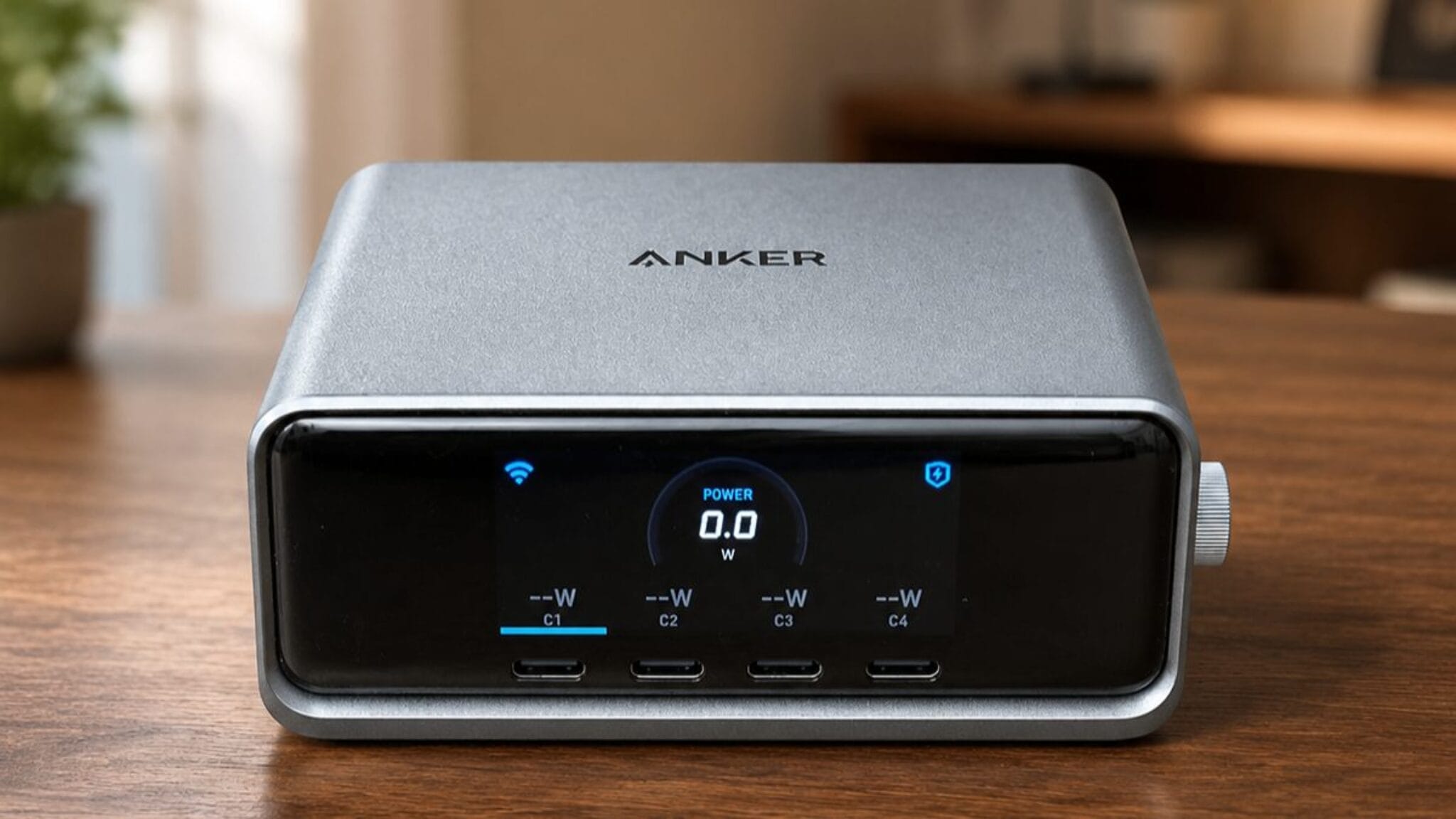
Anker Prime 250W Charger
A six-port desktop hub that runs a laptop, phone and more at once.
Latest from SmartGadgetKit
 Best Portable Charger for iPhone: 5 Picks for 16, 17, and 18 Pro
 Anker vs UGREEN: Which Brand Should You Buy in 2026?
 Best Travel Charger 2026: GaN Chargers for Every Trip
 Lithium Ion Battery Fire Statistics 2026
 LISEN Power Bank Review: The Qi2.2 25W MagSafe 10000mAh, Measured
 How Long Does a Power Bank Last? Charges, Years and Sizing
 Anker Prime 300W Power Bank Review: Two Laptops, One Socket-Free Table
 Jackery Explorer 2000 v2 Review: The Lightest Way to Carry 2kWh?