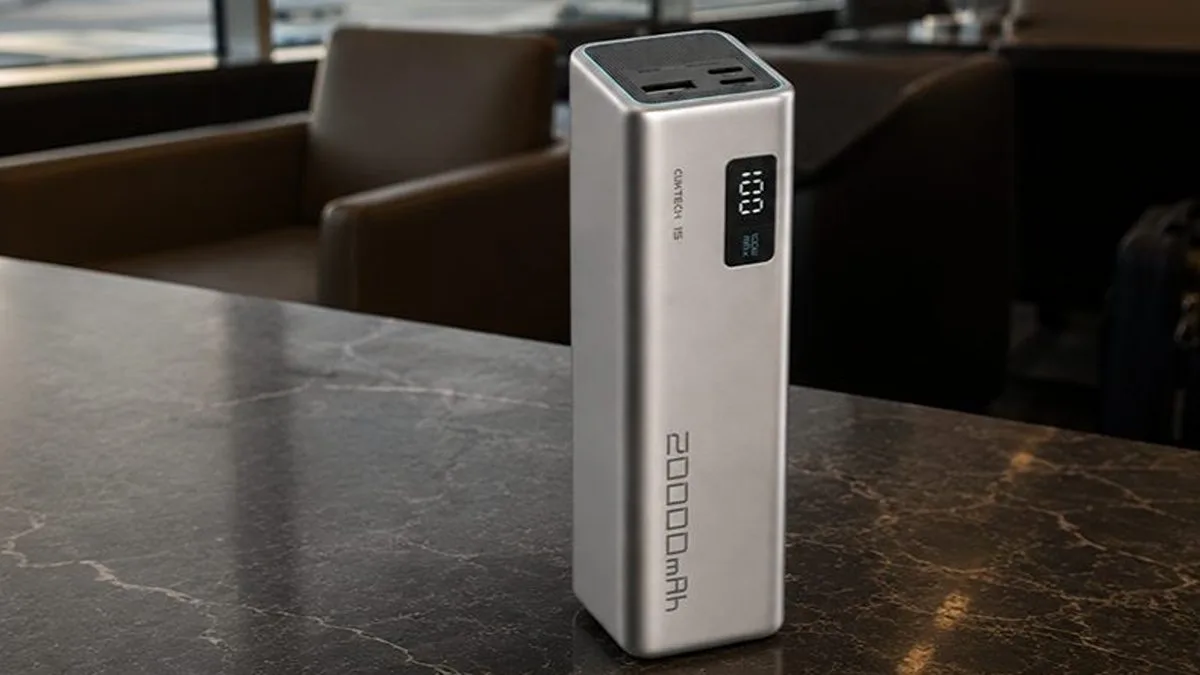
Review · Power banks · A1383
Anker 87W Power Bank Review (A1383): Can It Run a Laptop?
The Anker A1383 power bank is a 20,000mAh laptop pack and portable charger that claims a full 65W fast-charge from one port, with a built-in USB-C cable at the same speed and airline-safe 72Wh capacity. This Anker 87W power bank review checks that claim. Anker sells it as the Anker Power Bank (20K, 87W, Built-In USB-C Cable), model A1383.

Tested first-hand on a full travel day through Heathrow Terminal 5
SmartGadgetKit is reader-supported. We may earn a commission if you buy through links on this page, at no extra cost to you. We only recommend gear we would carry ourselves.
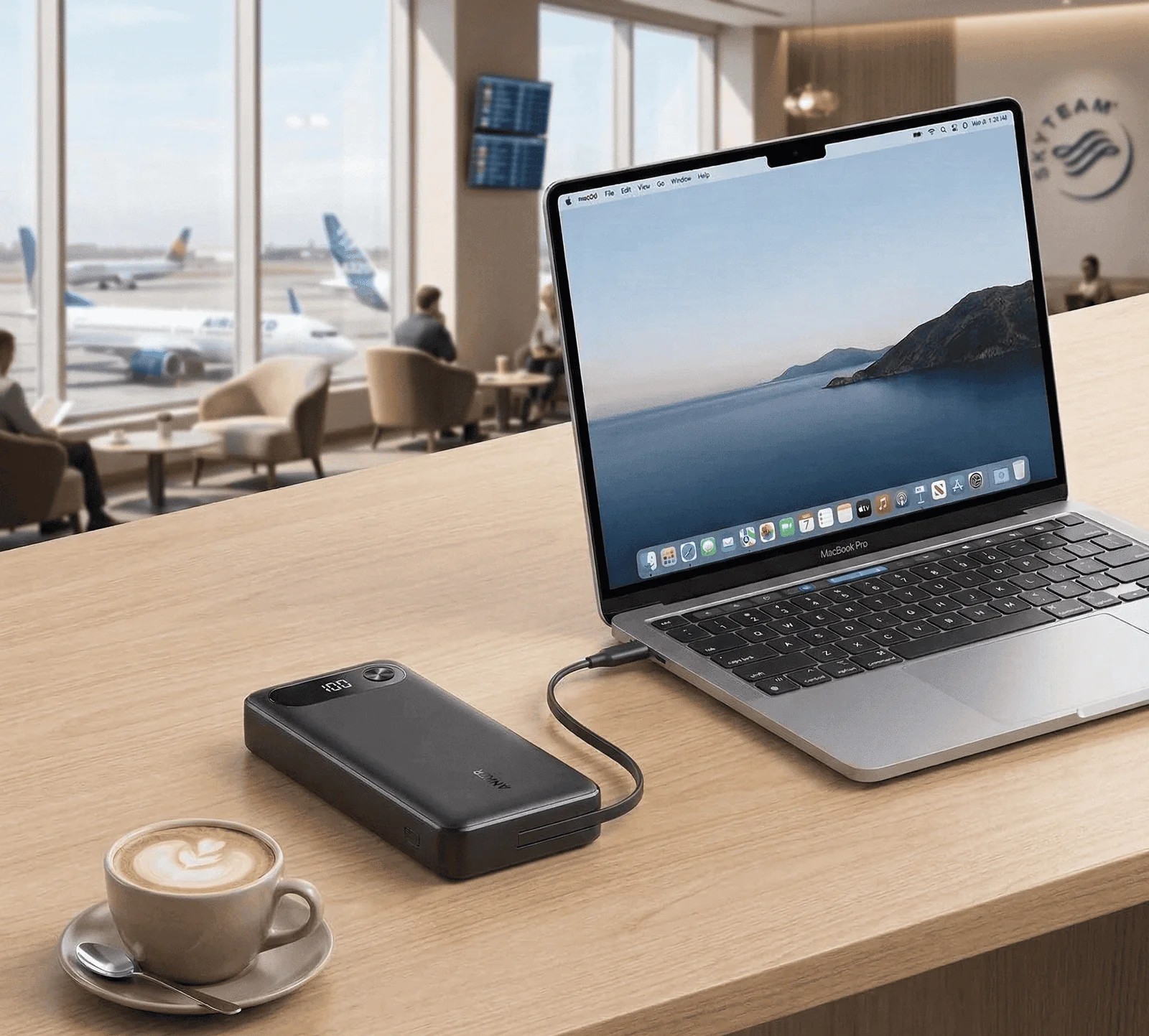
Is it 87W or 65W? Both. 87W is the total the A1383 shares across devices charging at once (65W plus 22W on Anker’s spec sheet). A single device gets up to 65W, from the built-in cable or the USB-C port, which TechEnclave’s meter readings back up.
Expert Score
The Anker A1383 does the one thing most 20,000mAh banks only claim: it fast-charges a real laptop at 65W from a single port, and the built-in USB-C cable runs at the same speed. At roughly 72Wh it stays airline-safe, but you carry 440g and give up pass-through charging to get it.
Pros
- 65W from one port fast-charges laptops at full speed
- Built-in cable delivers the same 65W as the port
- Sits well under the 100Wh airline threshold at roughly 72Wh
Cons
- Around 440g, a bag item not a pocket carry
- No pass-through charging
Key takeaways
Six numbers that decide whether this is your power bank
Quick specs
The paper numbers for the Anker A1383 power bank
The paper numbers for the Anker 87W power bank (20,000mAh, 87W), straight from Anker’s documentation.
| Model number | A1383 |
| Capacity | 20,000mAh / approx 72Wh |
| Total output | 87W |
| Max single-port output | 65W (USB-C or built-in cable) |
| USB-A output | 22.5W |
| Recharge input | 65W, approx 1.5 hours |
| PPS | Confirmed on both USB-C outputs |
| Pass-through | Not supported |
| Weight | Approx 440g |
| Size | 157.5 x 73.7 x 25.4mm |
| Warranty | 18 months |
This Anker A1383 review draws its spec figures from Anker’s official A1383 product page; performance figures on this page are either Anker’s published numbers, first-hand travel-day observations, or calculated estimates, labeled where they appear. See how we test and score.
First impressions
Familiar Anker form factor: matte black, four LED dots on the side panel, and a USB-C cable tucked into a recessed slot at one end. Pick it up and the 440g registers right away. It is a bag item, not a pocket carry, and it doesn’t pretend to be.
The cable has some stiffness to it, which helps when you’re plugging into a laptop on a plane tray table or a hotel desk.
Four LED dots give a clear read on remaining charge at 25 percent per dot, precise enough to decide whether to top up before boarding.
Design and build
The physical facts, then Darleene’s question
At 157.5 x 73.7 x 25.4mm and roughly 440g, the A1383 is par for a 20,000mAh laptop bank. The two rivals in our comparison below land within 25g of it.
Three outputs on one face: the built-in cable recessed on the left, USB-C in the center, USB-A on the right. The USB-C port handles both input and output.
Anker rates the built-in cable for 10,000 bends and 5,000 twists, with reinforced joints at the root where integrated cables usually fail first.
Anker specifies overcurrent, overvoltage, short-circuit and overheat protection, and the unit carries FCC, CE and UL certification marks.
 Darleene asks
“Do I really need something this heavy just to charge my laptop?”
Alisdair’s answer: Only if you actually charge a laptop away from an outlet. If it’s phones and the odd tablet, a lighter 10K bank is the better carry and you won’t miss the extra weight.
The A1383 earns its 440g the moment you need a real laptop charge with no wall outlet in reach, on a plane, a long train, a conference floor. That’s the whole job.
For phone-only days, it’s more bank than you need.
Charging performance
What the Anker A1383 delivers on a laptop
Real charging behavior from first-hand use and Anker’s published figures, with every estimate labeled.
Anyone shopping for a power bank for laptop use is asking one question: does it hold a real charge, not a top-up. At approximately 72Wh rated capacity, with a typical 15 percent USB-C transfer loss, you get around 61Wh of usable output. That’s a calculated estimate, not a stopwatch figure.
| iPhone 16 (13Wh) | ~4.7 full charges |
| Samsung Galaxy S24 Ultra (19Wh) | ~3.2 full charges |
| iPad Pro 11-inch (31Wh) | ~2.0 full charges |
Calculated estimates from manufacturer specs and typical USB-C transfer losses. Real-world counts vary with cable quality, temperature and battery condition.
On a travel day through Heathrow Terminal 5, Alisdair ran a laptop and a phone from this bank at the same time and both kept charging at a useful rate through the session, the real test of the dual-output claim. Running both USB-C outputs at once drops the per-port wattage below the 65W peak, so expect useful speed to both devices rather than full speed to each.
Recharge is around 1.5 hours from a 65W USB-C wall charger, Anker’s own published figure. A slower charger stretches that out, so pairing it with a 65W GaN travel charger is worth it if you want to top the bank up between flights.
Can a power bank charge a laptop?
Yes, but the number that matters is watts, not milliamp-hours. A phone charges fine from almost any power bank. A laptop is far pickier about its portable charger than a phone is, and the wattage is the whole story.
A laptop needs real power delivery, usually 45W to 100W over USB-C, or it’ll charge slower than it drains while you work.
The A1383 delivers 65W from one port, which covers the large majority of USB-C laptops at full or near-full speed, including most ultrabooks, the MacBook Air, and the 14-inch MacBook Pro under normal load.
A 16-inch MacBook Pro or a gaming laptop under heavy load still charges, but slower than its own wall brick. To sanity-check how many charges a given capacity gives you, our mAh to Wh calculator does the math.
Charging a MacBook
As a power bank for MacBook charging, the A1383 handles the two most common models well.
A MacBook Air, drawing 30W to 35W, charges at full speed from the A1383 with headroom to spare, and you’ll get a full laptop charge plus a phone top-up from one bank.
The 14-inch MacBook Pro asks for up to 67W to 96W depending on the model and load. At 65W the A1383 keeps it topped up during normal work and charges it fully when the lid is closed.
For a 16-inch MacBook Pro, treat this as a keep-it-going bank rather than a fast full charge.
Darleene’s version: Yes, it charges a real laptop at proper speed, not a slow drip. Plug the laptop into the fast USB-C side and you get most of a charge in about an hour and a half.
If the laptop angle is the one you’re buying for, the current Amazon listing is one tap away.
amazonCheck latest pricePass-through charging: not on this one
Pass-through means the bank charges your device while it recharges from the wall. The A1383 does not support it.
Plugged into a wall charger, it prioritizes recharging itself and delivers no usable output to connected devices at the same time.
The practical fix is a routine: recharge the bank overnight or between flights, then run your devices from it through the day. If a desk-side hub is what you want, the Anker A1695 handles that role better.
Portability and travel use
At around 440g the A1383 portable charger is bag-carry only. It lays flat in the back pocket of most travel backpacks and sits cleanly in a tech organizer alongside cables and a charger. It won’t go in a jeans pocket, and it isn’t trying to.
That weight is the battery. A real laptop charge costs 20,000mAh, and the lighter banks in this class give up either capacity or the 65W output to get there.
Airline carry-on
At approximately 72Wh the A1383 sits comfortably under the 100Wh threshold that UK CAA, EU and US rules apply to carry-on power banks, so you don’t need airline approval.
It must travel in your carry-on, never checked baggage. Rules shift and some airlines add their own limits, so check before you fly: our power banks on planes guide keeps the current rules in one place.
One correction worth making: you may see this bank quoted at 74Wh in places. Anker’s own specification is 72Wh, and that is the figure that matters against the airline limit. The 74Wh in our comparison table below belongs to the Baseus Blade H1, a different bank. Check any capacity in seconds with our mAh to Wh calculator.
Specifications
Every figure, with its source attached
Manufacturer figures are specifications or claims. First-hand observations are labeled. Calculated estimates are labeled where they appear.
| Specification | Figure | Source |
|---|---|---|
| Model | Anker 87W Power Bank 20,000mAh, A1383 (A1383011) | Anker |
| Capacity | 20,000mAh / approx 72Wh | Anker |
| Total output | 87W | Anker |
| Max single-port output | 65W (USB-C port or built-in cable) | Anker |
| USB-A output | 22.5W | Anker |
| Max input | 65W (20V/3.25A), approx 1.5 hours | Anker |
| PPS | Confirmed on both USB-C outputs | Anker |
| Pass-through | Not supported | Anker / first-hand check |
| Built-in cable | USB-C, recessed, rated 10,000 bends / 5,000 twists | Anker |
| Weight | Approx 440g | Anker |
| Dimensions | 157.5 x 73.7 x 25.4mm | Anker |
| Airline status | Approx 72Wh, under the 100Wh carry-on threshold | Anker / first-hand check |
| Protection | Overcurrent, overvoltage, short-circuit and overheat protection | Anker |
| Certifications | FCC, CE, UL | Anker |
| Warranty | 18 months, registered directly with Anker | Anker |
Source: Anker’s official A1383 product page (linked in Quick specs). The Amazon UK listing mirrors the same specification data. Charge-count and usable-capacity figures on this page are calculated estimates, labeled where they appear.
Anker rates the recessed USB-C cable for 10,000 bends and 5,000 twists, with reinforcement at the root joint where built-in cables usually fail.
Confirm the exact certification marks on the unit and packaging when yours arrives.
If the numbers already make the case for you, the current Amazon listing is one tap away.
amazonCheck latest priceScoring
Why we scored it 7.4 out of 10
Four category scores, fixed by editorial judgement. The overall is not their average.
That lands at 7.4: a real laptop-travel bank with one honest catch.
The verdict
The A1383 earns its place on one thing: it is the 20,000mAh power bank that fast-charges a laptop at a genuine 65W, with the cable built in at the same speed.
What you pay is 440g in the bag and no pass-through charging. What you give up against 100W rivals is peak speed, not everyday usefulness.
If you fly with a laptop and want one bank that covers it and your phone, this is the easy recommendation.
One laptop and one phone, away from outlets, is the job it does properly.
amazonCheck latest priceShould you buy it?
Where it wins, and where it costs you
Buy it if
- You charge a laptop away from an outlet at least some of the time
- You want airline carry-on confidence without doing the Wh math
- A built-in cable at full USB-C speed earns its place in your travel kit
Skip it if
- You charge phones only and never need above 45W; a lighter 10K bank suits you better
- You need pass-through to keep the bank topped up while it charges a device
- You want more capacity or 100W output; the INIU 25K or Baseus Blade H1 fit better
Buy it if working away from outlets with a laptop is your normal, skip it if a phone is the whole job.
amazonCheck latest priceHow it compares
The two products a reader is most likely weighing against it
| Anker A1383 Our pick | Baseus Blade H1 | INIU 25K | |
|---|---|---|---|
| Max output | 65W single / 87W total | 100W single | 100W single |
| Capacity | 20,000mAh (~72Wh) | 20,000mAh (~74Wh) | 25,000mAh |
| Weight | ~440g | ~445g | ~422g |
| Built-in cable | Yes | No | No |
| Best for | Laptop + phone, built-in cable | Higher output, slimmer | More capacity, lighter |
The Baseus trades the built-in cable for a slimmer body and 100W output, the INIU adds capacity and output while staying slightly lighter. Neither includes the A1383’s integrated cable, which is the reason to pick it.
Anker A1383 vs the new Anker A1695 25K: which should you buy?
The Anker A1695 is the same-brand step up: 165W total, triple 100W USB-C ports and two built-in cables, at around 595g.
For one laptop and a phone, the A1383 is the better carry: lighter, and further under the 100Wh airline limit. If you regularly charge two laptops at full speed, the A1695 earns its extra weight. If you need even more power, see our Anker 737 review for the 140W flagship.
If this one is not the fit
Three alternatives, three different readers
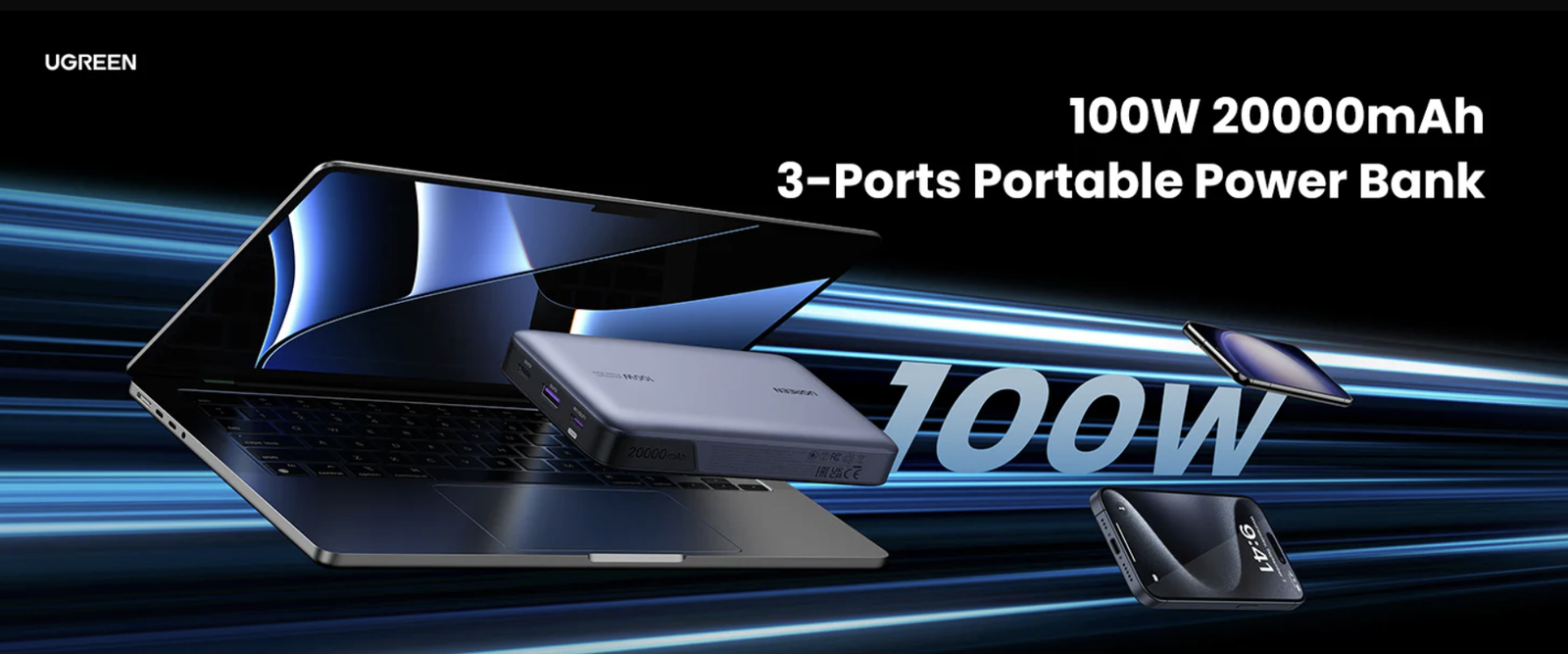
UGREEN Nexode 100W Power Bank
Same 20,000mAh class with 100W output, so a laptop and a phone can fast-charge together. No built-in cable; you bring your own.
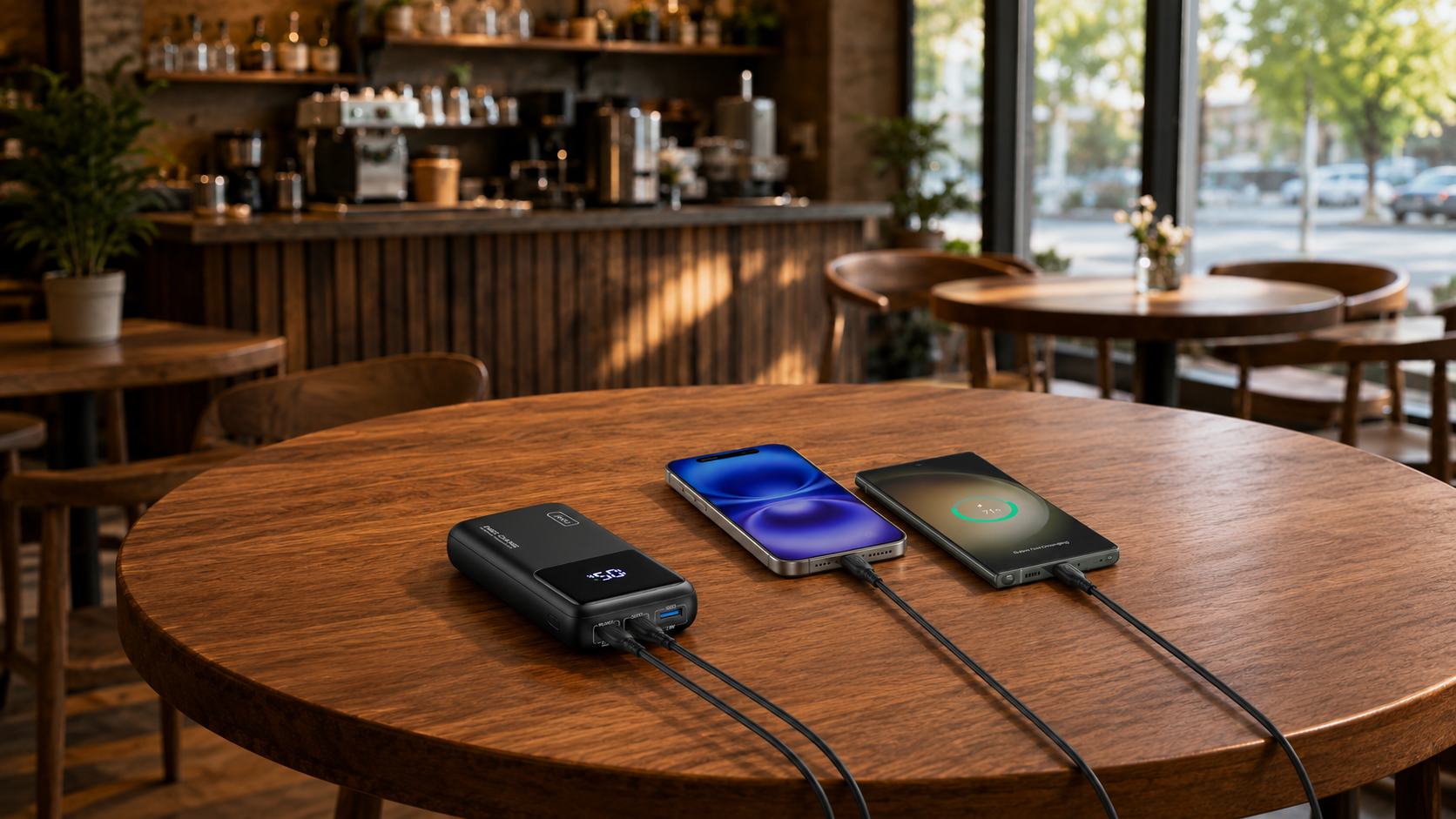
INIU 25,000mAh 100W
More capacity and higher output in a package that is slightly lighter than the A1383. The natural pick for longer trips or heavier device loads.
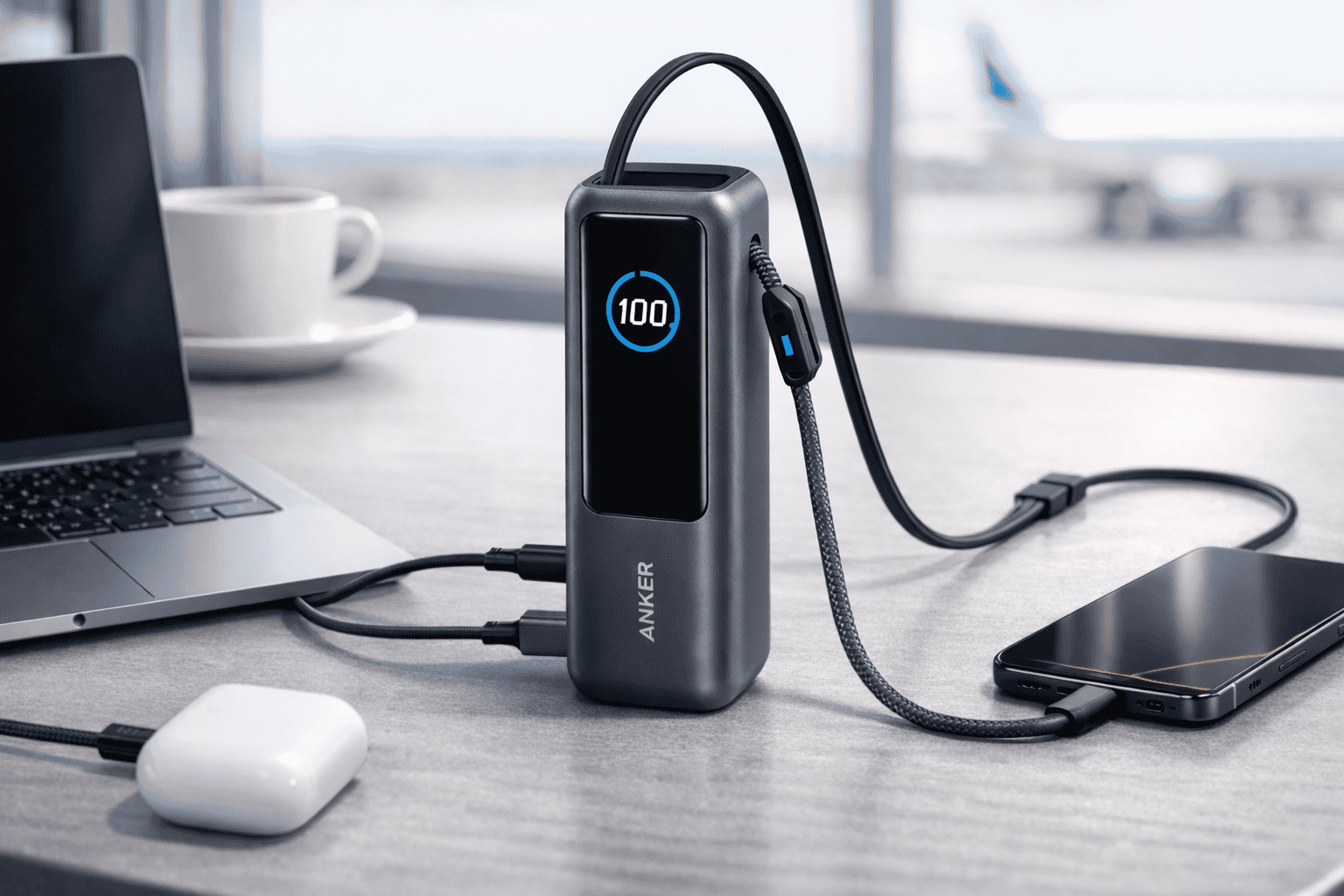
Anker A1695 Laptop Power Bank 25K 165W
Triple 100W USB-C ports, 165W total, and retractable built-in cables. Right if you regularly charge two devices at full laptop speed.
FAQ
Questions readers ask
Is the Anker A1383 power bank any good?
Yes, with one caveat. It scores 7.4 out of 10 on our current rubric: genuine 65W laptop charging and a built-in cable that runs at full port speed, held back by its 440g weight and the lack of pass-through charging.
Can the Anker A1383 charge a laptop properly?
Yes. At 65W from either the USB-C port or the built-in cable, it delivers real laptop-speed charging, not a maintenance trickle. Most USB-C laptops, including current MacBooks and XPS models, accept 65W and charge at a useful rate.
How heavy is the Anker A1383?
Around 440g, at 157.5 x 73.7 x 25.4mm. That makes it a bag bank rather than a pocket one, and every rival at this capacity and output lands within about 25g of it.
Is the Anker A1383 72Wh or 74Wh?
72Wh, per Anker’s own specification. The 74Wh figure you may have seen belongs to rival 20K banks such as the Baseus Blade H1 and has been misapplied to the A1383 in places. For airline limits, 72Wh is the number that matters, and it sits well under 100Wh.
Does the Anker A1383 support PPS?
Yes, PPS is confirmed on both USB-C outputs. PPS lets the bank negotiate the exact voltage a compatible phone wants, which is what engages the fastest charging mode on recent Samsung and Google phones.
Is the Anker A1383 allowed on planes?
Yes. At approximately 72Wh it sits well under the 100Wh threshold most carriers apply to spare lithium batteries, and it must travel in your carry-on, not checked bags. Individual airlines add their own quantity and in-flight use rules, so check your carrier before you fly.
How long does the Anker A1383 take to fully recharge?
With a 65W charger, around 1.5 hours based on Anker’s own figure. A slower charger stretches that out considerably, so a 65W-capable USB-C charger is worth factoring into your travel kit.
Does the Anker A1383 support pass-through charging?
No. Plugged into a wall charger, it prioritizes recharging itself and does not deliver usable output to connected devices at the same time. For desk-side hub use where pass-through matters, look at the Anker A1695 instead.
Has the Anker A1383 been recalled?
No. Anker’s 2025 power bank recalls covered other models, including the A1647, A1652, A1681, A1689 and A1257, and the A1383 does not appear on Anker’s recall list. If you own any Anker bank, the model number printed on the underside is the thing to check.
Is the Anker A1383 still worth buying now the Anker A1695 25K is out?
Yes, if your priority is a lighter bank with more airline headroom under the 100Wh limit. The A1695 is the better buy for 165W output, triple 100W USB-C ports and two built-in cables, but you carry around 595g for it. For one laptop and a phone, the A1383 is still a solid 2026 pick.
Does the Anker 87W really charge that fast, and can it damage my phone?
Yes, the A1383 delivers up to 65W from a single USB-C connection and 87W in total when two devices share it, which is enough to fast charge a laptop. It will not damage your phone: the phone’s own charging circuit requests only the wattage it can handle, so an iPhone draws around 27W and a Samsung around 25W regardless of the bank’s maximum. The 87W ceiling matters for laptops, not phones.
What are the Anker A1383 specs?
The A1383 holds 20,000mAh (about 72Wh), delivers up to 65W from a single USB-C connection and 87W in total, gives 22.5W from USB-A, weighs around 440g and measures about 157.5 x 73.7 x 25.4mm. It sits under the 100Wh carry-on limit for flights. Full specifications are in the comparison table above.
How many watt hours is the Anker A1383?
About 72Wh, per Anker’s own specification. That is well inside the 100Wh airline carry-on limit, so no special approval is needed to fly with it.
Final word
A laptop power bank that earns its bulk
The Anker A1383 is the rare 20,000mAh portable charger that genuinely fast-charges a laptop, with the cable built in and a capacity that flies.
Shortlist it if you travel with a laptop and one phone. See how we test, see where it ranks against the rest in our best power banks roundup, or if you need more power, our Anker 737 review covers the 140W flagship.
Keep reading
Browse all our power bank guides and reviews.
Can You Take a Power Bank on a Plane?
Every carrier’s Wh rules in one place.
Latest from SmartGadgetKit
 Lithium Ion Battery Fire Statistics 2026
 LISEN Power Bank Review: The Qi2.2 25W MagSafe 10000mAh, Measured
 How Long Does a Power Bank Last? Charges, Years and Sizing
 Anker Prime 250W Charger Review: 6-Port Desktop Hub
 Anker Prime 300W Power Bank Review: Two Laptops, One Socket-Free Table
 Jackery Explorer 2000 v2 Review: The Lightest Way to Carry 2kWh?
 EcoFlow DELTA 3 Max Plus Review: What 2,048Wh Really Gives You
 BLUETTI AC70 Review: What 2,000W Power Lifting Is Worth
How we score, and who stands behind it
Our verdicts combine hands-on testing by the SGK team with trusted manufacturer data, and we tell you the trade-offs, not only the wins. See how we test.